How setting up Google Drive properly stopped me from sending attachment emails to my own inbox all day
I had to get rid of emailing myself attachments
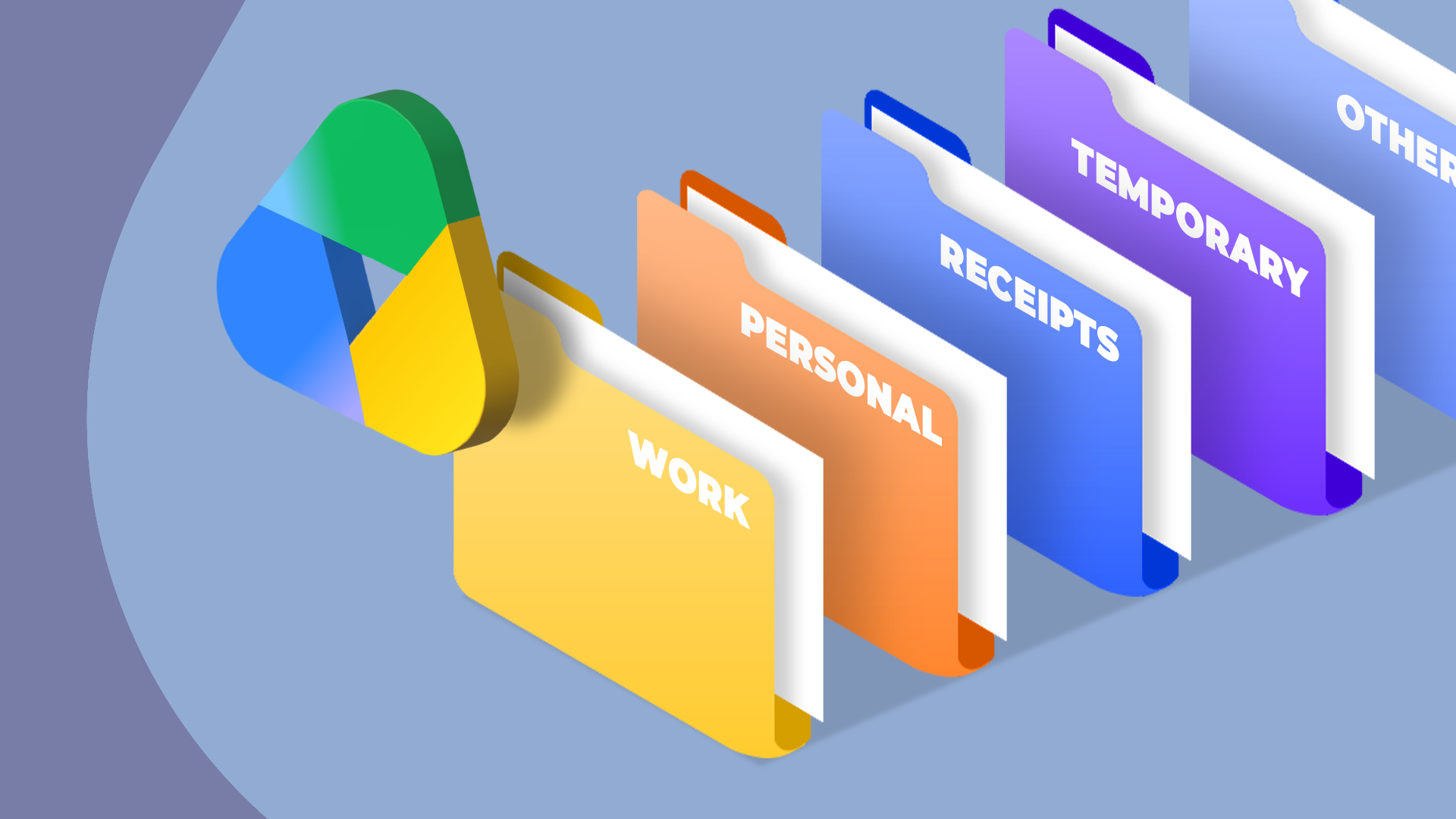
In a recent story, a user shared how organizing their Google Drive to better manage attachments helped them break a habit of sending attachments to their own inbox. The user had developed a bad habit of sending attachments across various email addresses to Gmail, often leading to cluttered inboxes and wasted storage space. To combat this, they decided to better organize their Google Drive by creating high-level folders such as Work, Personal, Personal Documents, Receipts, and Temporary.
These folders were then consolidated into a single "Quick Access" folder for easy retrieval. By setting up shortcuts in Google Drive and enabling the "Available offline" setting, the user ensured instant access to these files, both online and offline. To stop the habit of emailing attachments to themselves, they used the "Add to My Drive" option in Gmail and uploaded attachments from their phone using Google Drive.
By sharing attachment links instead of attaching files, they reduced clutter and saved time. The user also recommended adding important folders to the home screen or using Drive widgets for quicker access and color-coding folders for added organization.
Brief written by urgent.news from Android Police's own syndicated text. Machine-written — may contain errors; check the original before relying on it.