I replaced Notion, Miro, and Trello with one open-source app that surprised me
Productivity gains with one unexpected replacement.
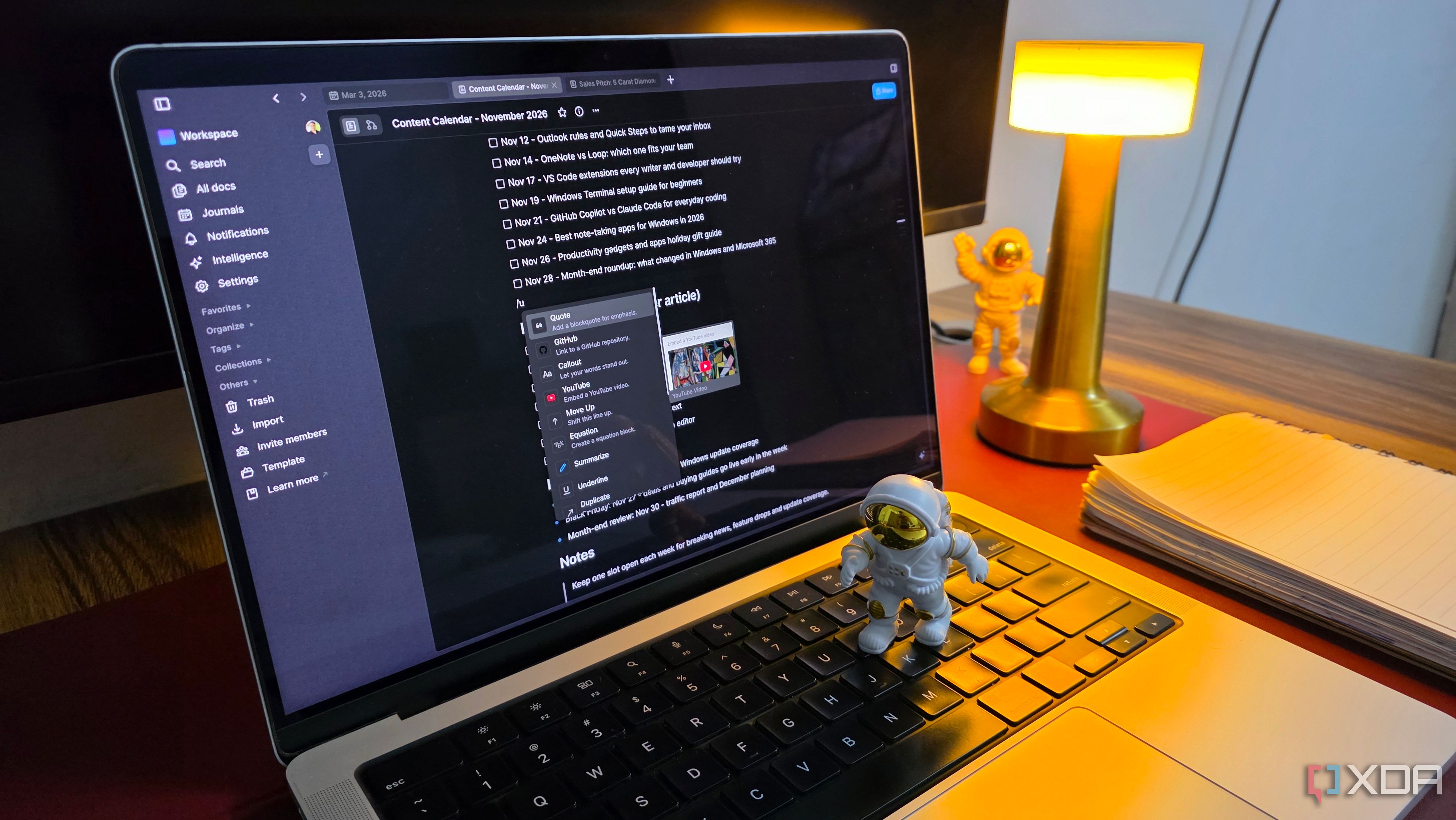
I have always been captivated by the idea of consolidating my productivity tools into a single workspace. My existing setup relied on Notion for organizing information, Miro for brainstorming, and Trello for managing projects. However, I longed for a solution that could combine the best of these three apps. That's when I stumbled upon AFFiNE, an open-source productivity platform with a unique approach to managing information.
Intrigued by AFFiNE's block-based document editor, infinite canvas, and database capabilities, I decided to give it a try. To my delight, AFFiNE proved to be a capable replacement for Notion in my everyday note-taking and information management needs. Its Markdown shortcuts and slash commands made formatting documents a breeze, while the drag-and-drop functionality made rearranging blocks a simple task.
I organized my writing projects into separate pages, with distinct sections for article ideas, research notes, and ongoing assignments.
AffiNE's database functionality was another pleasant surprise. I created structured tables to organize my article pipeline, assigning properties to keep relevant information in one place. While AFFiNE may not match Notion's advanced database features or templates ecosystem, it still covered most of what I actually use for writing and research.
Miro's infinite canvas for brainstorming has always been one of my favorite tools. Its ability to spread ideas across a canvas, connect related concepts, and visualize the bigger picture was a rare treat. To my surprise, AFFiNE's Edgeless Mode delivered a similar experience. I could add shapes, text, images, connectors, and freehand drawings to create visual workflows without worrying about running out of space.
I could freely arrange these elements, group related ideas, and create visual workflows without any space constraints.
While Trello was the easiest of the three apps to let go, AFFiNE still managed to handle my project management needs with ease. Its built-in database functionality supported Kanban and table views, allowing me to organize projects in whichever format made the most sense. I created an editorial workflow with five columns: Ideas, Research, Writing, Editing, and Published.
Each article got its own card, and I could simply drag it between columns as the work progressed. This seamless integration with AFFiNE's document editor made managing projects a seamless experience.
AFFiNE's local-first approach and self-hosting flexibility were the final pieces that convinced me to adopt it as my go-to productivity platform. The ability to work offline and maintain full control over my data was a game-changer. While AFFiNE may not match every advanced feature of Notion, Miro, or Trello, it didn't matter for my everyday needs. The simplicity, flexibility, and open-source nature of AFFiNE made it an attractive option for anyone looking to simplify their productivity setup.
Written by urgent.news from XDA Developers's reporting — not their text. Machine-written — may contain errors; check the original before relying on it.