Here's how to tell which gen AirPods you own
AirPods are difficult to identify from looks alone, so you'll need to check the model number in one of several places.
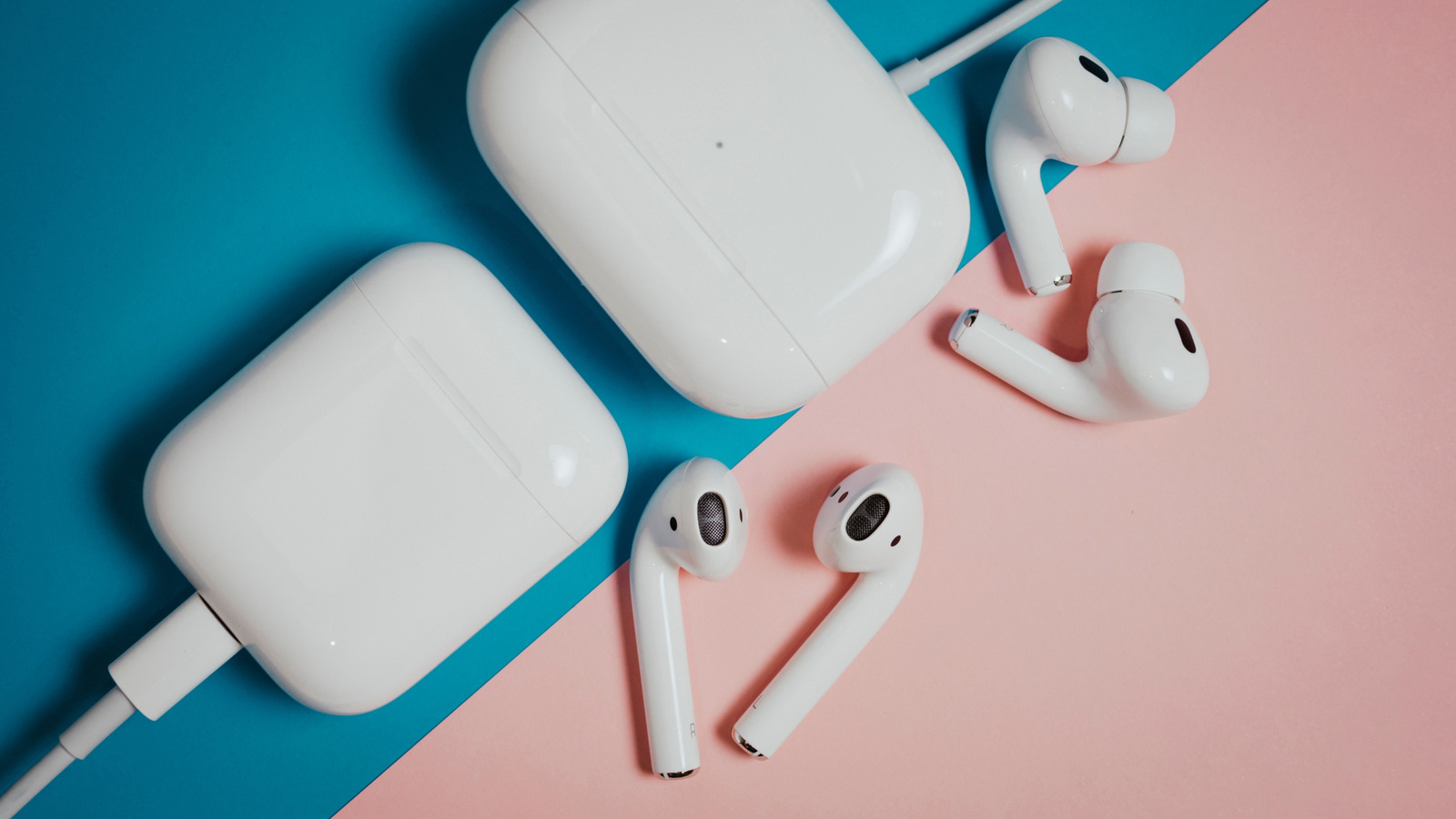
Determining which generation of AirPods you own is crucial for accessing accessories, warranty status, and potential software updates. To identify your AirPods, locate their model number either in the Settings app, via Bluetooth settings, or on the device itself. The model number begins with the letter A. For AirPods and AirPods Pro, the model number is on the underside of each earbud; for AirPods Max, it's behind the left ear cup's cushion.
The case's model number differs from the earbud's. If model numbers are unclear, check the serial number, which can be found through the Settings app, Mac system settings, or physically on the charging case lid or AirPods. The serial number is also printed on the AirPods packaging and, for some models, on each AirPod. Once you have the serial number, input it into Apple's AirPods ID page to match it with the correct model.
Written by urgent.news from Engadget's reporting — not their text. Machine-written — may contain errors; check the original before relying on it.