Zakat, Tax and Customs Authority explains how to cancel tax registration after commercial registration transfer
The Zakat, Tax and Customs Authority has outlined the steps to cancel a tax registration after transferring ownership of a commercial registration.
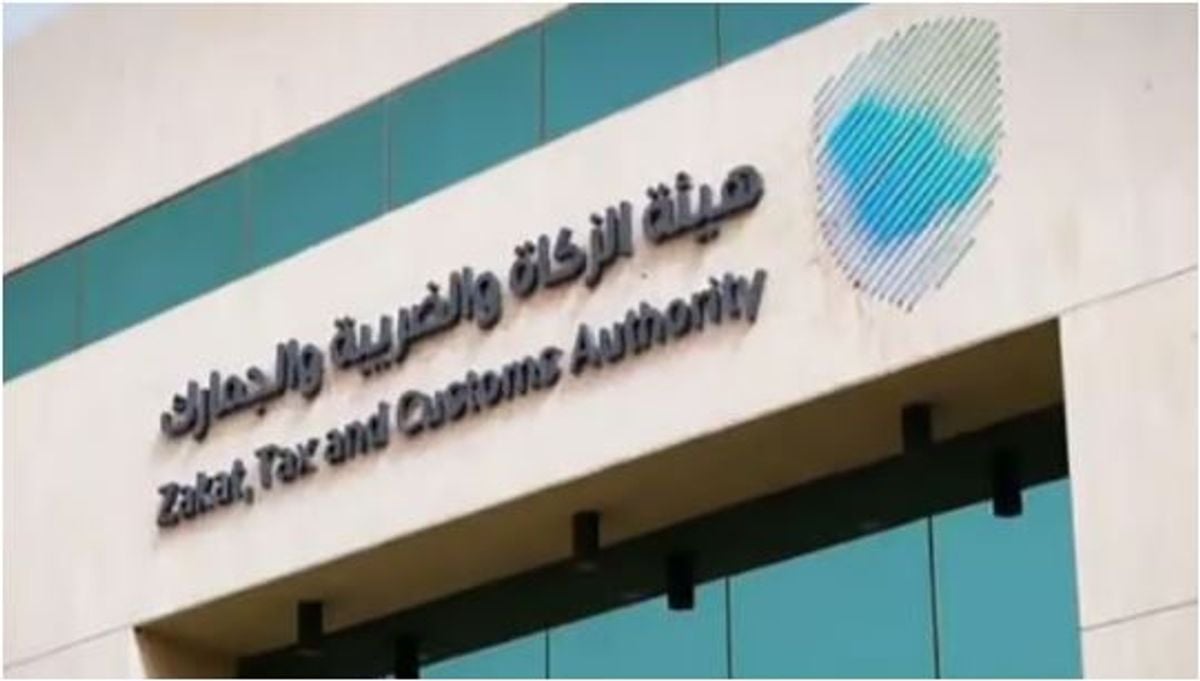
The Zakat, Tax and Customs Authority has laid out the procedure for canceling a tax registration once a commercial registration has been transferred. According to the authority, the process begins after the commercial registration is deleted and there are no active records for the taxpayer with other parties. Before the deletion date, any outstanding dues must be settled, and a VAT return must be submitted.
To initiate the cancellation process, the taxpayer must log into their account and select the Zakat and Tax Management icon. From there, they should choose VAT services, and then select the VAT registration cancellation icon. Once approval is granted to deactivate the tax number, the taxpayer can submit a request to deactivate the unique number.
To do this, the taxpayer should again log into their account, select the Zakat and Tax Management icon, and then choose Other Services from the drop-down menu. They should select "Deactivate Unique Number/Branch Service," create a new request, and fill in the required details. They must specify the type of deactivation, state the reason for canceling the registration, and attach any necessary documents.
Supporting documents related to the transfer or deletion of the commercial registration should also be included in the attachments.
Written by urgent.news from Ajel English's reporting — not their text. Machine-written — may contain errors; check the original before relying on it.