Why your Spotify might be using so much storage
Spotify can be a storage hog if you don't have your device's settings optimized. Here's what you can do if Spotify is taking up too much storage.
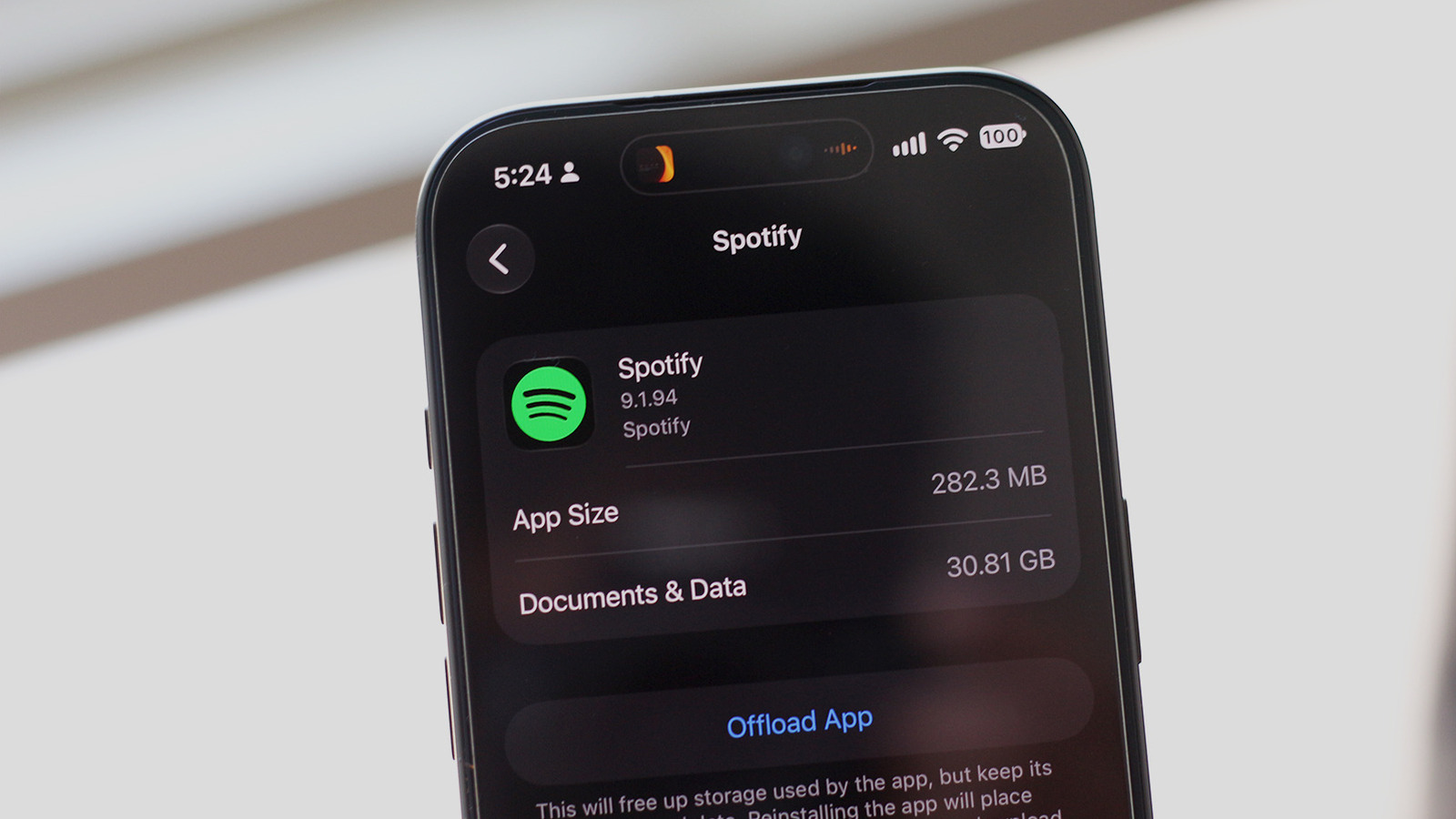
If your phone's storage is running low, Spotify could be the cause. Both iOS and Android users can check which apps are consuming the most space. For Android devices, this can be done by navigating to Settings > Apps > See all apps > Spotify > Storage & cache, and then tapping Clear cache. However, this will also sign you out of the app.
Spotify provides a better way to manage downloads on both Android and iOS. You can check which music has been downloaded by tapping the Downloaded tab at the top of the Spotify app. From there, you can remove individual playlists or albums to free up space. To remove all downloads, tap your profile picture in the top-left corner, go to Settings and privacy > Data-saving and offline, and tap Remove next to the Remove all downloads option.
Clearing the app's cache in the Spotify app can also help free up storage. On a Windows or macOS computer, you can clear downloads by clicking on your profile picture, navigating to Settings, scrolling down to the Storage section, and clicking Remove all downloads. Lowering the quality of downloaded songs on Android and iOS can also save storage space.
Choose the Low quality setting, then tap Download next to the Update existing downloads option. Spotify's Lossless quality preset will take up significantly more storage, so it may not be the best choice for those with limited storage space. Clearing Spotify's cache can also free up some space.
Written by urgent.news from Engadget's reporting — not their text. Machine-written — may contain errors; check the original before relying on it.