The pros and cons of using an all-in-one desktop computer
All-in-one (AIO) computers are more compact and easier to use than desktop setups, but they also trade simplicity for flexibility when it's time to upgrade.
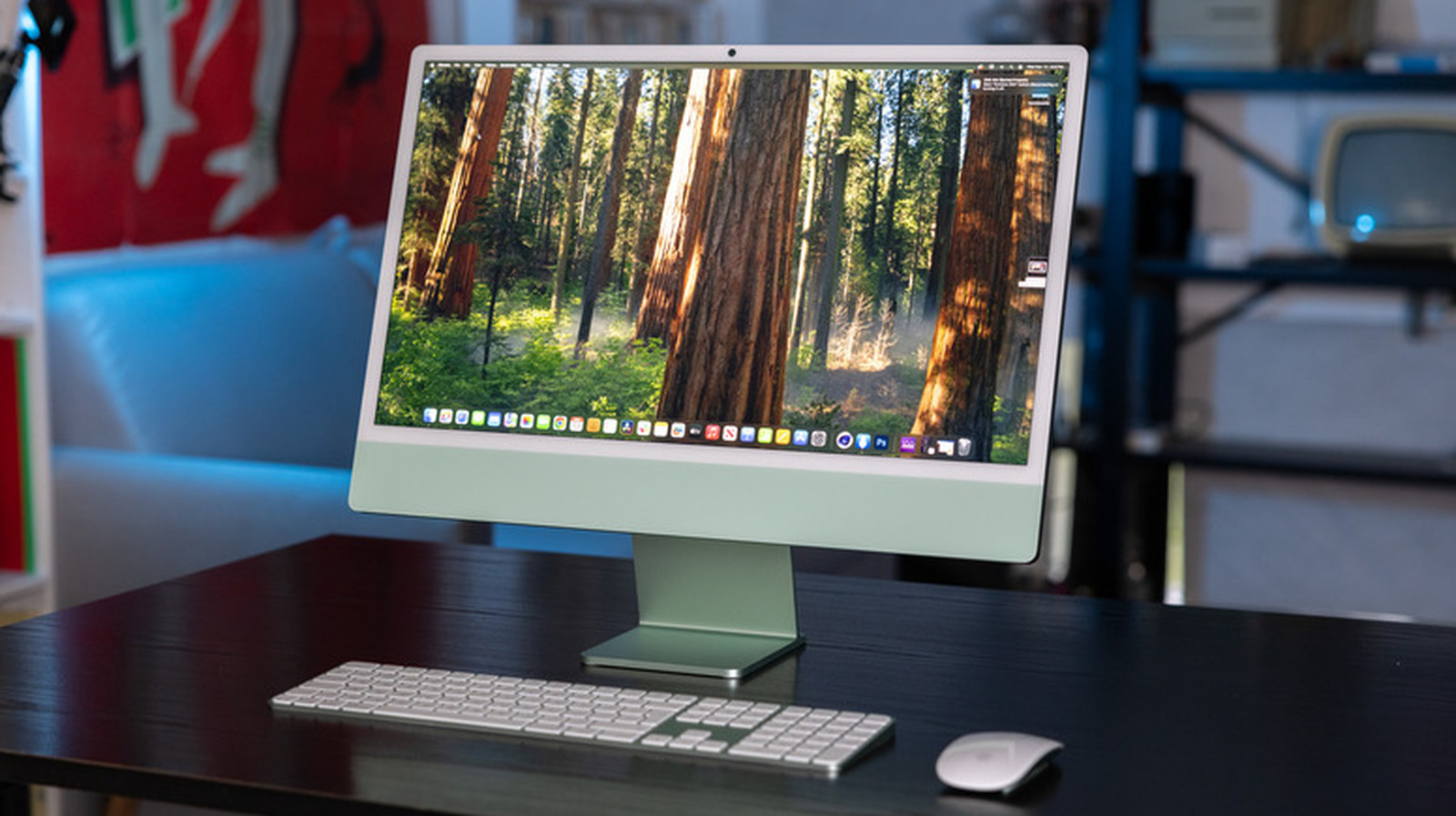
All-in-one (AIO) desktop computers consolidate the entire system into a single display, eliminating the need for a separate tower and cables. This streamlined design offers a minimalist aesthetic and a clutter-free workspace, making AIOs an attractive option for modern offices and school computer labs. However, the simplicity that attracts users to AIOs also presents limitations.
The compact form factor restricts upgrade options, such as swapping out the processor or graphics card, which can be a drawback for users seeking long-term customization. Repairability is another concern, as glued-together components in AIOs can make troubleshooting and component replacement more challenging and costly. The decision to choose an AIO over a traditional desktop or laptop hinges on individual needs, budget, and the desire for hardware upgrades.
For those who primarily use computers for web browsing, document editing, and video conferencing, the ease of use offered by AIOs often outweighs the lack of upgradeability. Conversely, users engaged in resource-intensive tasks like gaming or video editing may find a traditional desktop, with its modular design and ample upgrade pathways, more suitable for future growth.
Written by urgent.news from Engadget's reporting — not their text. Machine-written — may contain errors; check the original before relying on it.