I changed two settings in my local AI setup, and stopped needing more VRAM
Is your GPU to blame, or your runtime's defaults?
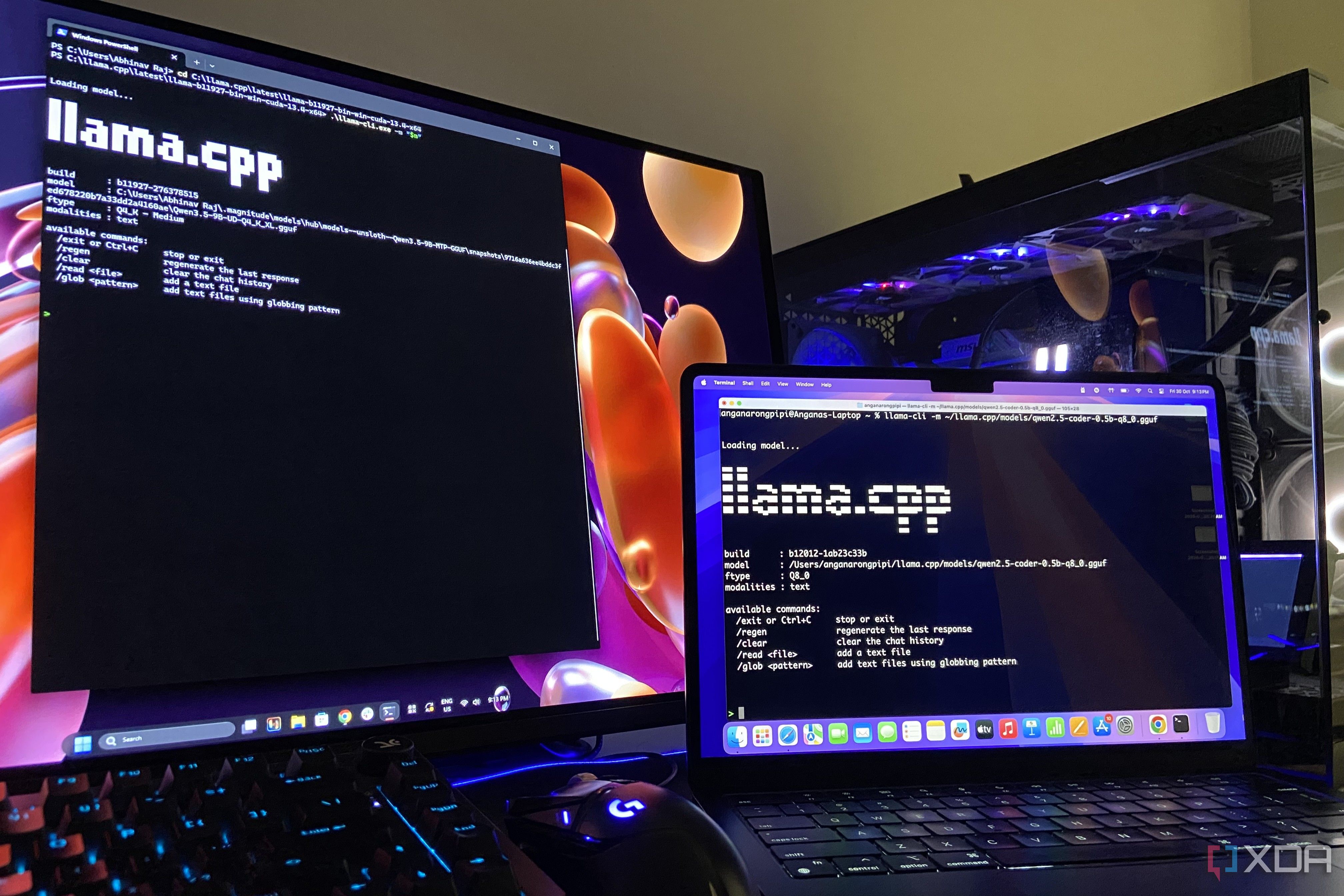
Recently, local AI setups have become increasingly popular as they offer a more affordable alternative to cloud-based AI subscriptions. However, local models often struggle to keep up with larger, cloud-based models due to hardware limitations. Many beginners find that their local models run too slowly to be useful, which can be attributed to improper configuration of settings. A key factor in improving model performance is understanding how to optimize the settings for your specific hardware.
One useful technique is to offload expert layers of mixture-of-experts (MoE) models to system memory, allowing the GPU to focus on the most critical parts of the model. This can result in significant performance gains, as demonstrated by an experiment where Qwen3.6-35B-A3B on a Lenovo Legion 5 Pro with 8GB VRAM saw a speed increase of eight times when using the --n-cpu-moe flag in llama.cpp.
However, dense models like Gemma 4 12B do not benefit from this optimization, as every pass through the model requires access to all of its weights.
Another promising approach is speculative decoding, which involves using a smaller model to generate a draft of the next few tokens before the main model processes them. This technique can significantly improve token generation speed, with a Gemma 4 12B QAT build paired with an Unsloth MTP drafter achieving an average of 179 tokens per second compared to 75 tokens per second without the drafter.
It is essential to allocate enough VRAM for both the main model and the drafter to ensure optimal performance. By exploring these optimization techniques, users can unlock the full potential of their local AI setups without relying on costly cloud subscriptions.
Written by urgent.news from XDA Developers's reporting — not their text. Machine-written — may contain errors; check the original before relying on it.