How to improve audio quality on your Android phone with Bluetooth or wired headphones
Maximizing your listening experience on Android can get very complicated, but we'll guide you through settings and headphone choices to get you there.
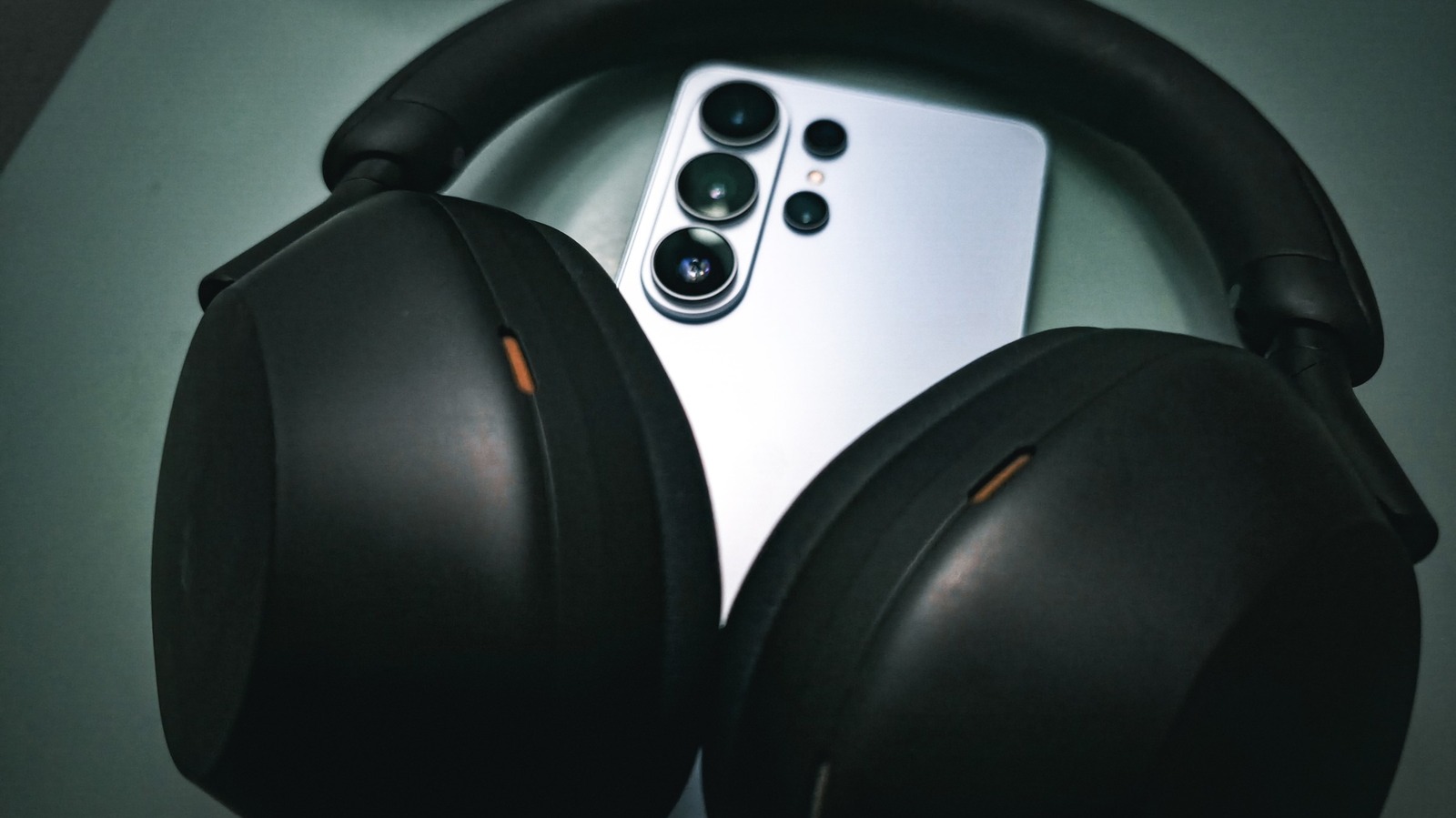
Improving audio quality on your Android phone involves more than just using high-quality headphones or in-ear monitors. The complexity of digital audio, which involves converting sound waves into code and back into sound waves, can be overcome by understanding how Android directs audio to your ears. Android's signal chain starts from the audio source (the app you're using to play media) and flows through various layers, including the operating system and hardware abstraction layer (HAL), before reaching your headphones or speakers.
To achieve the best sound quality, it's essential to understand how audio is sampled and downmixed by the AudioFlinger service, which operates at 32-bit floating point and outputs at a sample rate of 48kHz with either 16 or 24 bits of depth. Most lossless audio available tops out at 24-bit, and human hearing is below a 48kHz threshold, making most people satisfied with this setup.
For those seeking true mathematical precision, or bit-perfect audio, which remains untouched by mixing, resampling, or other alterations along the audio chain, the solution lies in lossless USB audio. Starting from Android 14, apps can address the mixer directly to pass audio through the audio framework to the HAL, bypassing any preexisting processing. However, this requires all layers of your audio stack to support this feature, including your phone maker, player app, and DAC.
To attain the highest audio quality on your Android device, turn off any extra processing your phone is performing on the audio, such as EQ settings, Dolby enhancements, or spatial effects. Wired headphones offer an easy way to achieve this, as they don't require finicky Bluetooth codecs. Although not all wired headphones sound great, even low-quality pairs receive the complete audio signal without losing data due to wireless compression.
If your phone lacks a 3.5mm headphone jack, consider using a digital-to-analog converter (DAC). These devices convert the digital signal your phone sends through its USB-C port into an analog signal compatible with your headphone cable. High-resolution DACs capable of 32-bit, 96kHz decoding are ideal, although many affordable options exist. Popular DACs include the Apple USB-C-to-3.5mm headphone jack dongle, which offers basic, no-frills audio conversion.
Written by urgent.news from Engadget's reporting — not their text. Machine-written — may contain errors; check the original before relying on it.