How long is too long for a USB cable?
USB cables, much like their HDMI cousins, have limits on how long they can be. The thing is, those limits are probably much lower than you expected.
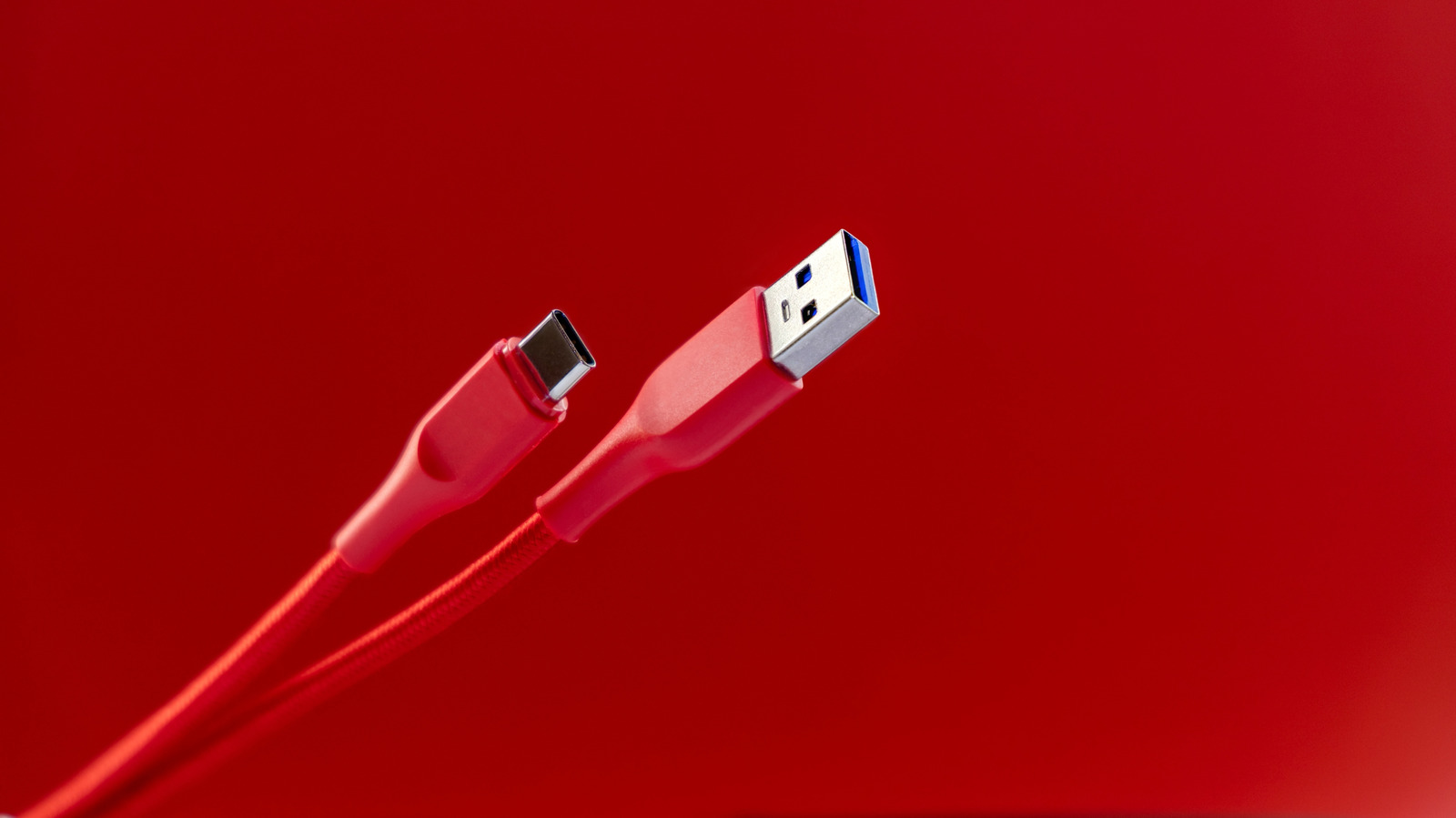
USB cables offer a convenient way to connect devices, but there are limits to how long they can be. The USB Implementers Forum (USB-IF), which sets USB standards, has defined maximum lengths for different cable types. These lengths range from about 3 feet to 16 feet, depending on the cable generation. USB 1.0 and 2.0 cables can reach up to 16.4 feet, while USB 3.0 through 3.2 are recommended to be no longer than 9.8 feet.
The latest USB 4 cables are much shorter, with a maximum recommended length of just 2.6 feet. Exceeding these recommended lengths can lead to slower data transfer and reduced power delivery to connected devices. The issue stems from signal degradation over longer distances due to electrical resistance. Longer cables make the signal work harder to reach the destination, causing slower performance and potential damage.
While exceeding the recommended length won't instantly stop the cable from working, it will noticeably hinder its performance. To avoid these issues, try to position devices so that USB cables stay within their length limits. If repositioning isn't possible, consider using active USB cables or extenders with built-in signal-boosting components.
However, these options are more expensive and may not be compatible with older ports. An alternative is to use a powered USB hub between the cable and your computer. This allows for the use of longer cables without compromising performance, as long as you don't exceed the USB port's bandwidth. Powered hubs are a better choice, as they can draw power from their own source rather than relying solely on the USB port.
Written by urgent.news from Engadget's reporting — not their text. Machine-written — may contain errors; check the original before relying on it.