Your CPU got faster after you bought it, but only if you installed one update
Turns out there is a free lunch after all, and it's called a firmware update
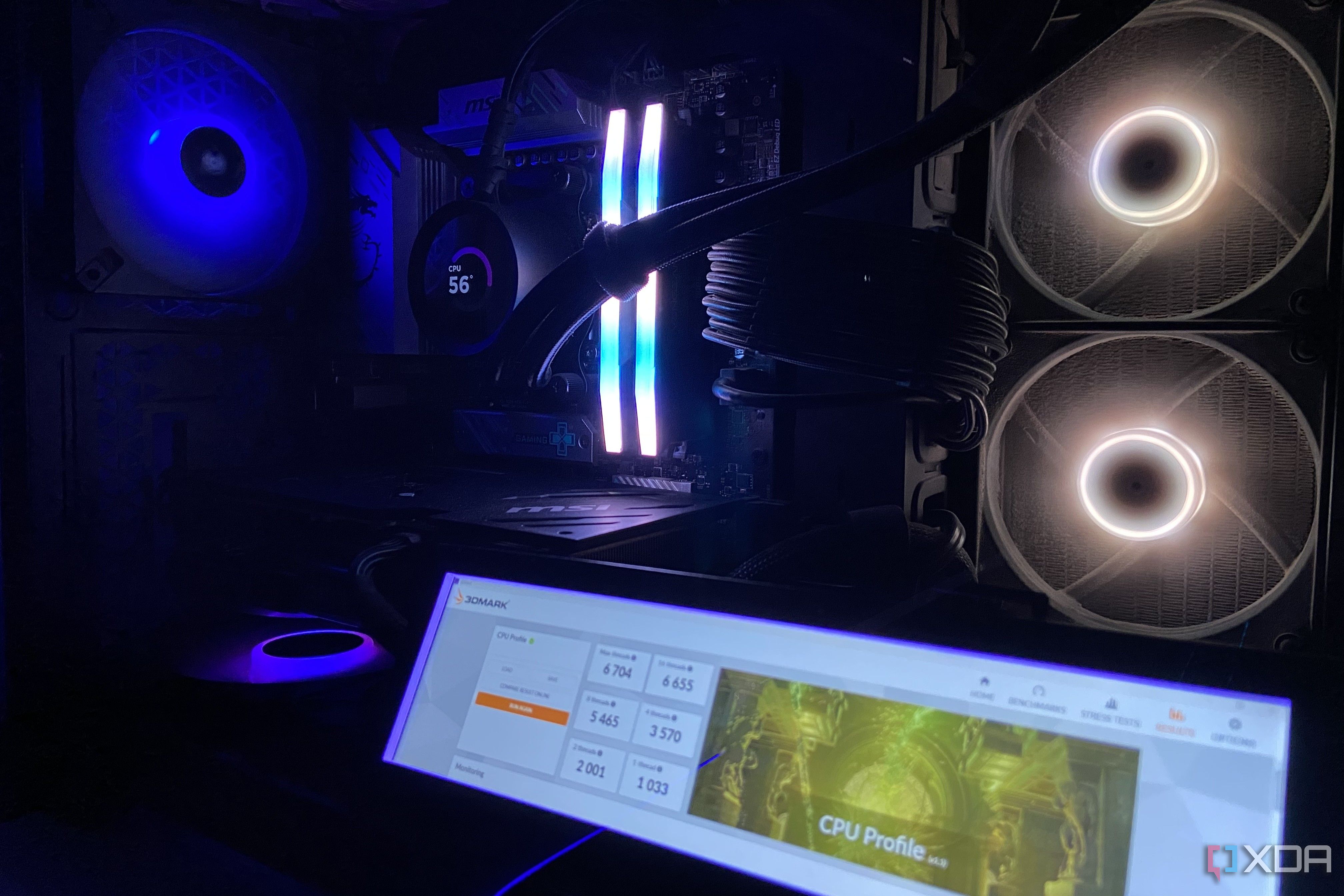
Most computer updates are automatic, but your BIOS rarely prompts you for maintenance. Consequently, it often remains unchanged for years. Most users are unaware that updating their BIOS is necessary. This oversight can lead to missed performance improvements and even potential damage to the CPU. The BIOS is responsible for managing the CPU's power consumption, temperature, and communication with other components.
Most notably, a BIOS update is required to unlock full power budgets, such as the 105W mode in AMD Ryzen 9000 series CPUs. This update can also correct power issues, as seen with Intel's 13th and 14th Gen chips that requested elevated voltages even during light workloads, prematurely wearing down clock circuits. Additionally, BIOS updates can prevent long-term damage to the CPU.
For instance, ASRock's aggressive PBO settings in certain mid and high-end SKUs caused Ryzen 7 9800X3D chips to draw more current than they could handle, leading to dead chips. Recent updates, like Intel's 200S Boost for Core Ultra 200S K-series chips, have even added new features and extended warranties, making BIOS updates a crucial part of maintaining CPU performance and longevity.
Written by urgent.news from XDA Developers's reporting — not their text. Machine-written — may contain errors; check the original before relying on it.