I went looking for a fan problem on my NAS and found 40 hours of credential stuffing
I thought I'd find dust and cobwebs, not an automated attack
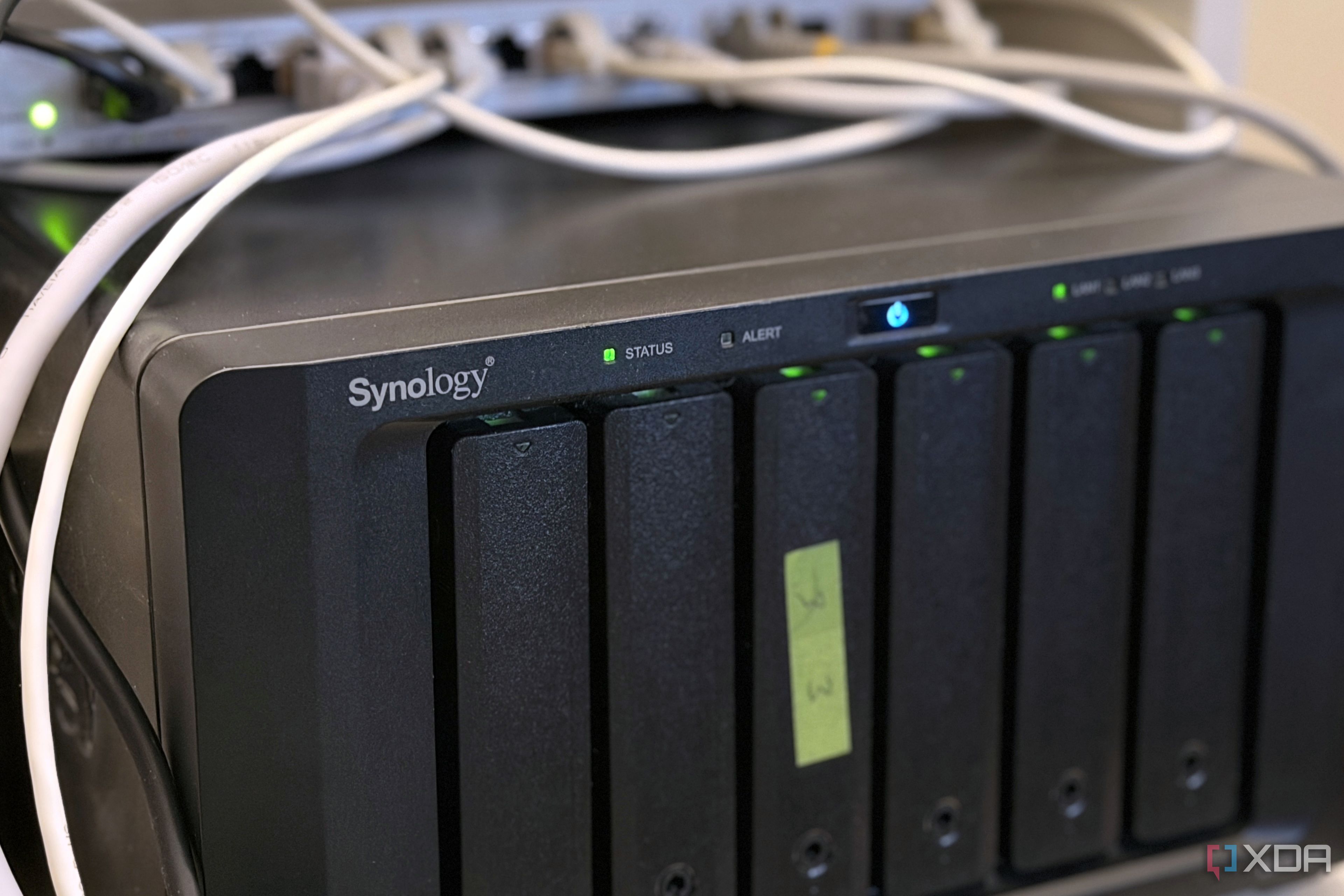
I began investigating a suspected fan issue on my NAS, only to discover 40 hours of credential stuffing attempts. I checked hard drive temperatures and entered DSM to inspect the fans. To my shock, someone was attempting to log into my NAS every 10 to 40 seconds for nearly two days straight. None of these attempts were successful, but they should not have been able to reach my device in the first place.
My home lab was behind CGNAT, but I had enabled Tailscale for remote access. The root cause was a misconfigured port 80 forward in the eero app, which inadvertently exposed my NAS to the internet. The attempts came from generic usernames like "admin," "marketing," and various first names. The first login attempt occurred at 20:38:04 on September 26, with the last one at 3:17 PM on September 28, amounting to approximately 42 hours of hacking attempts.
Credential stuffing involves systematically trying leaked username and password combinations to gain unauthorized access. My NAS, a valuable target, held important files, backups, and often served as an entry point into the rest of the network. I initially suspected QuickConnect, but turning it off did not stop the attempts. UPnP was already disabled, and my router configuration page had no rules.
I verified my IP address and discovered that my eero app was forwarding port 80, allowing direct access to my NAS. I deleted the faulty configuration and tightened my firewall settings, denying all access except for my LAN subnet and Tailscale range. Two-factor authentication (2FA) was already enabled for both my Synology and DSM accounts, preventing the second factor from being bypassed even if the password was compromised.
Despite DSM's Auto Block feature being active, it failed to stop the distributed attack, as the bot staggered its IP addresses to avoid triggering the block. Closing the port 80 forward effectively sealed the loophole, and 2FA provided an additional layer of protection.
Written by urgent.news from XDA Developers's reporting — not their text. Machine-written — may contain errors; check the original before relying on it.