I ran my entire workday off my Pixel using a simple USB-C desktop connection
Desktop Mode isn't perfect, but it gets the job done
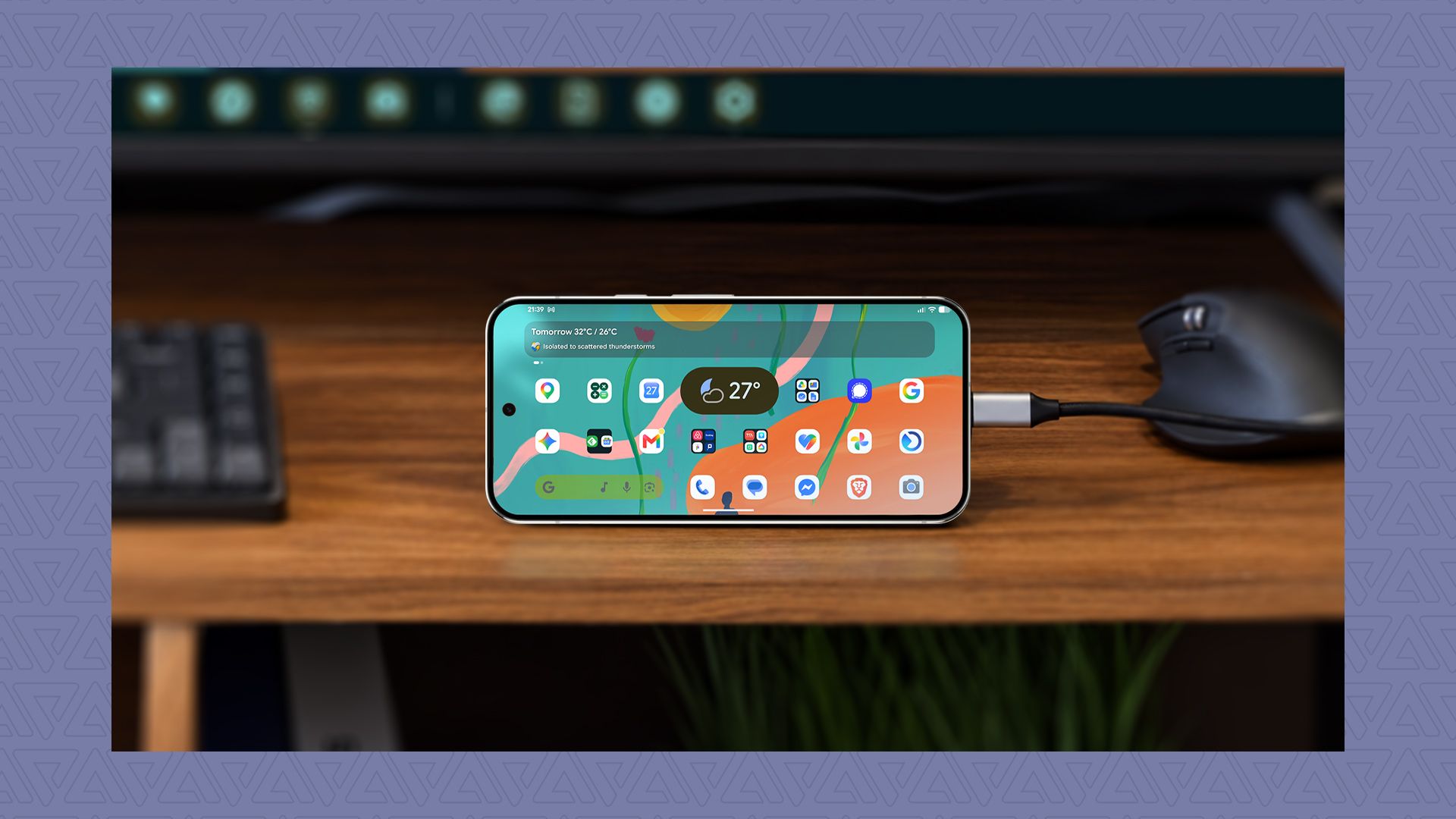
Google's Desktop Mode is a feature that allows users to connect their Pixel devices to a monitor using a USB-C cable, turning their phone into a portable workstation. While it has borrowed from other solutions, it still has some rough edges that need improvement. I tested it to see if I could get my entire workday done on it without sacrificing productivity. Although the current version may not replace a full workstation, I can confidently say I enjoy using it. It has the potential to become a powerful productivity tool.
I recently resumed using Desktop Mode as my main workstation for a few days, longer than my current trial period. Overall, the experience was smooth, but it felt like a beta, especially when compared to Samsung DeX, which I frequently used on my Samsung Galaxy Flip 7 and Tab S10 FE. There were a few hiccups, particularly with synchronization and workspace management. Since its release, the tool hasn't seen significant improvements, mostly focusing on minor refinements to app windowing and performance.
Setting up my Pixel with a USB-C to HDMI cable was straightforward, and the monitor supported video input via Type-C. If the display has Power Delivery, it can also charge the Pixel while connected. Using a USB-C hub is another option, but ensure it supports both pass-through charging and video output simultaneously. Connecting a wireless keyboard and mouse, such as Logitech MX Keys Mini and MX Master, worked seamlessly with my Pixel 9 Pro XL. You can customize keyboard shortcuts, cursor sensitivity, and pointer size as well.
However, there are a few drawbacks. When working with multiple windows, duplicate typing indicators appear even when I switch between text fields. Moreover, I couldn't lock my Pixel phone or run an ambient screensaver while using the monitor. Unlike Samsung DeX, Desktop Mode doesn't save your active workspaces and windows, which is a significant inconvenience for many users who rely on it to pick up or finish ongoing tasks.
Additionally, not all apps are optimized for larger displays, leading to subpar performance, especially for apps like YouTube. Some third-party apps also remain unoptimized, requiring workarounds like using the web version or force-maximizing them. Despite these issues, I found Desktop Mode reliable for running multiple workspaces without performance issues, even with heavy tasks. My Pixel 9 Pro XL handled the workload well, pushing the hardware to its limits.
Written by urgent.news from Android Police's reporting — not their text. Machine-written — may contain errors; check the original before relying on it.