I connected Obsidian to a local LLM, and it's the closest I've come to a second brain that actually answers back
A vault that talks back
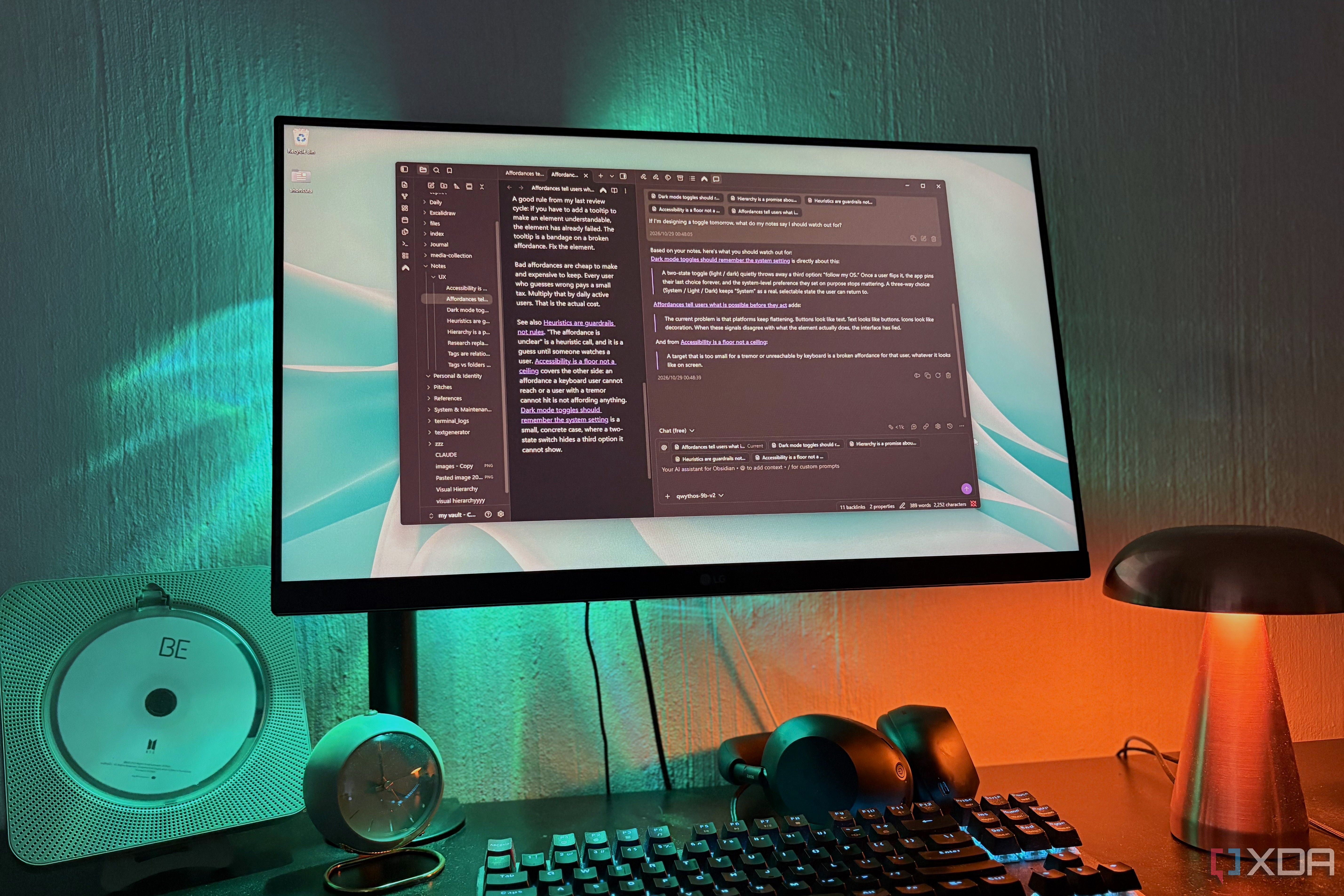
Most digital note-taking systems are excellent at storing information, but they often struggle to provide quick access to the data when needed. Obsidian's Graph view helps visualize the connections between notes, yet it can be challenging to locate specific notes within the sea of interconnected nodes. Several plugins have attempted to address this issue by integrating AI, but many of them rely on cloud-based models, which conflicts with the preference for keeping the workflow entirely local.
Enter Copilot for Obsidian, a free, open-source plugin developed by Logan Yang that allows users to connect their notes to a local AI model. Despite its name, Copilot has no affiliation with Microsoft's Copilot. It has garnered nearly 3 million downloads and is one of the most popular AI plugins within the Obsidian community.
The plugin offers a chat panel that can read your notes and, starting from version 4, supports running agents like Claude Code and Codex within your vault. While there is a paid tier with its own models, users can connect their own models on the free version. Copilot doesn't host the models itself; instead, it connects to a local server, which is where users load their personal models.
To get started, users must load their local model into a server like LM Studio, ensuring they have CORS enabled. Once the model is loaded, users can add it to Copilot's settings under the BOYK Add Provider section, selecting their local server from the Self Host list. This setup enables users to interact with their notes using their chosen local AI model.
Upon first use, the Copilot chat interface may seem confusing. By default, the desktop interface opens Agent Chat, which is designed for using agents like Claude Code and Codex. However, local models are not initially visible. Users can access the classic chat under Quick Chat, which can be opened via the command palette by typing "Quick Chat." Quick Chat attaches the currently open note by default and allows users to pull in other notes using specific commands or the @ menu.
The plugin offers a token counter in the chat bar to monitor context usage, which is crucial for local models that have limited context capacity due to hardware constraints. Users can set their context window around 30,000 tokens and adjust it as needed. For example, the user opted for Qwythos 9B v2 at Q4_K_M, a model based on Qwen with Claude's reasoning capabilities.
Copilot's primary strength lies in its ability to provide answers to questions that users may have difficulty finding through traditional search methods. For instance, asking about UX notes discussing plain-text-like buttons led to the discovery of a relevant note with an exact quote and a link to the original source. Users can also add an entire folder as context, enhancing functionality similar to journaling by asking questions about patterns, such as recurring themes in a busy month.
The plugin seamlessly integrates with Obsidian's Web Viewer, allowing users to attach web pages as context. This enables users to read articles within Obsidian and ask contextual questions, effectively turning the entire vault into a conversational AI-driven note-taking system. This approach provides an interactive experience, making it easier to approach files and content from multiple angles and engage in an interactive dialogue with one's notes.
One of the standout features of Copilot is its ability to work directly within notes. Users can highlight text and right-click to select Copilot, which brings up a chatbox within the note itself. This allows for immediate responses and the insertion of replies directly into the note or replacing the highlighted text. Users can also save their frequently used commands for one-click access. The inserted responses become part of the note, enabling future inquiries about the same topic.
Overall, Copilot for Obsidian transforms a traditional filing cabinet-style note-taking system into an interactive second brain by providing a user-friendly local AI integration that enhances the organization, retrieval, and contextual understanding of notes.
Written by urgent.news from XDA Developers's reporting — not their text. Machine-written — may contain errors; check the original before relying on it.