I built Obsidian into my productivity hub and stopped paying for five separate apps
One app to rule them all.
For years, I managed my digital life with a mix of apps, each dedicated to a specific task. As the number of apps grew, so did the frustration of constantly switching between them. The recurring subscription costs also piled up. Determined to streamline my productivity, I turned to Obsidian. I reimagined Obsidian as my all-in-one productivity platform, replacing five separate apps I previously used.
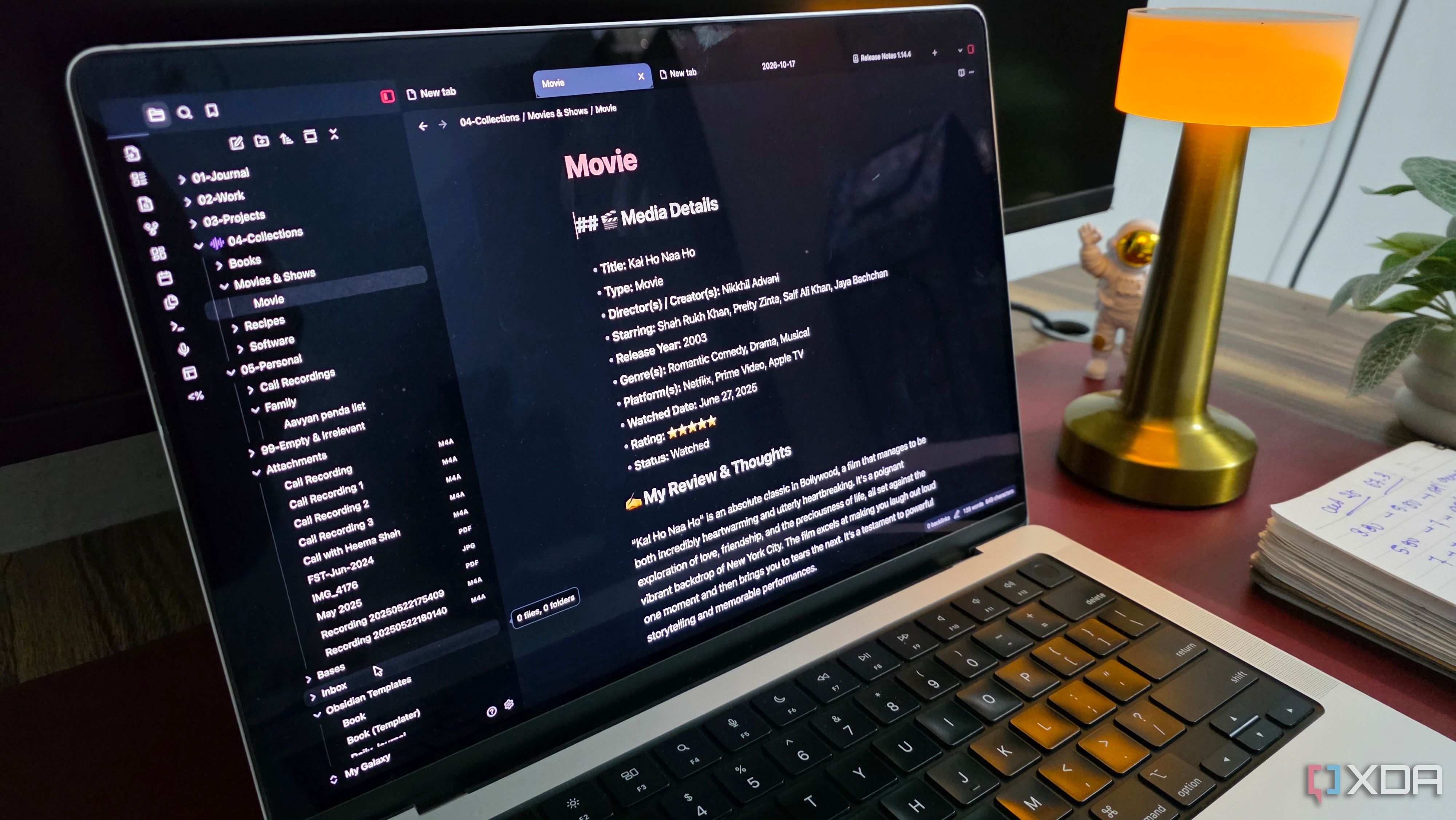
Evernote, my go-to note-taking app, was replaced by Obsidian. I appreciated its flexibility and control over my information management. Obsidian’s internal linking system and graph view stood out to me. I could keep separate notes for various tasks while linking them to relevant projects. I also utilized the AutoMover plugin to automatically move notes to specific folders and the graph view to quickly access all connected notes from one interface.
Microsoft Whiteboard, my preferred tool for brainstorming and visual organization, was replaced by Obsidian Canvas. Canvas allowed me to create unlimited canvases, add text cards, images, embed web pages, and connect elements using arrows. Its integration with Obsidian made brainstorming and writing flow seamlessly. Notion, my preferred app for managing databases and projects, was replaced by Obsidian Bases.
Bases allowed me to organize notes into tables, assign properties, and filter entries for better information retrieval. While it may not match Notion’s automation, it met my personal needs without another subscription. Day One, my preferred digital journaling app, was replicated in Obsidian. The built-in Daily Notes feature automatically created dated notes, and custom templates helped maintain a consistent journaling format.
The Calendar community plugin added a monthly calendar to quickly navigate journal entries. Todoist, my task manager, was replaced by the Obsidian Tasks community plugin. This plugin supported due dates, priorities, recurring tasks, and filtering, allowing me to create tasks directly within project notes and use queries to build a dashboard of pending tasks.
The improved Obsidian mobile apps made it easy for me to access my vaults and create notes on the go. The transition to Obsidian as my productivity hub took time, but the effort paid off. Obsidian offered everything I needed for everyday note-taking while fitting naturally into my existing workflow. I saved money on subscriptions and enjoyed a simpler, more connected productivity experience.
Written by urgent.news from XDA Developers's reporting — not their text. Machine-written — may contain errors; check the original before relying on it.