This PowerToys feature lets me move windows without touching the title bar, and now I can't go back
A first-world problem, but a problem nonetheless.
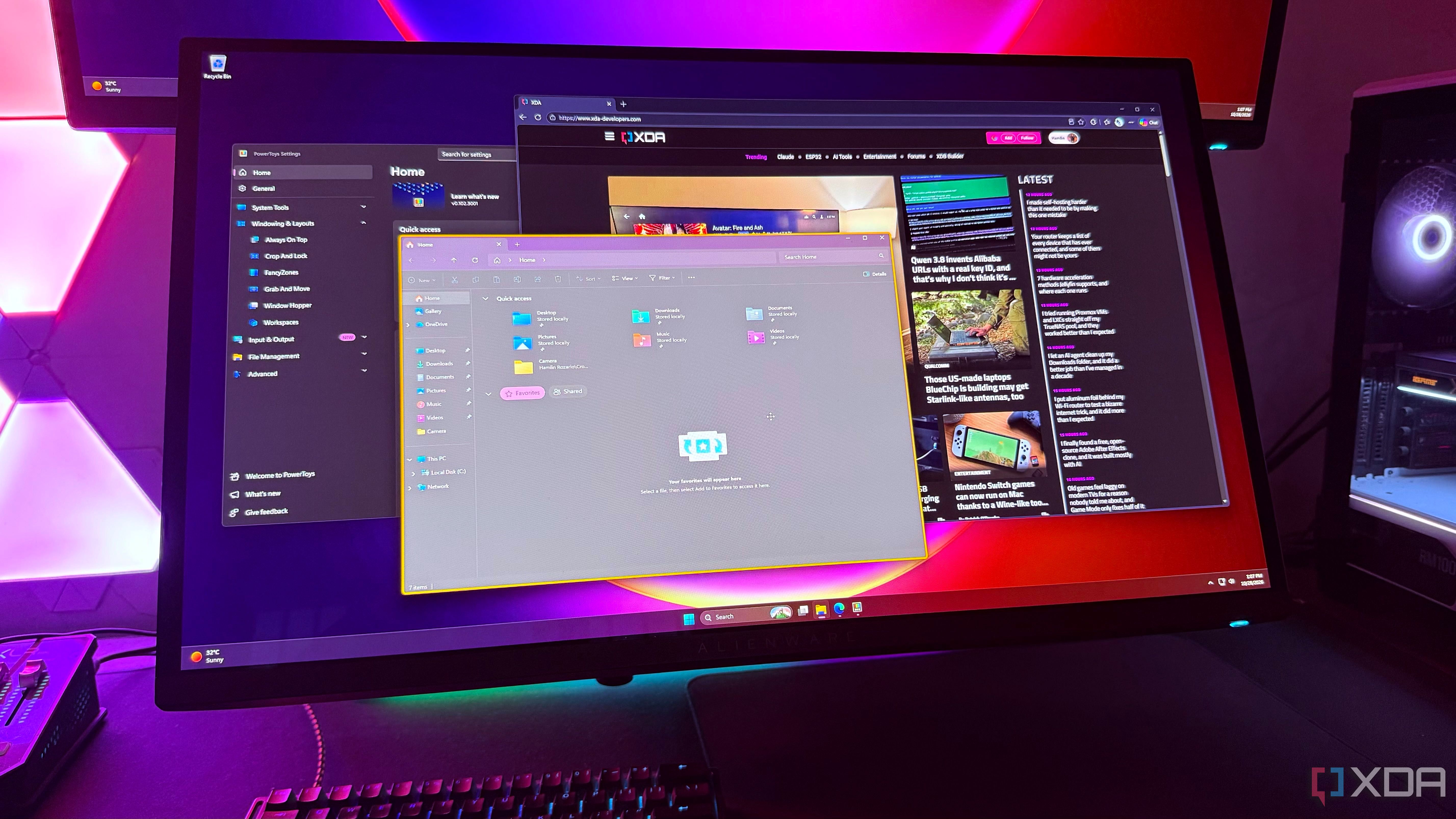
Windows users often drag windows by their title bars without a second thought. However, PowerToys provides a feature called Grab And Move that allows for more convenient window manipulation. To use this feature, hold the modifier key (default is Alt) and click anywhere inside the window to grab it. You can change the modifier key to the Windows key if preferred.
Grab And Move can also be used to resize windows by holding the modifier key and right-clicking inside the window. The feature is disabled when Game Mode is active and can exclude certain apps from interfering with shortcuts or mouse controls. While resizing can be a bit finicky, it is still easier than resizing by the edges or corners.
Although some may argue Grab And Move is unnecessary, it can significantly improve productivity for those who frequently move and resize windows. After trying Grab And Move, the author now uses it more often than FancyZones and wishes it were a native feature in Windows.
Written by urgent.news from XDA Developers's reporting — not their text. Machine-written — may contain errors; check the original before relying on it.