Remote access feels like the “final boss” of running a home lab, but NetBird made it a few clicks
Accessing your lab away from home shouldn't be complicated
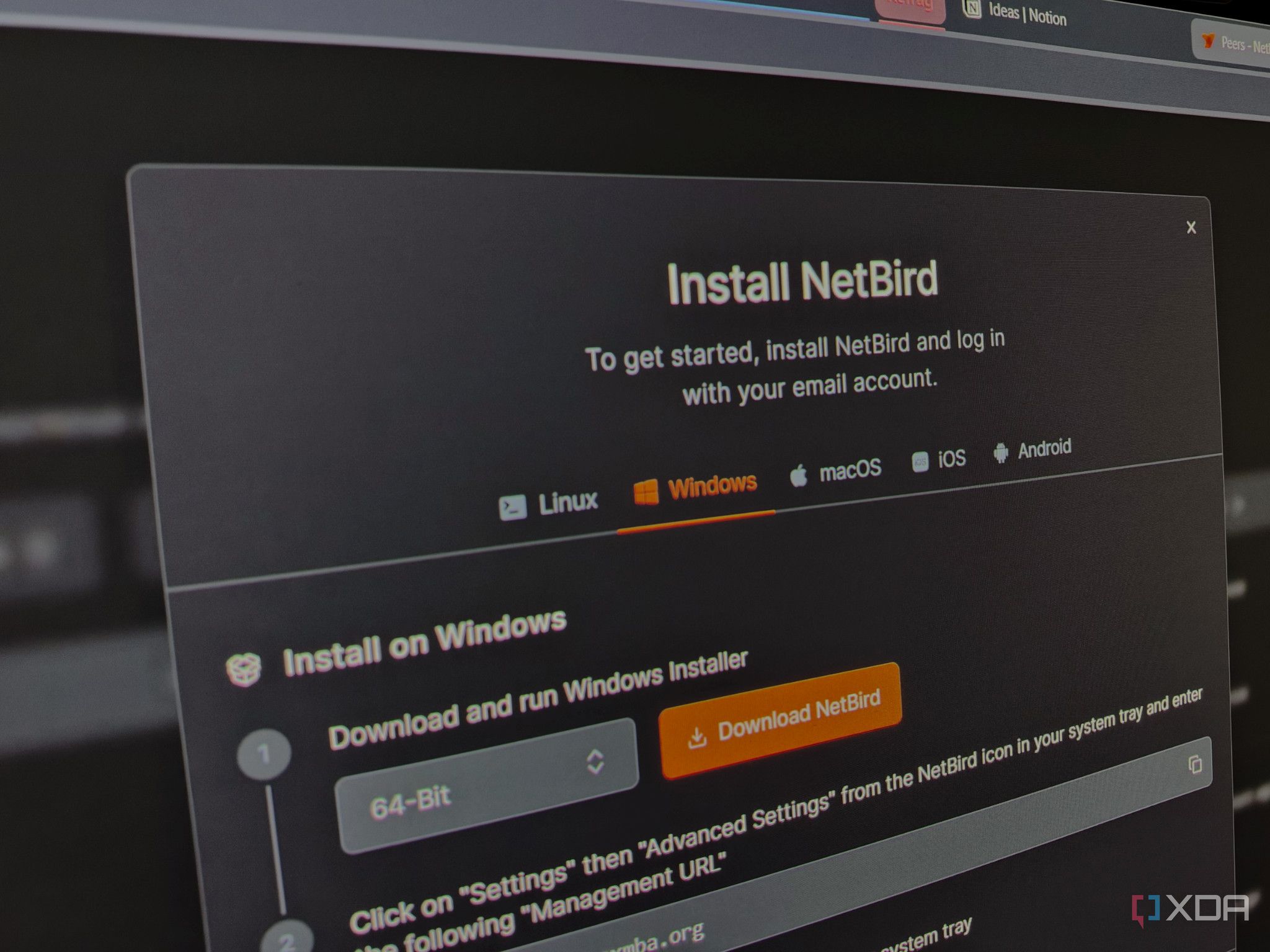
Completing a home lab is a rewarding experience, but remote access can be a frustrating challenge. Many self-hosters find remote access to be the final hurdle in setting up their system. NetBird simplifies this process, allowing users to access their services from anywhere in just a few clicks. To get started, users create an account, install the NetBird client on their machine running the services, and sign in.
The client establishes a mesh network using WireGuard and ICE, which helps devices communicate directly with each other or through NetBird's relay server. This encryption-protected connection ensures privacy. Users can manage their devices and users in groups with customized access policies. NetBird also offers a reverse proxy to open up services hosted on the home lab, even if the ISP provides CGNAT.
Users can host services with a free domain or bring their own. NetBird's management service handles device registration, key distribution, and policy enforcement, but does not monitor traffic. While NetBird's cloud deployment is user-friendly, self-hosting is also an option. Users need a VPS with a public IP and a domain, and the setup can be completed in about five minutes with a quickstart script.
Written by urgent.news from XDA Developers's reporting — not their text. Machine-written — may contain errors; check the original before relying on it.