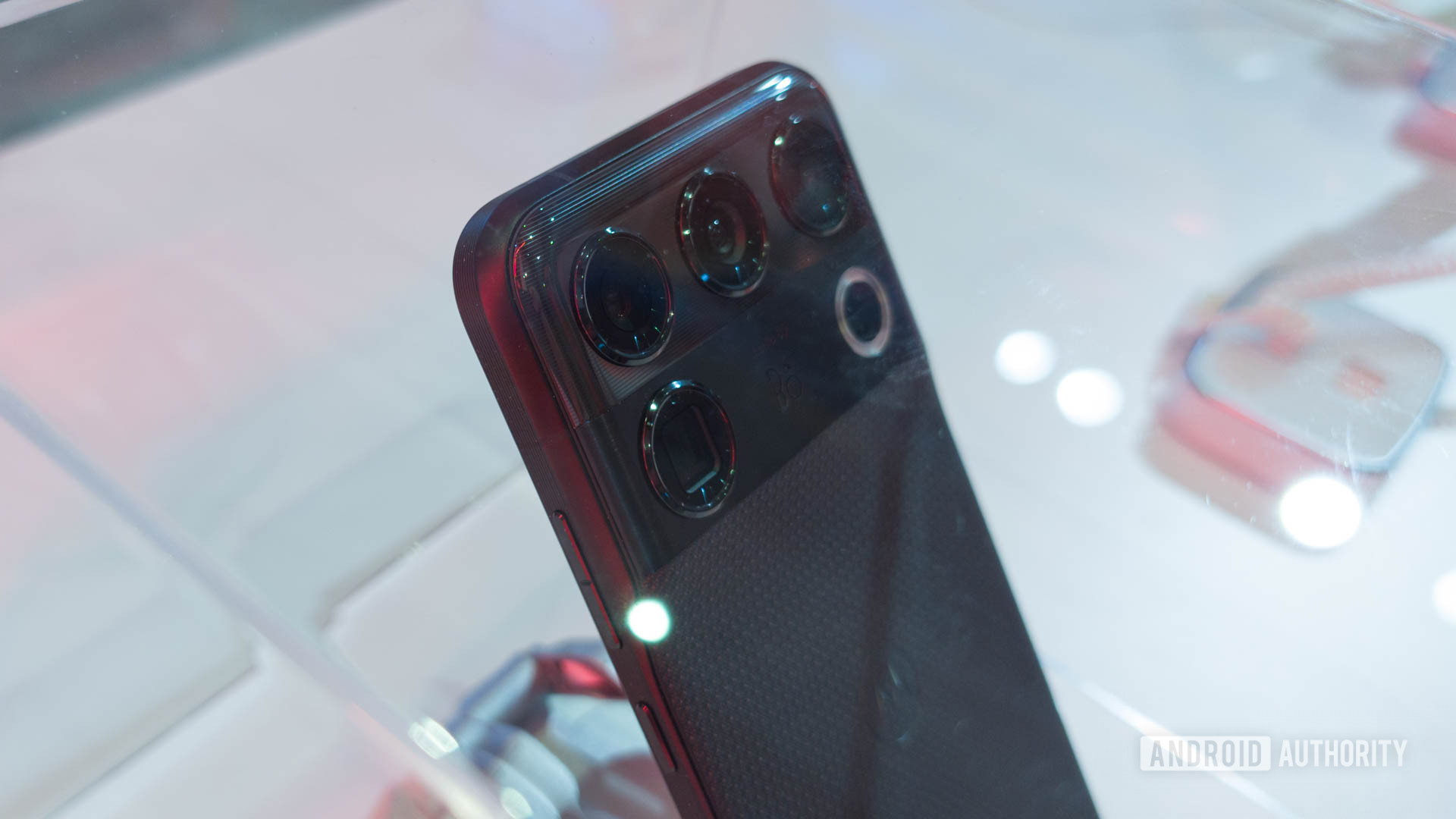
Can't find variable aperture on your iPhone 18 Pro? Here's how to get started
iPhone 18 Pro Max's standout feature isn't particularly easy to find if you don't know where to look. Here's how to get started with variable aperture photography.
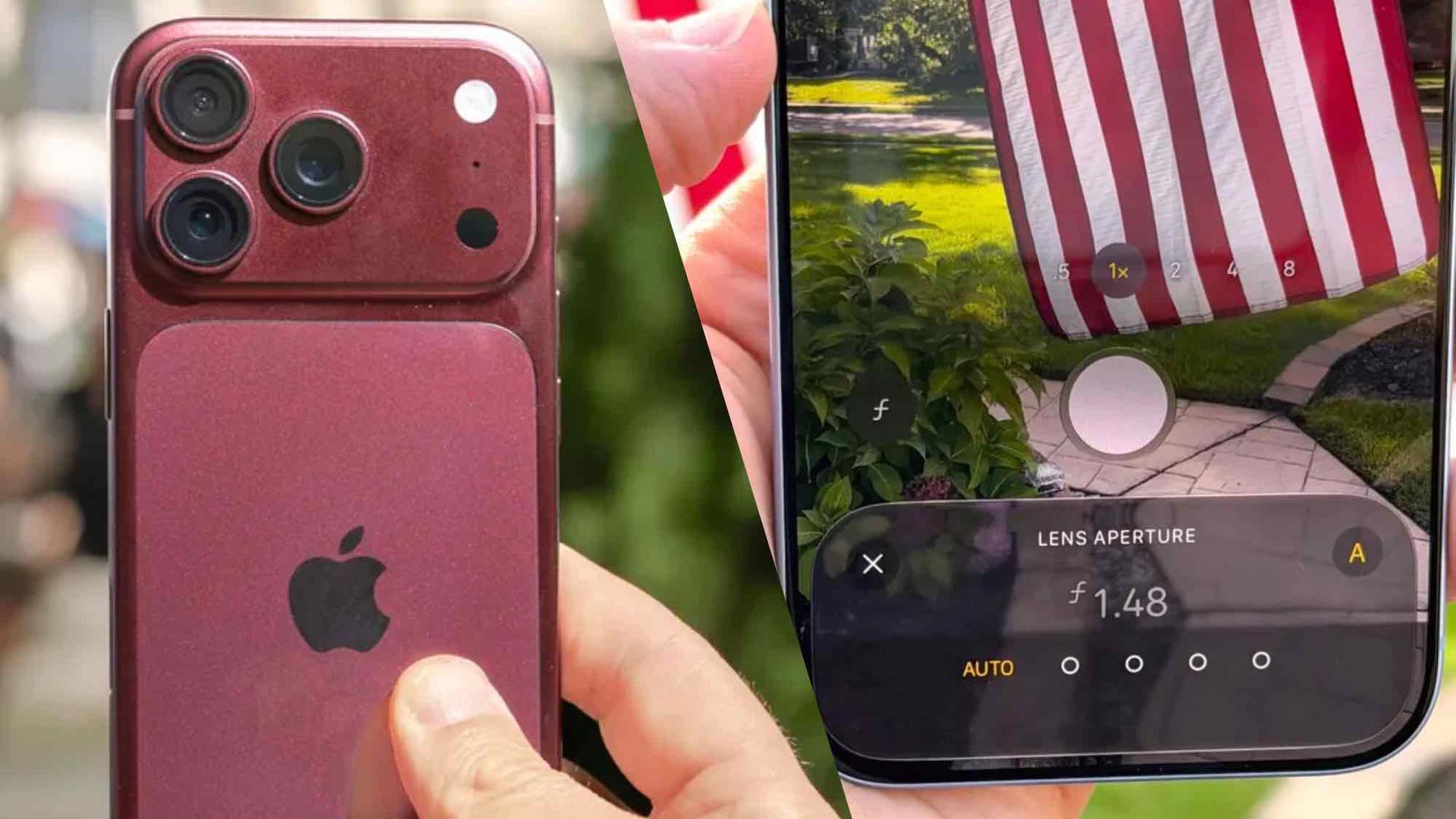
The iPhone 18 Pro and iPhone 18 Pro Max feature an impressive variable aperture system, which allows users to control the amount of light entering the main camera lens. This capability offers enhanced creative possibilities and improved performance in various lighting conditions. However, the system is not immediately intuitive to use, leading many users to struggle in maximizing its potential.
To start using the variable aperture on these flagship iPhones, first open the main camera app. Next, ensure the camera is set to capture photos in photo mode with a 1x magnification. Tap the camera settings button in the bottom right corner, and then select Lens Aperture from the menu. From there, choose one of four aperture levels – f/1.48, f/1.8, f/2.8, or f/4.0 – or enable the automatic mode.
The aperture level you select will impact the depth of field and the camera's ability to capture light, enabling you to achieve unique effects and adapt to different shooting scenarios. For those frequently using this feature, adding the setting to the Camera app's quick settings menu streamlines the process.
Written by urgent.news from Tom's Guide's reporting — not their text. Machine-written — may contain errors; check the original before relying on it.