Your router keeps a list of every device that has ever connected, and some of them might not be yours
They might be posing a security risk.
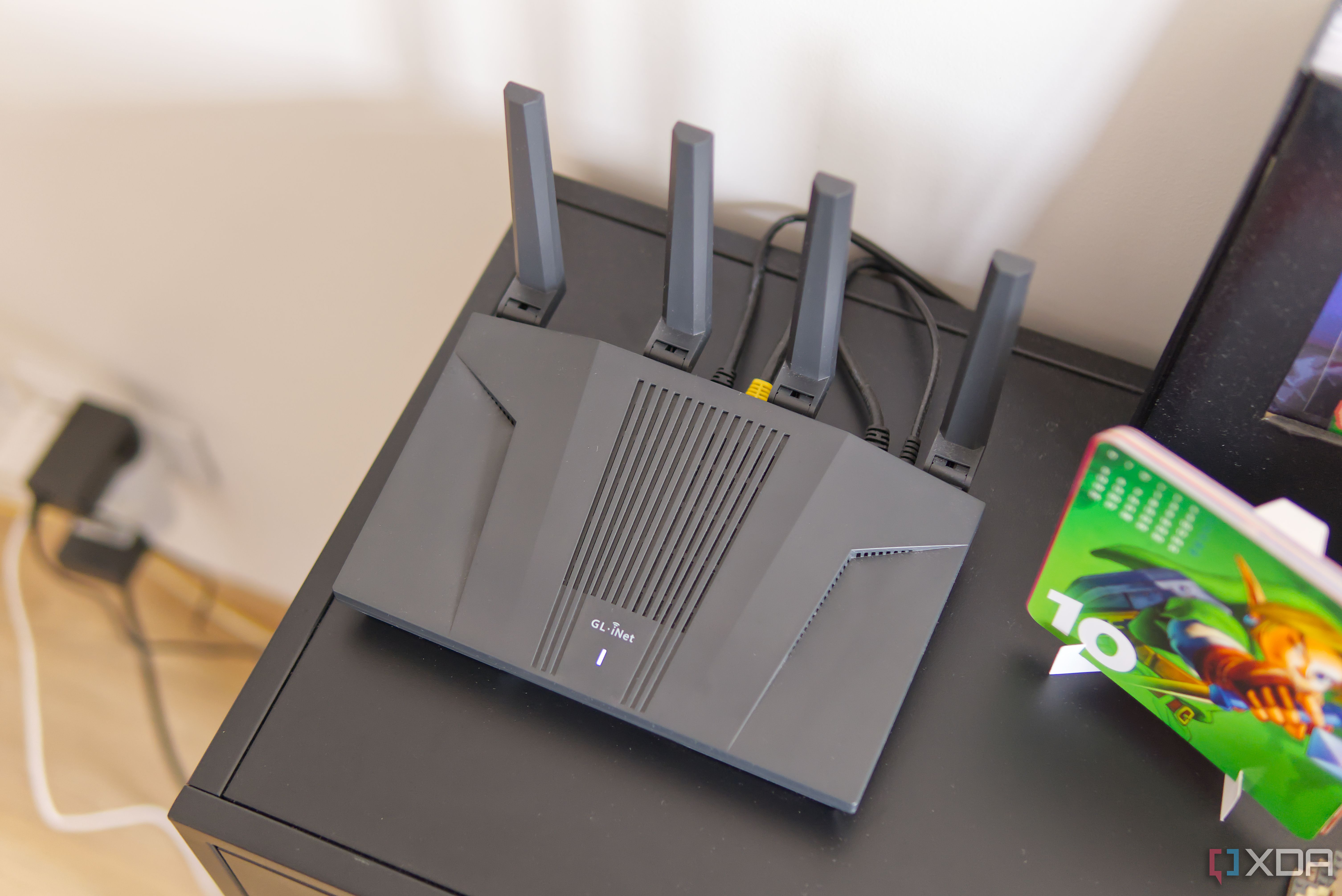
Your home Wi-Fi network might appear secure due to a strong password and a guest network, but a closer look at your router's admin dashboard reveals an eerie digital graveyard. This graveyard consists of dozens or even hundreds of devices you don't recognize, spanning years of old phones, smart bulbs, and IoT appliances. Routers retain historical lease information, creating an audit trail of devices that have connected to your network, regardless of whether they are currently present. This router-based device history serves as a digital fingerprint of your home's security.
Understanding how routers operate DHCP leases and ARP caches is crucial for comprehending the underlying networking mechanics. These routers dynamically assign IP addresses through DHCP, maintaining a lease table to prevent IP address collisions. The lease table stores MAC addresses, hostnames, and IP bindings even after a device has left the premises. This results in a collection of obsolete entries, often referred to as 'digital ghosts' or 'phantoms.'
Many of these ghost devices are harmless, such as old smartphones, returned IoT gadgets, or smart bulbs that have been factory reset. However, some may pose security risks, including unauthorized devices, rogue IoT devices, or devices with default credentials that hackers could exploit. To tackle this issue, start by auditing your router logs via the advanced status pages of your router's web interface.
Export and purge stale, expired leases, and perform a factory reset on any ghost devices that haven't been on the network in months.
Cross-reference active clients with your physical inventory to ensure accuracy, and rename any ambiguous hostnames to easily identify each device on your subnet. Implementing MAC address filtering, assigning static IPs to trusted hardware, and segregating unverified IoT gadgets onto an isolated guest or IoT VLAN can enhance your network's security.
Remember to decipher OUI codes—organizationally unique identifier codes—to help identify the manufacturer of mysterious MAC addresses. Despite MAC address randomization in modern mobile OS, double-check phone settings to prevent further accumulation of ghost devices. By treating your router as a manageable system rather than a set-and-forget-it device, you can secure your digital perimeter and eliminate lingering security liabilities.
Written by urgent.news from XDA Developers's reporting — not their text. Machine-written — may contain errors; check the original before relying on it.