I paired Google Sheets with Forms to create a versatile tracker in minutes
It became my personal tracking app
Combining Google Sheets and Forms proved to be a game-changer for creating a simple tracking system. The real challenge lies not in gathering data, but in making the process effortless enough to maintain. Spreadsheets are great for organization, but manually entering data can quickly become tedious. Google Forms offers a straightforward solution.
Instead of manually filling out rows in a spreadsheet, I can create a form, enter information, and let Google handle the rest. The beauty of this approach is its flexibility. I can use it to track expenses, log household maintenance, or collect any information I want to review regularly.
To set up this tracker, I didn't need to create a complex spreadsheet with numerous columns. Instead, I opted for a simpler method of logging information. Google Forms was the natural choice, and using its Gemini integration made the initial setup a breeze. Rather than manually entering each question, I described the form I wanted, and Gemini generated a draft, complete with relevant questions and answer options.
I could easily edit the questions, modify answer choices, remove unnecessary fields, or add any missing elements. If the initial draft wasn't perfect, I simply refined my prompt and generated another version before finalizing the form.
Once I was satisfied with the form, I published it and copied the responder URL for easy access on my phone. Since Google Forms lacks a dedicated mobile app for filling out forms, I created a shortcut in Chrome. Now, when I want to record an expense, I simply tap the shortcut on my phone, fill out the form, and submit it. No need to search for the link or open Google Sheets to enter a new transaction.
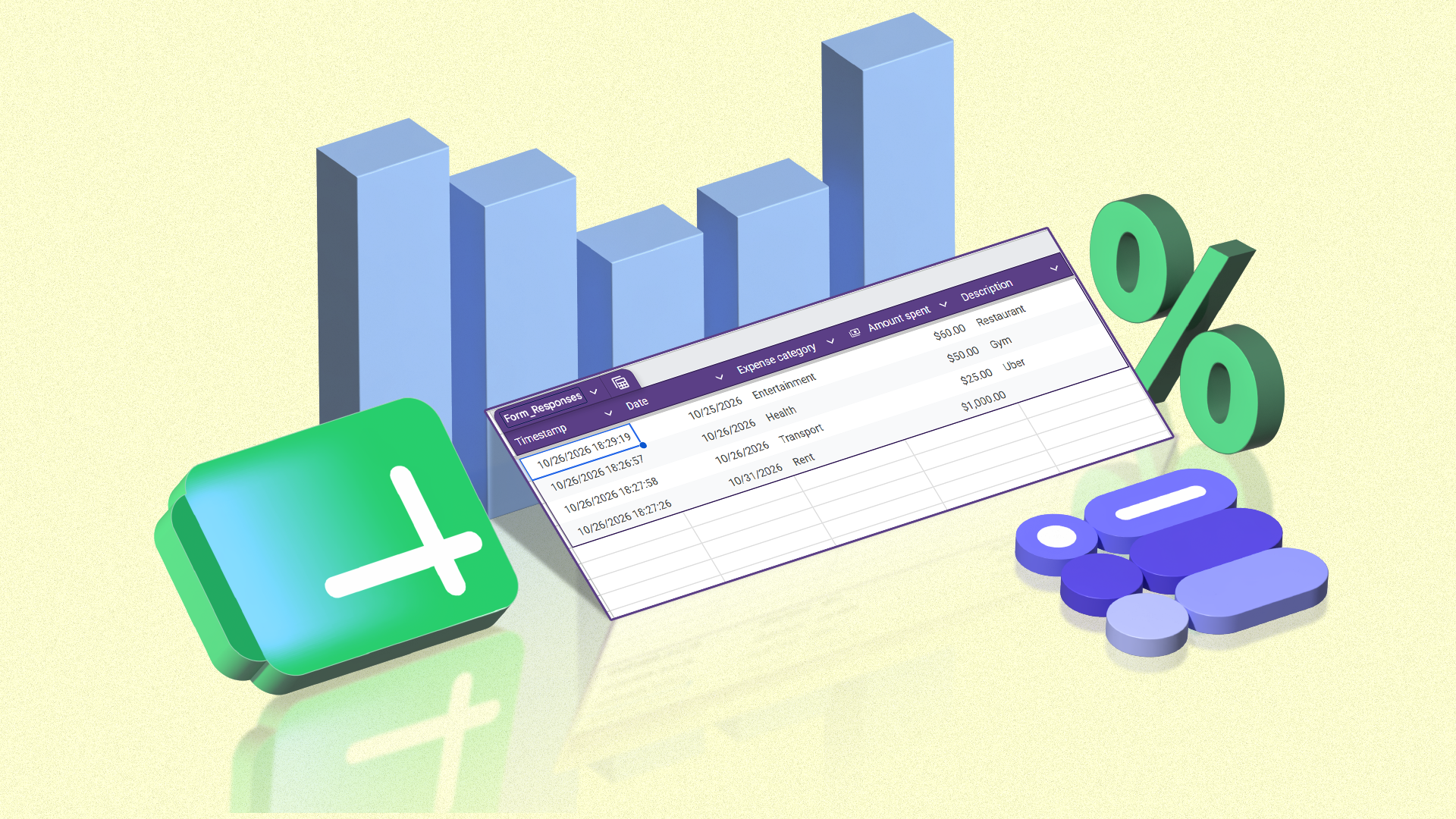
To connect the form to Google Sheets and avoid manual data entry, I opened the Responses tab in Forms, clicked Link to Sheets, and selected Create a new spreadsheet. Alternatively, I could link an existing spreadsheet if I preferred to use one I was already working with. Once connected, every new submission automatically adds a new row to the spreadsheet, with the form questions serving as column headings.
For my budget tracker, each transaction submission results in the date, amount, category, and description being recorded in one place, without any additional data entry.
With my budget entries flowing into Google Sheets, I gained a comprehensive record of my transactions. I then utilized filters to view or sort transactions by date or amount, making it easier to review my spending, locate specific purchases, or identify where my money was going. Conditional formatting was also employed to highlight transactions that exceeded a certain threshold, making larger purchases easier to spot.
Using Gemini in Google Sheets further enhanced the system. For instance, I could ask Gemini to calculate my total monthly income and expenses, categorize spending, flag unusually large purchases, or generate a chart illustrating my financial allocation. The versatility of this setup means I can reuse the same approach for various tracking needs.
From a household maintenance tracker to a reading log or habit tracker, I simply create a new Google Form with the relevant questions and link it to Google Sheets. The beauty lies in the simplicity of building personalized tracking tools without the need for additional apps. This method also works well for shared projects. For example, I could create a form for friends to submit travel preferences or availability, then use the linked spreadsheet to compare their responses.
Whether tracking expenses, logging household tasks, or recording anything else, the same basic setup can be adapted to suit the specific requirements. It takes minimal effort to get started, and additional features can be added as needed. This Google Sheets and Forms pairing is undoubtedly worth exploring for anyone seeking a personalized tracking solution without the hassle of downloading another app or constructing a complex system.
Written by urgent.news from Android Police's reporting — not their text. Machine-written — may contain errors; check the original before relying on it.