Here's How I Stopped Scrolling on My Phone
Need an AI file manager for Android? Try asking instead. Gotcha is an open-source copilot that searches inside files, reads ZIPs, and finds big files.
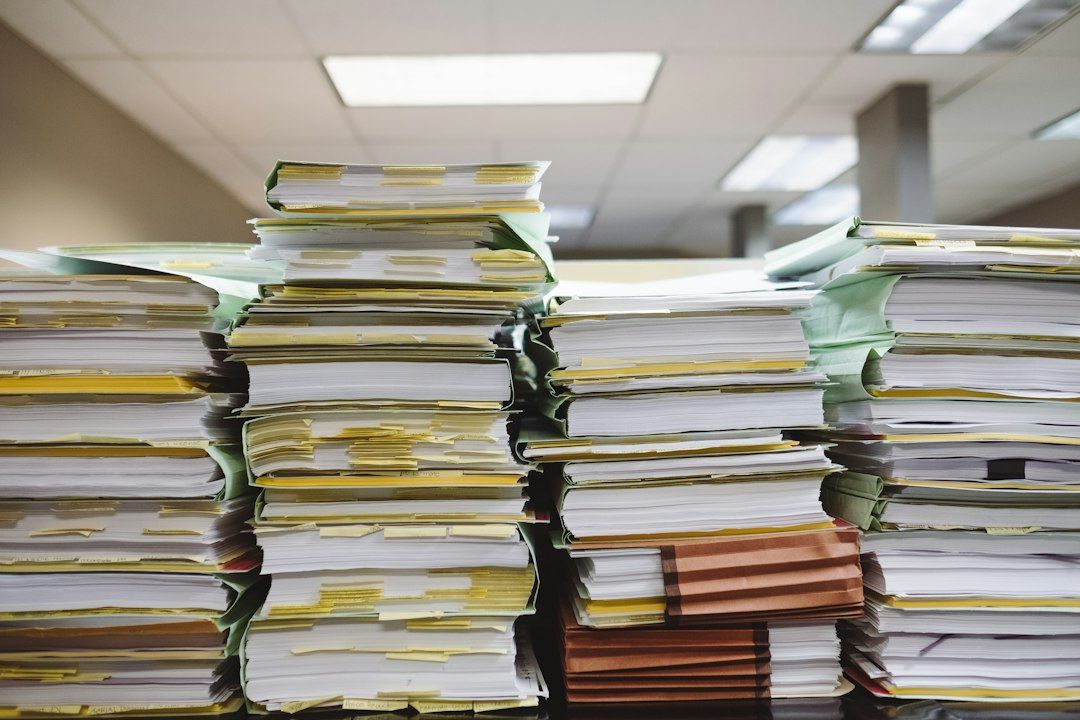
My phone's Downloads folder contains 379 files. Finding anything within it used to require opening a file manager, sorting through the files, and squinting. Now, using Gotcha, an open-source Android copilot created by Samosa AI, I can simply ask for information. Gotcha is not a traditional file manager, but rather a "copilot" offering over 110 tools, including file management tasks.
The app can make calls, send messages, set alarms, edit media and PDFs, run terminal commands, and work inside other apps. While it doesn't directly manage files like a regular file manager, it excels at answering questions about files in plain English. To test Gotcha, I asked it four different questions on my Nothing Phone 3a and compared the results with a traditional file manager.
Question 1: "What are the 10 biggest files in my Downloads folder?" The answer appeared in 28 seconds. Gotcha listed all 379 files, ranked them by size, and provided the top ten files, including two videos from a subfolder I hadn't noticed before. A file manager might perform a similar action, but Gotcha provides a more concise, question-based response.
Question 2: "Find every PDF I downloaded last month." In just under a minute, using Operator mode, Gotcha returned 13 PDFs, each with its date and size. I verified that all 13 files matched the correct dates. The process involved using a sub-agent to bypass permission errors, demonstrating Gotcha's ability to handle complex tasks through multiple tools.
Question 3: "Which text files in my Downloads mention Duolingo? Show me the matching lines." After forty seconds, Gotcha returned two files with seven matching lines, each with its line number. This task, searching for specific text within files, would typically require a file manager, but Gotcha excels at this type of query.
Question 4: "What's inside this zip? Open one of the images and describe it." In 57 seconds, Gotcha listed all seven entries of a 21 MB zip archive, read one of the PNG images within the zip, and provided a detailed description of the image. This capability goes beyond what a regular file manager can do.
Question 5: "Take Award-session.mp4 from that list, pull out the audio, keep only the first two minutes, and transcribe it." This final task took about a minute and a half, with four tool calls. Gotcha listed the folder, extracted the audio from the video, trimmed the first two minutes, and sent the trimmed clip to a speech-to-text provider. The resulting transcript contained accurate information about the video, such as the number of submissions, accepted papers, award details, title, and authors.
Written by urgent.news from HackerNoon's reporting — not their text. Machine-written — may contain errors; check the original before relying on it.