Google Photos rolls out customizable redesign of your ‘Collections’ tab
Following the floating navigation bar in July, Google Photos is rolling out a big redesign that lets you customize the Collections tab on Android and iOS. more…
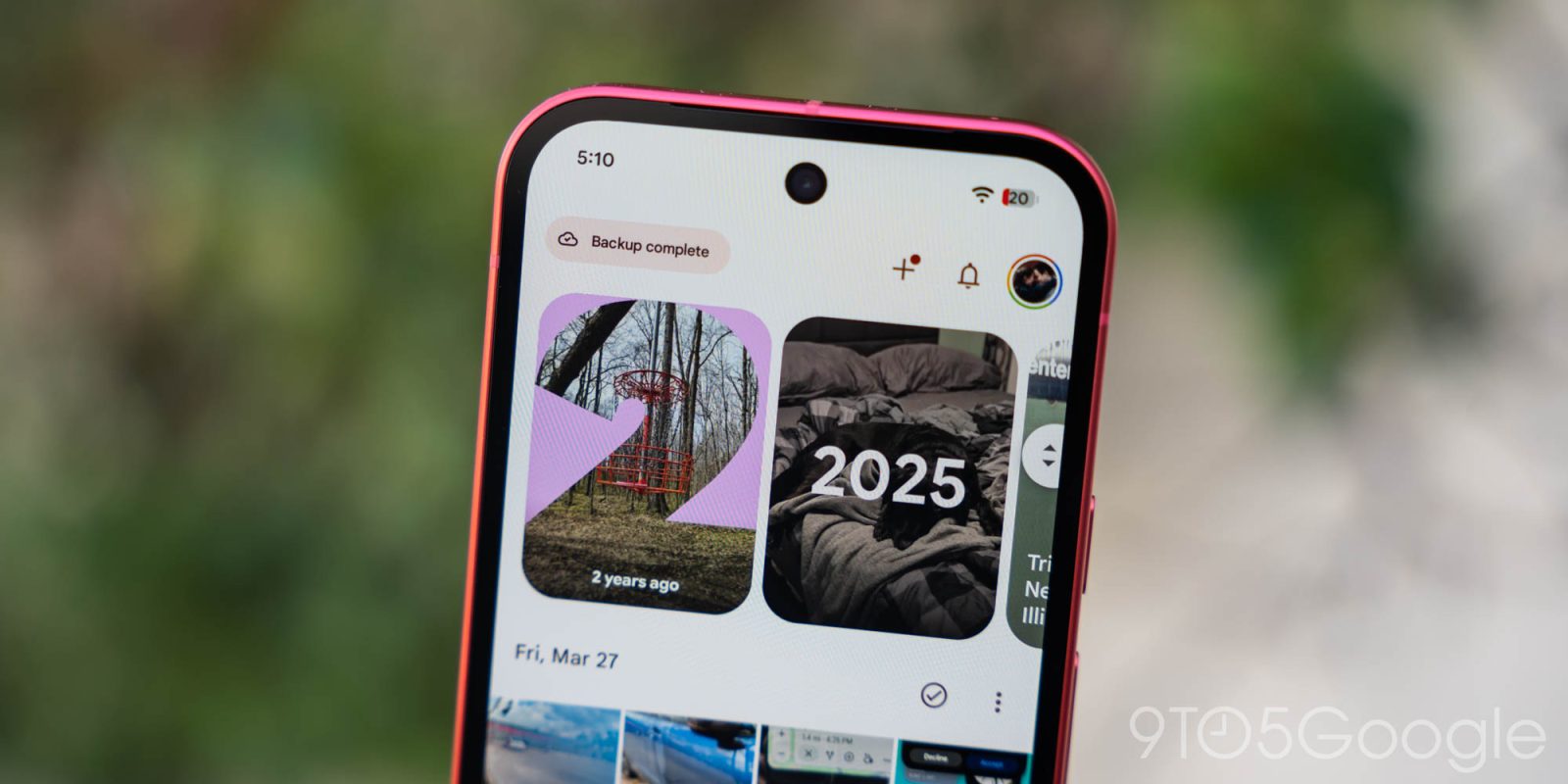
Google Photos has introduced a customizable redesign for its "Collections" tab on both Android and iOS platforms. The previous layout consisted of a 2×2 grid, with Favorites and Trash at the top, and other shortcuts varying based on usage. The new design focuses on customization, offering users the ability to personalize their Collections experience.
The redesigned tab begins with a "Pinned" section, allowing users to select which cards appear. By default, it displays Favorites, Screenshots, and Trash. Users also have the option to eliminate this section entirely. Following the pinned section, there are carousels showcasing On this device, Albums, People & pets, Wardrobe, Places, and Documents.
A "View all" option at the top-right corner allows users to instantly switch between the full grid or list view. Additional features include hiding each section and rearranging the order in which they appear. The "Other Collections" grid at the bottom lists various options: Favorites, Screenshots, Moments, Videos, Recently Added, Stickers, Creations, Archive, Locked, and Trash.
To access the new layout, users can tap the "Reorder" button found at the bottom of the page. This update is currently being rolled out widely, with Google Photos version 7.97 on Android and 7.98 on iOS. Users were able to trigger the server-side update by restarting their devices and then opening the Photos app, rather than the customary force stop method on Android. For more news, visit 9to5Google on YouTube.
Written by urgent.news from 9to5Mac's reporting — not their text. Machine-written — may contain errors; check the original before relying on it.
This story
This is one outlet's version. Read the fullest account.