Gemini Notebook for Android, iOS adds built-in audio recorder
After introducing Connected App integration last week, Gemini Notebook has rolled out an audio recorder on Android and iOS. more…
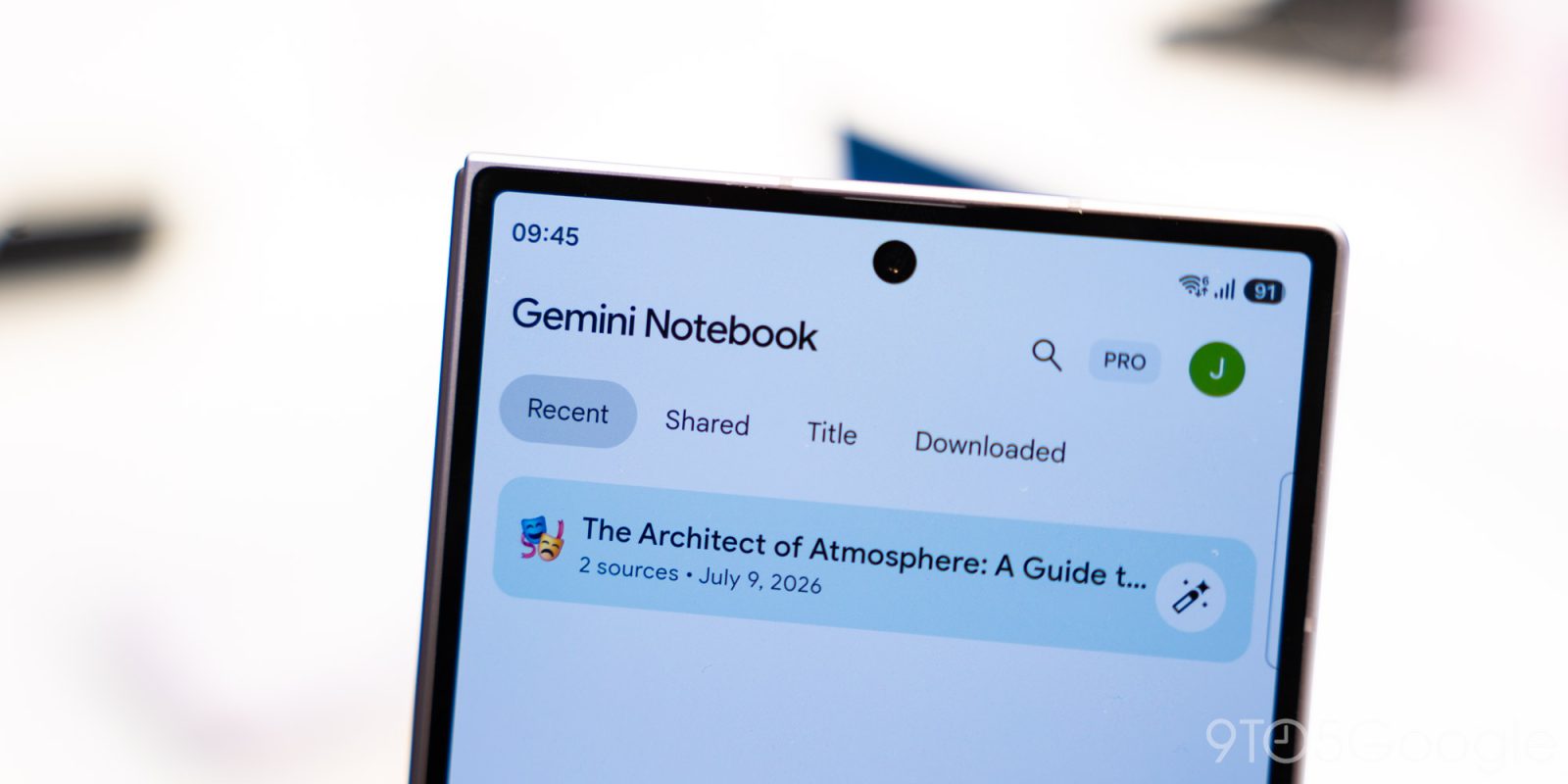
Gemini Notebook, the popular note-taking app for Android and iOS, has added a built-in audio recorder to its platform. This new feature allows users to capture lectures and record their thoughts on the go, making it easier than ever to jot down ideas and information while in transit. To access the audio recorder, users simply need to tap the new microphone icon located between the camera and "Create New" floating action button at the bottom of the screen.
If the recorder is launched from the homepage, a new notebook will be created to hold the audio file alongside the user's notes. This means that users can easily chat, cite and build upon their recordings just like any other source in the app. Existing notebooks can also receive audio recordings by tapping the microphone icon within the Sources tab.
The recording interface is straightforward, featuring a pause button and a checkmark to begin the upload process once the user has finished speaking. The waveform of the Gemini Notebook theme and a live count of the recording duration are displayed above the buttons. Interestingly, the app allows users to continue recording in the background even when they switch to another application or lock their screen. However, there is a 1-hour limit on each recording.
Google initially announced the audio recorder feature in September, and it is now being rolled out to all users on Android and iOS devices. If the app is not functioning properly on a device, users should force stop the app to ensure the new feature is active.
Additionally, Google recently made a minor update to the "Create New" floating action button (FAB), which now immediately starts a new notebook upon tapping instead of sliding up the "Add a source" panel. This update complements the launch of the "Live" button in the Chat tab, which enables real-time conversations with notebooks. For more details on these updates, check out 9to5Google on YouTube.
Written by urgent.news from 9to5Google's reporting — not their text. Machine-written — may contain errors; check the original before relying on it.