I turned my old Google TV box into the easiest way to play retro games on my TV
You can use almost any device to play your favorite retro games, so why add another box to your living room when already you have an Android TV box?
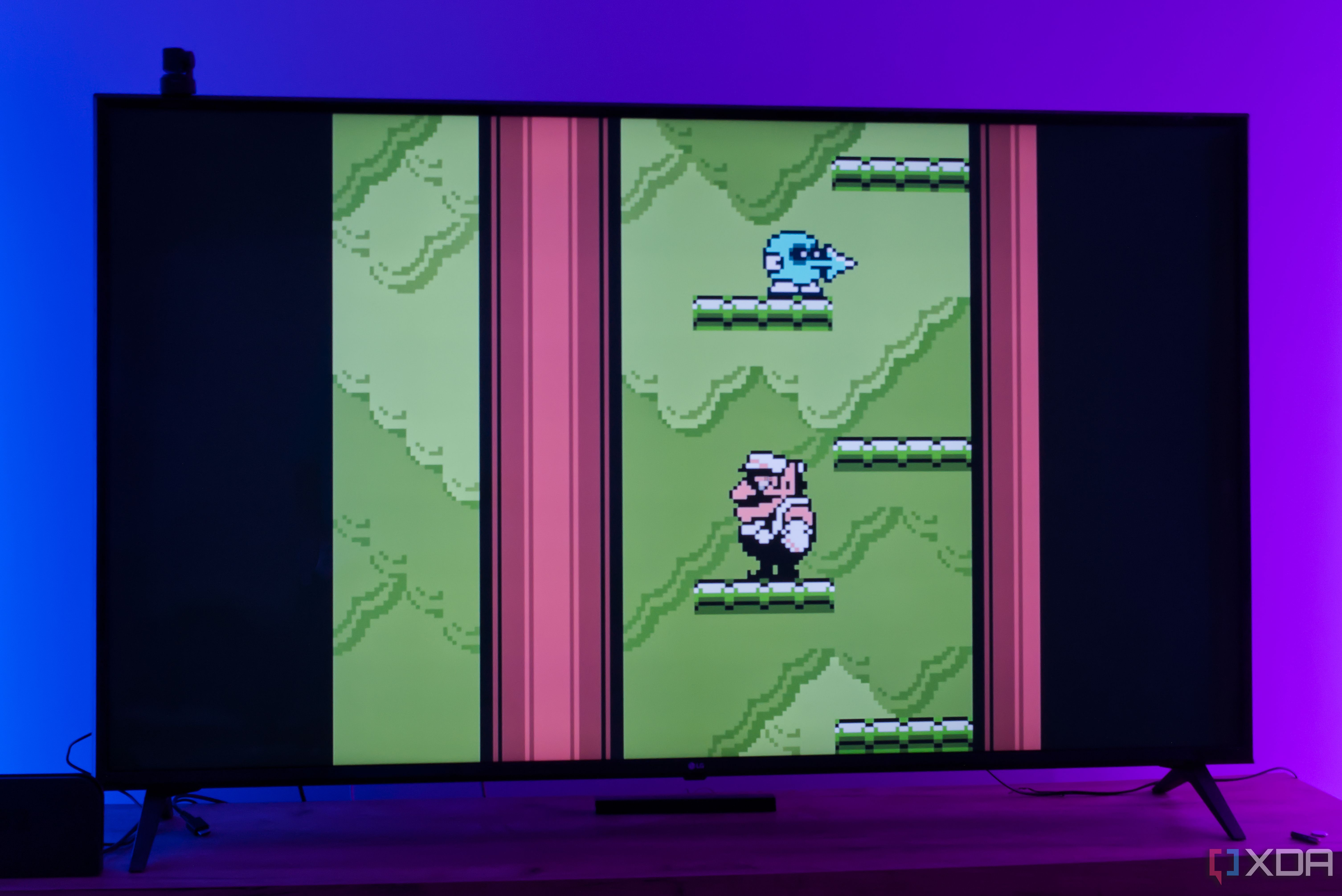
Turning an old Google TV box into a retro gaming console is a convenient and space-saving solution. I decided to try this with my Chromecast with Google TV and installed RetroArch, transforming it into an easy-to-use gaming machine. While not the fastest option, this setup works well for basic 2D sprite-based games like NES, SNES, and Game Boy titles.
Connecting a Bluetooth controller completes the experience. Though the Chromecast with Google TV's performance is limited, it still delivers a solid emulation experience. The default RetroArch UI is functional and customizable, allowing access to old classics and obscure games without much hassle.
Written by urgent.news from XDA Developers's reporting — not their text. Machine-written — may contain errors; check the original before relying on it.