Are passkeys more secure than passwords?
What makes them safer – and where they fall short
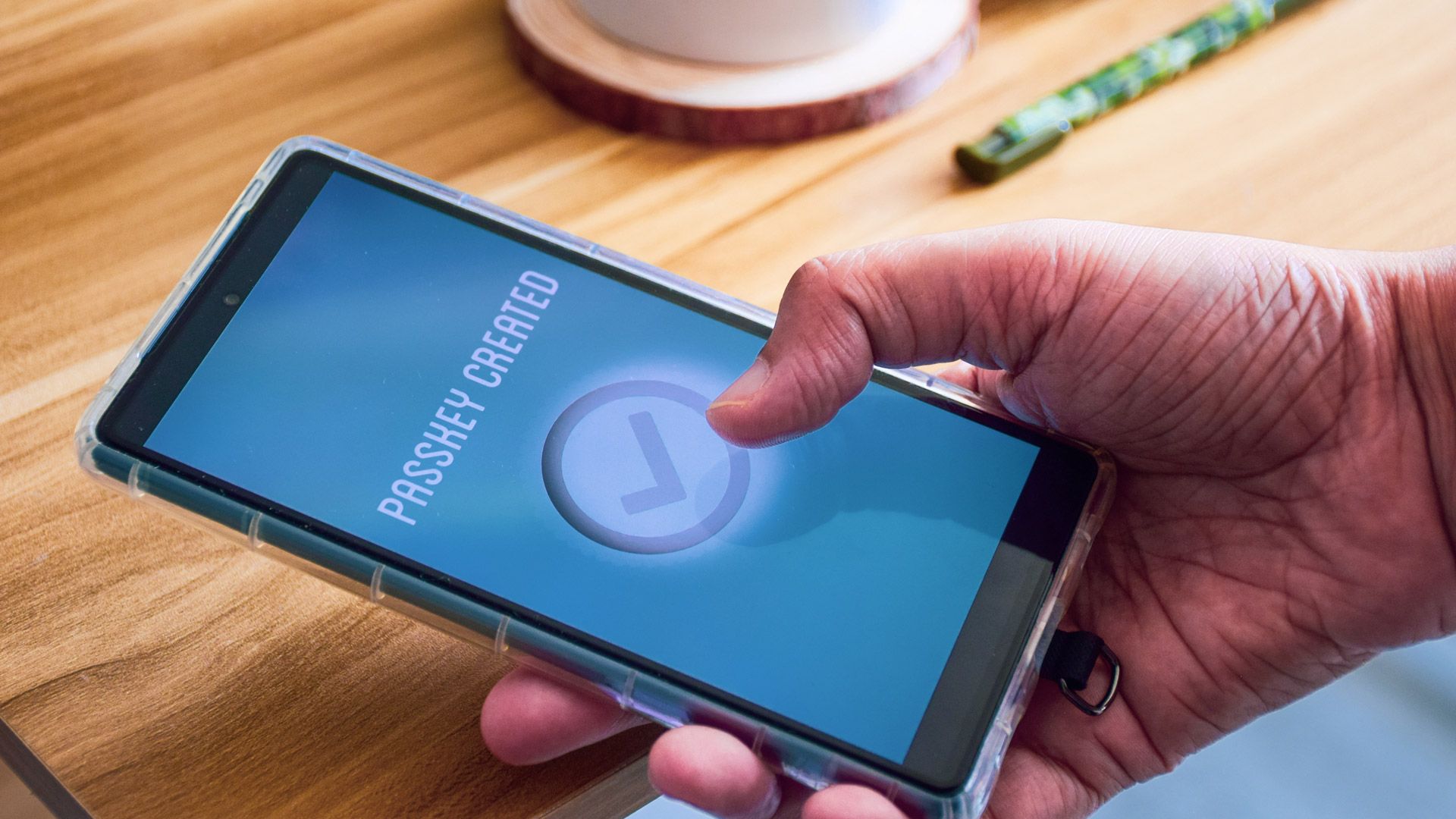
Passkeys are touted as the ultimate solution for online security, with major tech giants like Apple, Google, and Microsoft now supporting them. But do they live up to the hype? And what sacrifices might you have to make for this supposed security? Let's find out. This article is the final installment in a series on Cybersecurity Awareness Month 2026, which has previously covered topics like reducing social media data collection, VPN alerts for the dark web, and the merits of dedicated antivirus software.
The problem with passwords (and how passkeys solve it)
Passwords have become obsolete. They're easy to forget, and using unique ones for each site is unrealistic. When a massive data breach occurs, millions of your credentials end up on the dark web. Moreover, people often reuse passwords, meaning a breach on one site can compromise multiple accounts. Password managers offer some relief, but they're vulnerable to phishing attacks and depend on trust in a single database.
Phishing attacks remain a threat, even to the most vigilant users. This is where passkeys come in. Instead of relying on something you remember, passkeys use cryptographic keys. A public key resides on the website's servers, while the private key remains securely stored on your device. During login, your device mathematically verifies your identity without transmitting any password, eliminating the risk of stolen credentials. The biometric conundrum
Unlocking passkeys typically requires authentication through your phone or computer using biometrics like fingerprints, facial recognition, or PINs. While you might worry about handing over your biometric data to Big Tech, this isn't the case. Your biometric data never leaves your device. Instead, it unlocks a secure chip that stores your private key.
When the chip is authorized, it confirms your identity to the website. Companies like Apple, Google, and Microsoft never gain access to your actual biometric template. They merely manage the encrypted container holding your passkeys. Real risks with passkeys
Despite their advantages, passkeys aren't without their drawbacks. The most significant concern is physical access to your unlocked phone. If a thief gains possession of your device and knows your screen lock PIN, they could potentially access all your passkey-secured accounts. To mitigate this risk, most devices require re-authentication for each login attempt.
Another issue is ecosystem lock-in. Passkeys are often tied to specific platforms like Apple iCloud Keychain and Google Password Manager. While seamless syncing within an ecosystem works well, switching from an iPhone to an Android device can be challenging. You might find yourself locked out of accounts unless you've previously exported your passkeys. The bottom line
Passkeys offer superior protection compared to traditional passwords, particularly against remote attackers and phishing attempts. By eliminating the need to transmit passwords, they safeguard against a wide range of attacks that target password-based systems. However, they introduce new considerations regarding physical device security and platform dependency.
So, should you start using passkeys? Absolutely. Treat them as an upgrade, not a silver bullet. Combine passkeys with good habits like keeping your devices updated and employing screen locks, and you'll be protected against common cybersecurity threats.
Written by urgent.news from TechRadar's reporting — not their text. Machine-written — may contain errors; check the original before relying on it.