A NAS is the wrong first home server, and an old PC teaches you more for less
Don't get me wrong, I love my NAS.
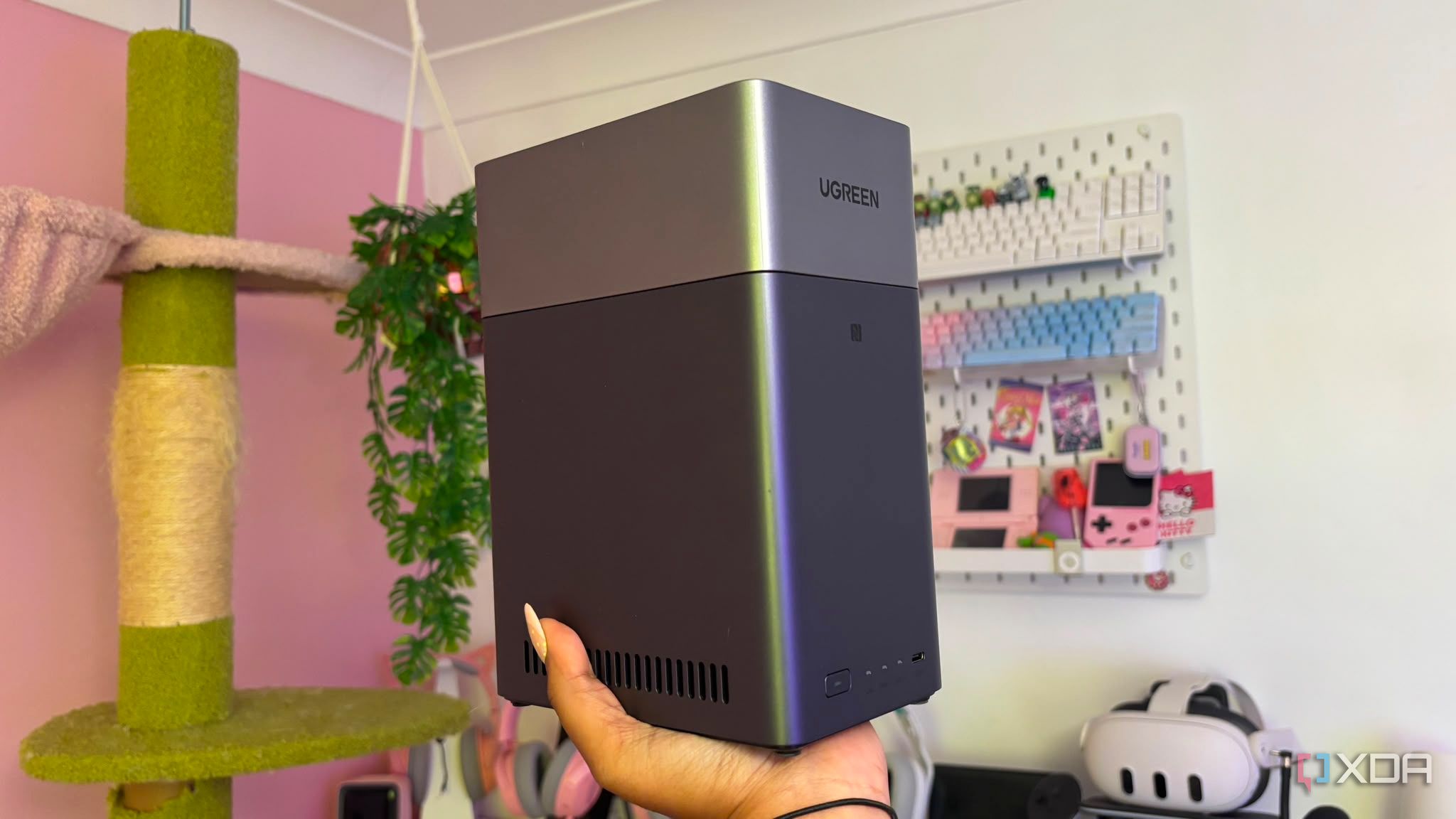
A frequent mistake novice home lab enthusiasts make is immediately purchasing an expensive prebuilt four-bay NAS, believing it to be the ideal starting point. These consumer NAS devices conceal the underlying Linux operating system within user-friendly but restrictive web interfaces and proprietary app stores. They utilize hardware configurations that severely limit learning opportunities.
Acquiring an old desktop or office PC from a garage sale or online marketplace for less than $100 proves to be a superior alternative. Buying a cheap computer instead of a dedicated NAS at first is both a financially and educationally wise decision. Starting with a repurposed computer forces learners to grasp the fundamentals of systems administration, delivers superior hardware at a lower cost, and provides a hands-on experience that no plug-and-play appliance can offer.
Consumer NAS units often disappoint those just beginning their home lab journey and learning process. This is primarily due to the proprietary black box. The software stacks obscure the Linux kernel, file system mounts, and container networking. Consequently, when issues arise, users are forced to troubleshoot via a limited graphical user interface rather than understanding the underlying command line.
As a result, learners do not truly acquire knowledge of managing a home lab; they merely learn how to manipulate the brand's settings and user interface. Furthermore, these devices offer poor price-to-performance ratios. Four-bay NAS enclosures typically employ weak mobile or embedded processors, such as dual-core ARM or low-end Celerons, paired with minimal RAM ranging from 2 GB to 4 GB soldered onto the motherboard.
This results in paying premium prices for severely underpowered computing resources. This can be highly restrictive and frustrating when attempting to learn and develop a home lab environment. To evade the financial trap of expensive appliances, purchasing an older PC is often a wiser choice, especially for those just starting out.
The first step is to locate a used corporate desktop, like a Dell Optiplex equipped with an Intel Core i5-8500 or better, and at least 16GB of RAM. These can usually be found secondhand on websites like eBay or Facebook Marketplace for around $100 or less. Once obtained, the system should be thoroughly wiped and a real server operating system installed.
This could involve flashing a lightweight headless Linux distribution, such as Debian or Ubuntu Server, or a hypervisor like Proxmox VE, onto the machine. Subsequently, the foundation for containers must be created. This involves setting up Docker and Docker Compose natively on the host machine, which forces the user to manually write and manage configuration files.
Although this approach may initially seem more complex, it significantly enhances understanding of the basics of home lab setup, making troubleshooting future issues considerably easier. Home labs are notorious for encountering problems, and without the knowledge to resolve them, users may perceive the maintenance aspect of their home lab as more burdensome than the lab itself is worth.
Once set up, storage can be expanded as required by adding internal drives or incorporating an external multi-bay USB/SATA enclosure when data requirements truly necessitate a substantial storage pool. The educational value of building your own home lab server is immense. By utilizing raw hardware, learners gain a deep understanding of the system.
Moving away from user-friendly web interfaces and learning to SSH, manage systemd services, configure Docker-compose stacks manually, and write shell scripts is fundamental to home labbing and troubleshooting. When the operating system is not heavily stripped back behind a flashy GUI, users can truly embrace the command line. While a prebuilt NAS may seem convenient, it does not simplify troubleshooting when issues arise.
Moreover, there are important hardware aspects to consider regarding drive management. Understanding how software RAID operates under the hood, managing disk health with SMART tools, and comprehending proper power states can provide a comprehensive knowledge of the hardware and technology involved in the home lab environment (rather than relying on automated appliance wrappers).
A prebuilt NAS is essentially an expensive digital filing cabinet disguised as a server. If the ultimate goal is to master self-hosting, networking, and Linux administration, commencing with an older PC yields superior hardware, zero artificial limitations, and invaluable firsthand experience by bypassing the costly consumer appliance.
This approach ensures a thorough understanding of the fundamentals of a home lab rather than merely hiding behind a sleek user interface. Instead, scour local classifieds for an older office PC to construct a genuine home server from the ground up.
Written by urgent.news from XDA Developers's reporting — not their text. Machine-written — may contain errors; check the original before relying on it.