Google Docs still can't match these features Microsoft Office kept from 2003
Google Docs makes collaboration easy, but Word’s decades-old formatting tools still give it an edge.
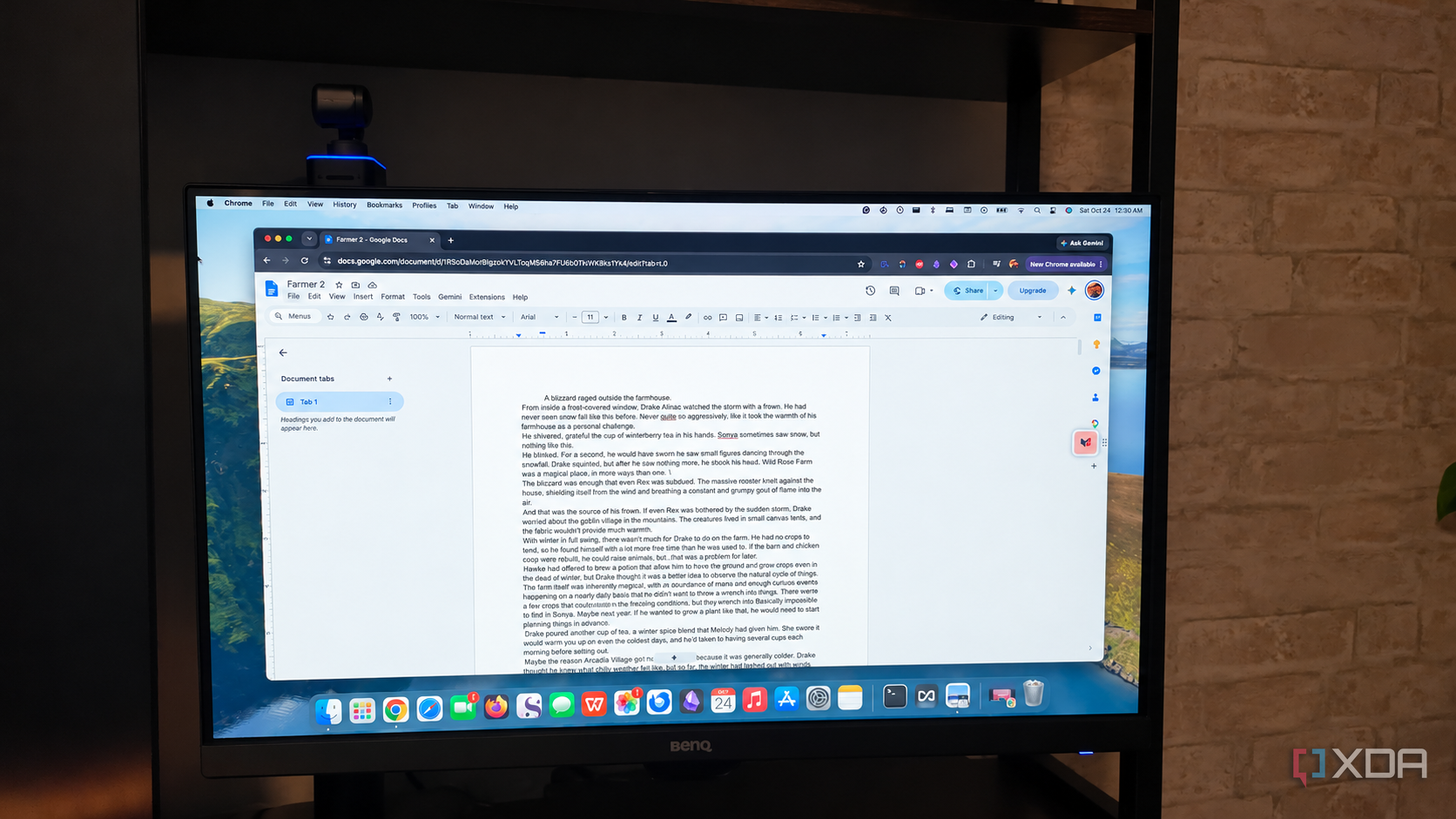
Despite being one of the most widely used word processing tools globally, Google Docs still struggles to match the features offered by Microsoft Office from as far back as 2003. While Google Docs launched in 2006, it has yet to catch up to the range of capabilities present in Microsoft Office over the years. This disparity in feature sets arises from the fact that both applications cater to different user needs.
Microsoft Office, designed as a comprehensive word processor, emphasizes full control over document formatting and layout. In contrast, Google Docs prioritizes collaborative writing, allowing users to share documents and work together in real-time without the need for extensive formatting tools. One particular feature that stands out as particularly lacking in Google Docs is the ability to handle page breaks and section breaks similarly to Microsoft Office 2003 and later versions.
While Google Docs offers basic page and column breaks, as well as next page and continuous section breaks, Microsoft Office provides a much wider range of break types. Users can choose between standard page breaks, column breaks, and text wrapping, and can also set section breaks to begin on the next page, continue from the same page, or start a section on the next odd- or even-numbered page.
These advanced options allow for greater precision in document layout and formatting, which can be crucial for creating professional-looking documents. Another critical function that Google Docs lacks is an advanced Find and Replace feature, similar to that available in Microsoft Office. While both applications enable users to search for specific text, Office allows for more versatility in search parameters.
Google Docs has only recently added regular expression search capability (in 2016), whereas Microsoft Office has supported wildcard searching, formatting styles, and fonts for many years. Furthermore, Microsoft Office 2003 already supported more sophisticated field codes, which could be used to insert dates, page numbers, and create indices or tables of contents with greater control and flexibility.
These features are particularly useful during the publishing process, and their absence in Google Docs can be a significant drawback for users working on complex documents or projects. Despite the shortcomings, Google Docs remains a convenient and collaborative tool for many users. For those focusing on writing and sharing documents, Google Docs offers a straightforward and accessible solution for creating reports or article drafts.
However, for those requiring advanced formatting options and publishing features, Microsoft Office remains the preferred choice. Ultimately, the modern digital landscape accommodates multiple tools for various project complexities, and the lack of a one-size-fits-all application is not a problem with Google Docs. Instead, it highlights the unique strengths and target audiences of both applications.
Written by urgent.news from XDA Developers's reporting — not their text. Machine-written — may contain errors; check the original before relying on it.