Apple CarPlay and Android Auto Make Your Phone Hot. Here’s How to Keep It Cool
Powering a car dashboard is more demanding on your handset than you might think. These tips will save battery life and help your phone chill out.
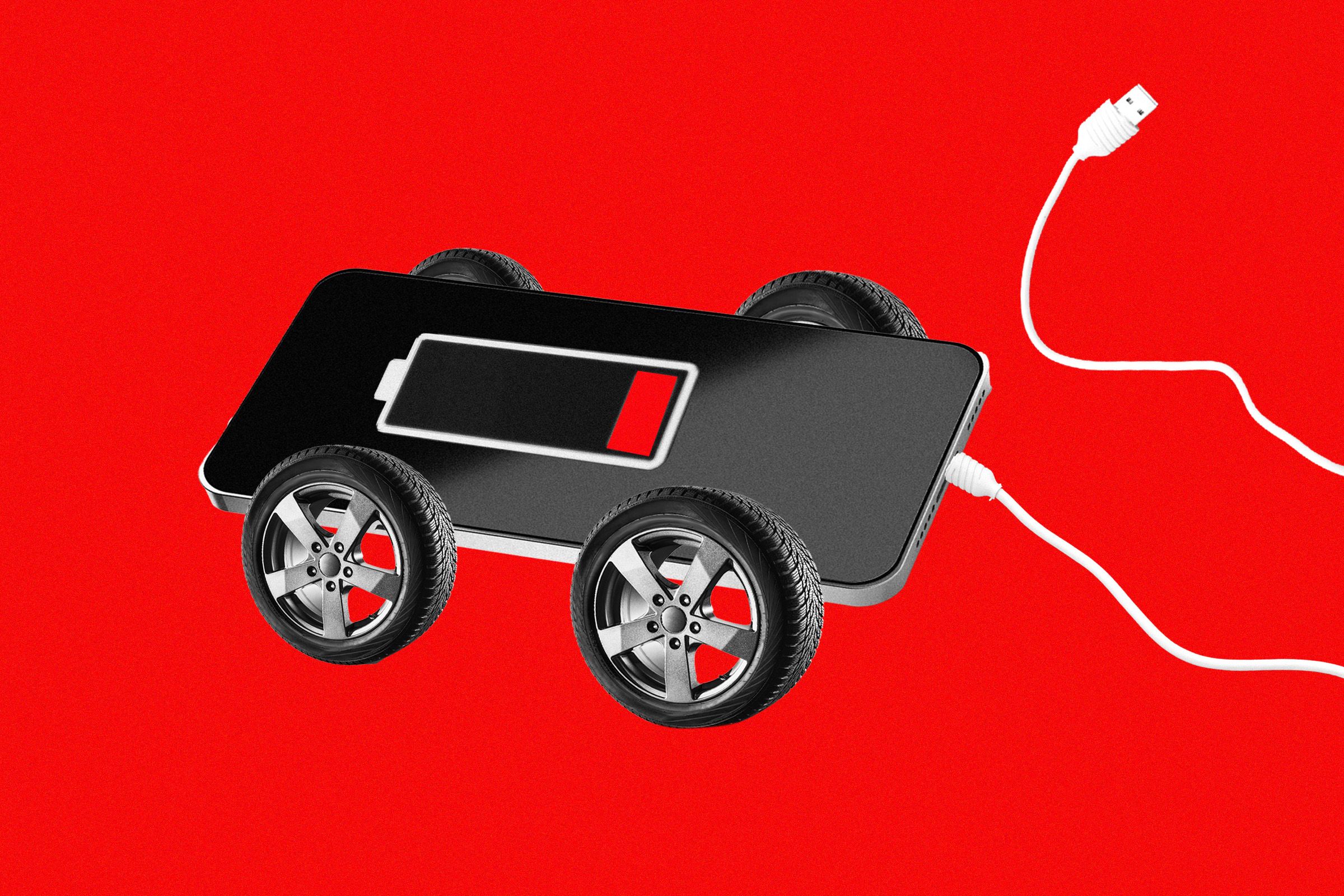
Apple CarPlay and Android Auto allow you to control your phone through your car's dashboard, giving you access to contacts, music, podcasts, and navigation. Both systems are user-friendly, typically connecting automatically after initial setup. However, using these systems puts a strain on your phone's battery and can cause it to heat up due to constant updates and rendering of maps.
Your phone may also charge itself while connected, adding to the heat. To mitigate this, consider using a wired connection, but be aware that this keeps your phone charging. To counteract this, set charging limits or place your phone in a cool, dark area of the car. If using wireless CarPlay or Android Auto, try not to charge your phone simultaneously, especially on the car's built-in dashboard pad.
Position your phone in a shaded spot, like the glove compartment, or near the car's air vents for cooling. You can also remove the case to prevent heat buildup. Minimize your phone's workload by syncing music, podcasts, and maps ahead of time, so it doesn't have to constantly search for data or wireless signals while driving. Regularly monitor your phone's temperature and take action if necessary.
Written by urgent.news from Wired's reporting — not their text. Machine-written — may contain errors; check the original before relying on it.