You can strip the ads and recommendations from Google TV in one toggle, and it's buried in your settings
Get a streamlined home screen with hardly any effort.
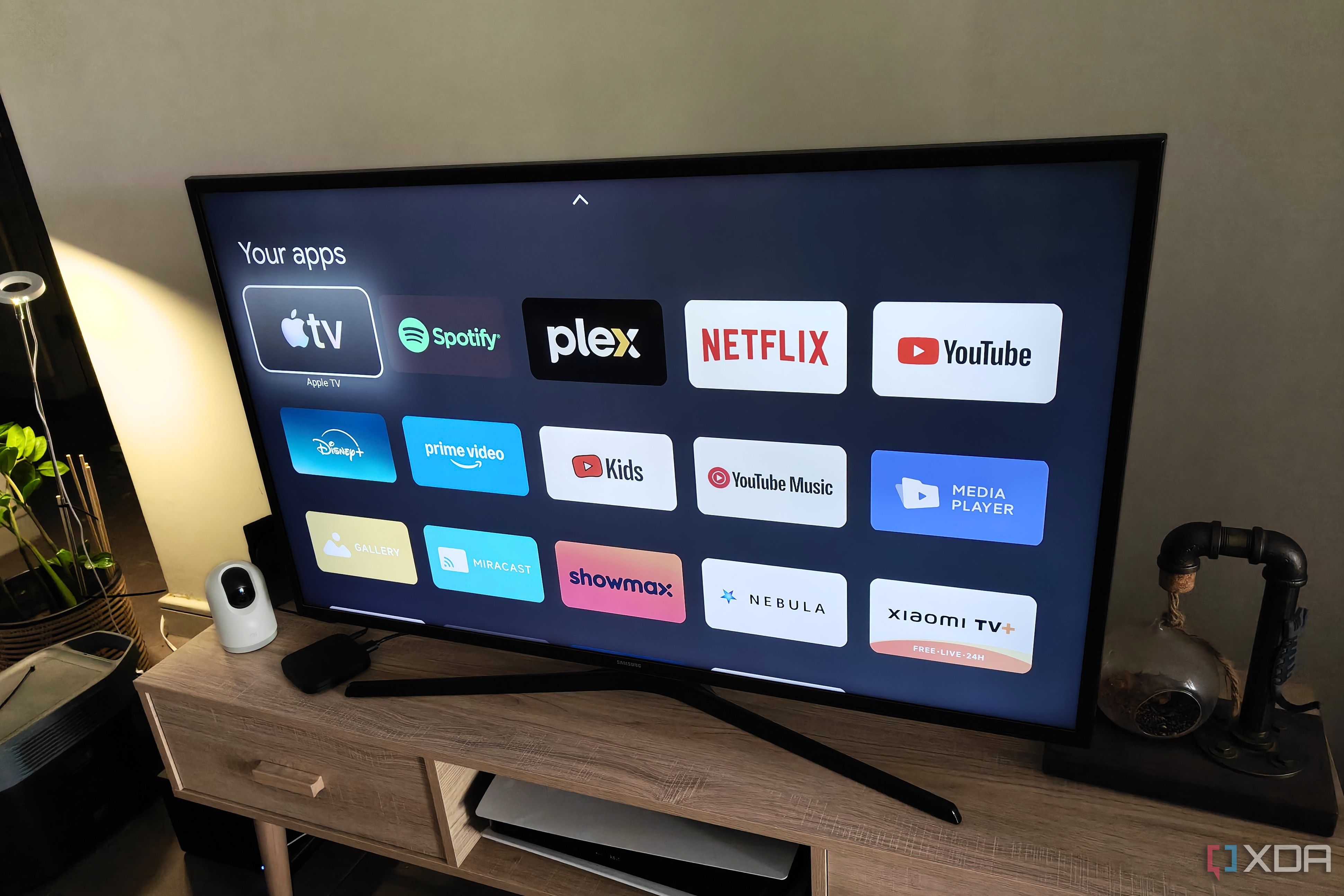
Google TV often suffers from a cluttered home screen, with series recommendations and ads detracting from the user experience. However, Google has created an easy solution for those seeking a cleaner interface. Hidden within the settings, the apps only mode is a toggle switch that removes personalized recommendations and focuses the screen on installed apps.
This mode can be enabled by navigating to All settings - Accounts & Sign In, then selecting your profile. Scroll down and enable the Apps only mode toggle. The TV will immediately switch to the new, cleaner mode.
Most users are unaware of this feature, as it does not appear during initial setup. Apps only mode is particularly useful for visitors or when you want a less personalized experience. It also helps declutter the home screen, making it easier to navigate and find your favorite apps. Importantly, it does not require a separate launcher or additional software, and it's easy to disable when desired.
However, there are some limitations to consider. The Discover more apps banner remains, despite being ineffective. Installing new apps can be cumbersome, as the Google Play Store shortcut isn't easily accessible. Additionally, certain menus and elements remain, such as the main home screen, My Home screen, and Quick Settings icon. While it may not offer the same level of customization as other launchers, the apps only mode is a convenient and quick solution for those seeking a less cluttered Google TV experience.
Written by urgent.news from XDA Developers's reporting — not their text. Machine-written — may contain errors; check the original before relying on it.