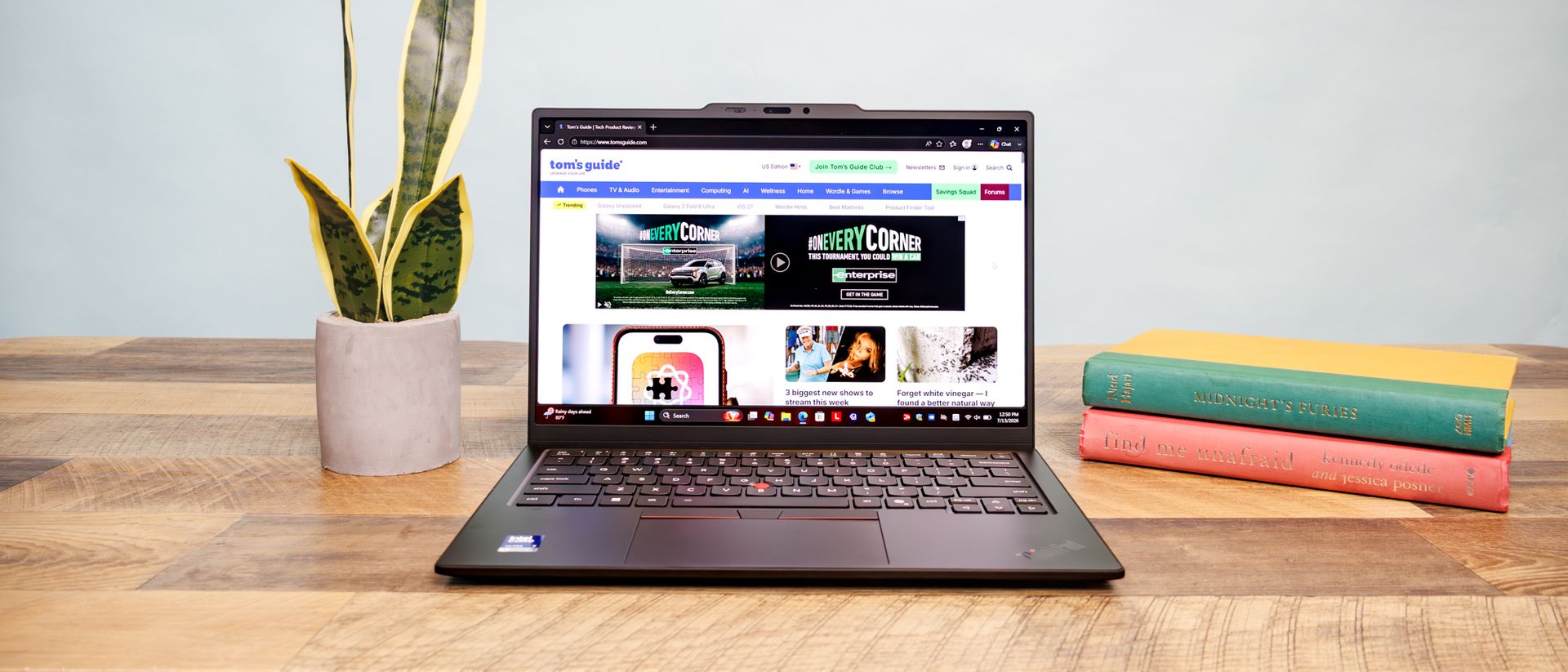
This is the hardware I recommend to controlling multiple computers with one keyboard and mouse
Talk about a productivity boost - I've been experimenting with controlling multiple PCs with different hardware, and this is what works for me.

This column discusses various hardware solutions for controlling multiple computers using a single keyboard and mouse. While software options like J5Create's Wormhole and Microsoft's Mouse without Borders are available, USB-based devices provide a more reliable alternative, especially in public Wi-Fi environments. Some USB devices, like the J5Create JUC100 to JUC700 or the Stardock's Multiplicity software, can work on devices such as Chromebooks.
However, a few require software installation. KVM switches can switch control among multiple PCs using USB connections but may not support seamless mouse handoffs. J5Create's Wormhole product line includes four simple cables with USB-A connectors on each end, ranging from $15 to $80. The JUC700 can also serve as a second display.
The Aero Drop CrossLink allows a PC-connected keyboard and mouse to control an iPhone, iPad, or Android device over Bluetooth, but only supports Mac. Two Kickstarter products, Asuizo Crossys and LoopMotion, require software installation but offer unique features. Asuizo Crossys has permanently attached cables and faceless software, while LoopMotion is a location-aware switch that works without software installation and supports Linux.
Microsoft's Mouse without Borders is a free option, but it is limited to four Windows PCs. For enterprise-level needs, Synergy and its open-source cousin DeskFlow offer better customization and management support.
Written by urgent.news from TechRadar's reporting — not their text. Machine-written — may contain errors; check the original before relying on it.