My old Android phone is a better always-on home server than most mini PCs I've tested
Your old Android phone has plenty left to offer as a home server.
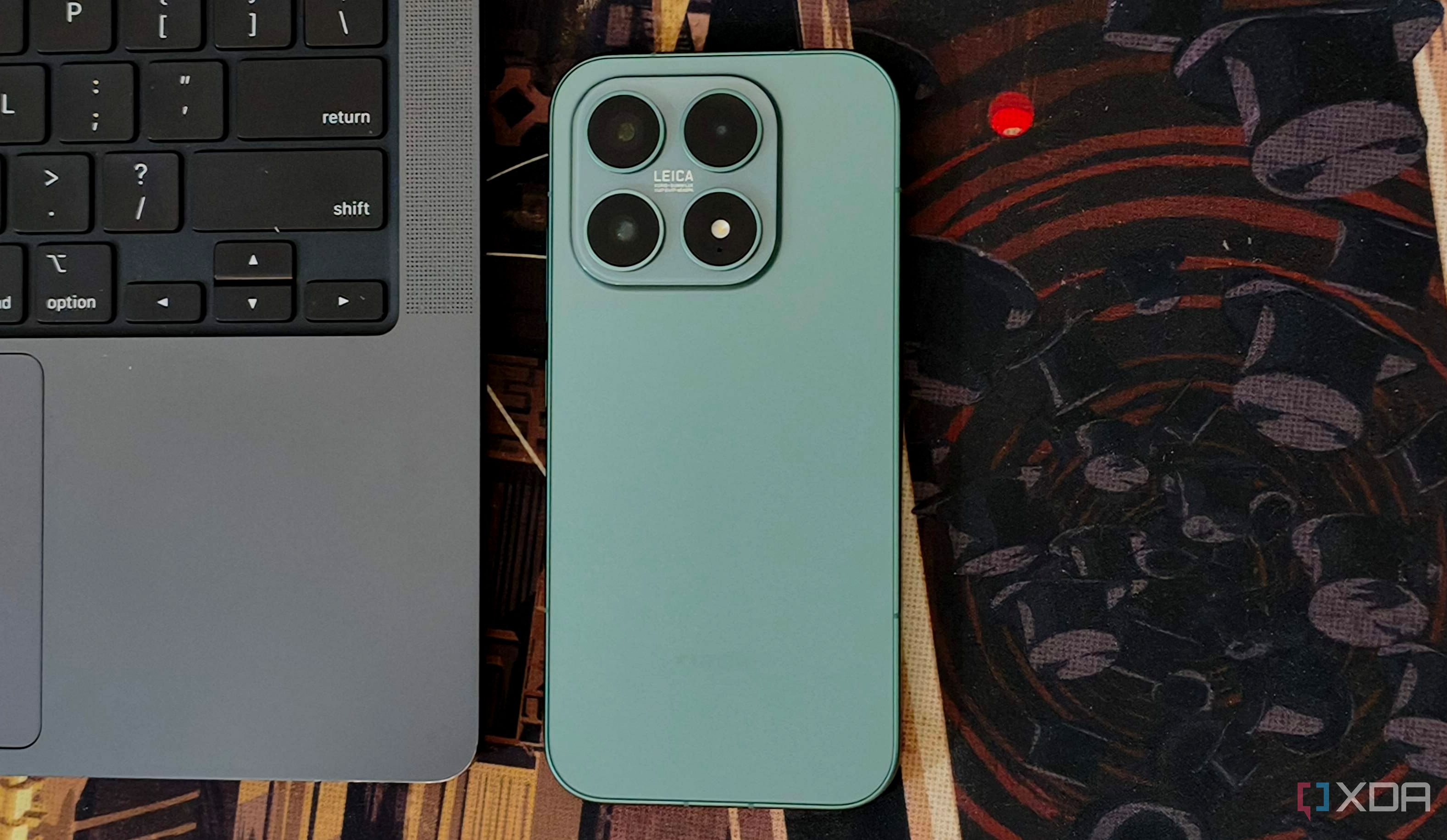
An old Android phone can serve as a capable home server, according to a recent report. While mini PCs and Raspberry Pis are often considered for such tasks, many people already have an underutilized Android phone gathering dust in a drawer. This device possesses a decent processor, ample RAM, storage, and Wi-Fi capabilities, making it a viable option before investing in additional hardware.
One advantage of using an old phone is the screen and battery that keep it running, even through brief power outages. With tools like Termux and Podroid, the phone can host various web tools, run scripts, and serve files around the house. The cost of a home server becomes a significant factor, especially if you only plan to run a few services. Repurposing a spare Android phone eliminates the need for extra purchases and helps justify the expense if the device is indeed required.
Setting up a home server on an Android phone is surprisingly straightforward. You can utilize the built-in storage and Wi-Fi to host small web applications or scripts, saving on additional drives or enclosures. Termux provides a terminal and access to packages that run on Android, allowing you to install services such as Nginx for a website, run Python or Node.js applications, and manage the setup over SSH from your computer.
Other tools like Podroid offer an alternative route by running an Alpine Linux virtual machine on the phone, providing access to Docker for running distributed applications.
Hosting services on an Android phone also has utility during power outages, as the device can continue functioning with its battery backup. While Jellyfin, a media server, can run on an Android phone, the files should be compatible with the device playing them to avoid unnecessary transcoding. The phone’s power usage is minimal, and it doesn’t require a separate UPS like mini PCs. However, you must manage background apps aggressively and configure the server app to run even when the screen is off.
Before committing to a phone-based server, it's essential to assess its capabilities and limits. Keep an eye on battery restrictions and ensure the software can function properly with the screen turned off. Regularly check the device's performance and manually launch any necessary services. Boot scripts can assist in supported setups, but you should confirm if the phone needs to be unlocked for everything to become accessible again.
Repurposing an old Android phone for a lightweight home server is a cost-effective solution worth considering before investing in a new computer.
Written by urgent.news from XDA Developers's reporting — not their text. Machine-written — may contain errors; check the original before relying on it.