I spent $200 on thrifted 4K Blu-rays instead of digital rentals, and my local Plex library paid for itself in months
You don't need to pay for subscription services
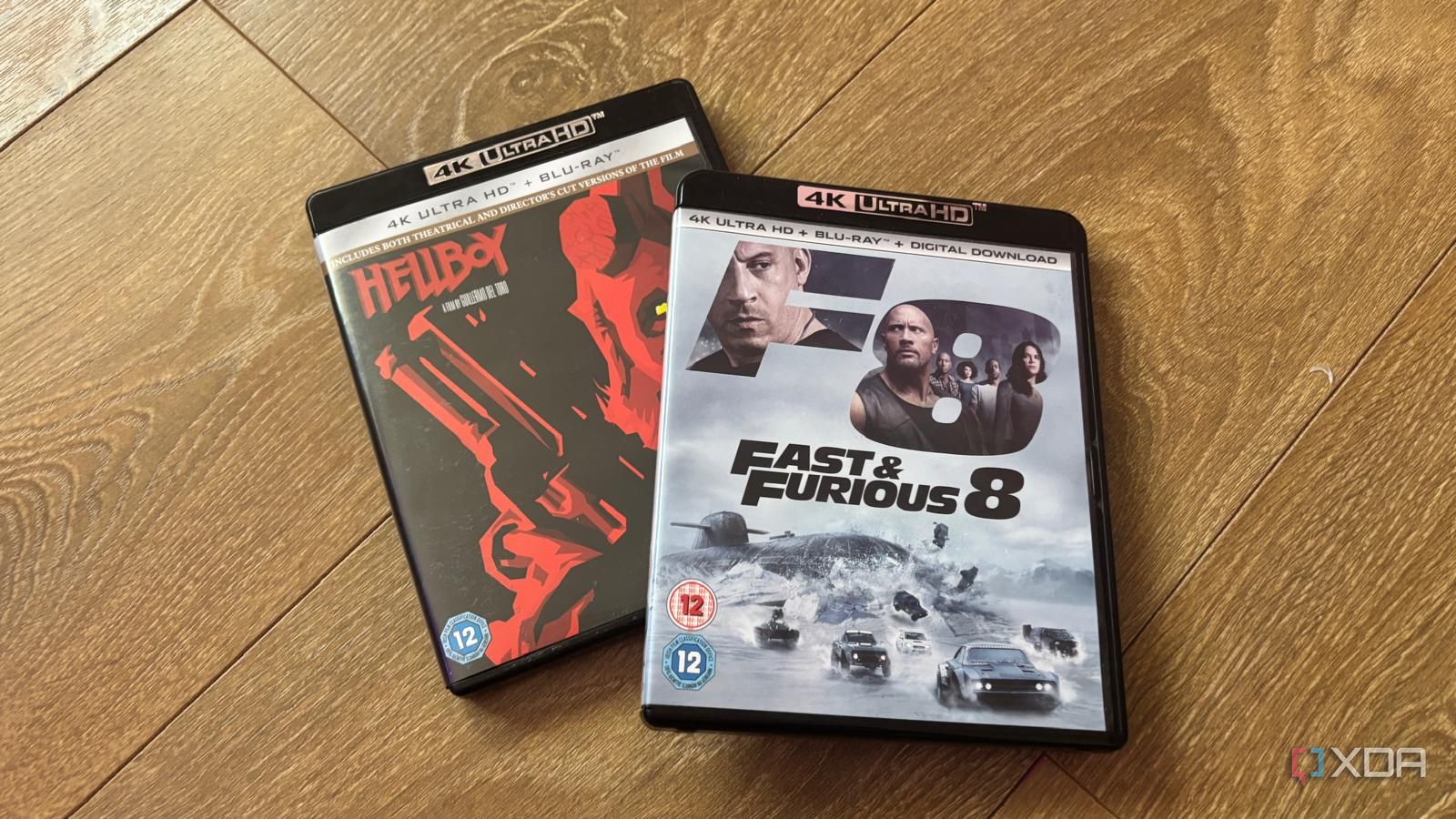
The allure of streaming services can be deceiving. Often, the desired film isn't available, and when it is, renting it costs $4 to $6. This digital file is compressed, resulting in a poor viewing experience compared to physical media. Despite the belief that physical media is obsolete, thrift stores, garage sales, and pawn shops are overflowing with used Blu-rays purchased once and discarded.
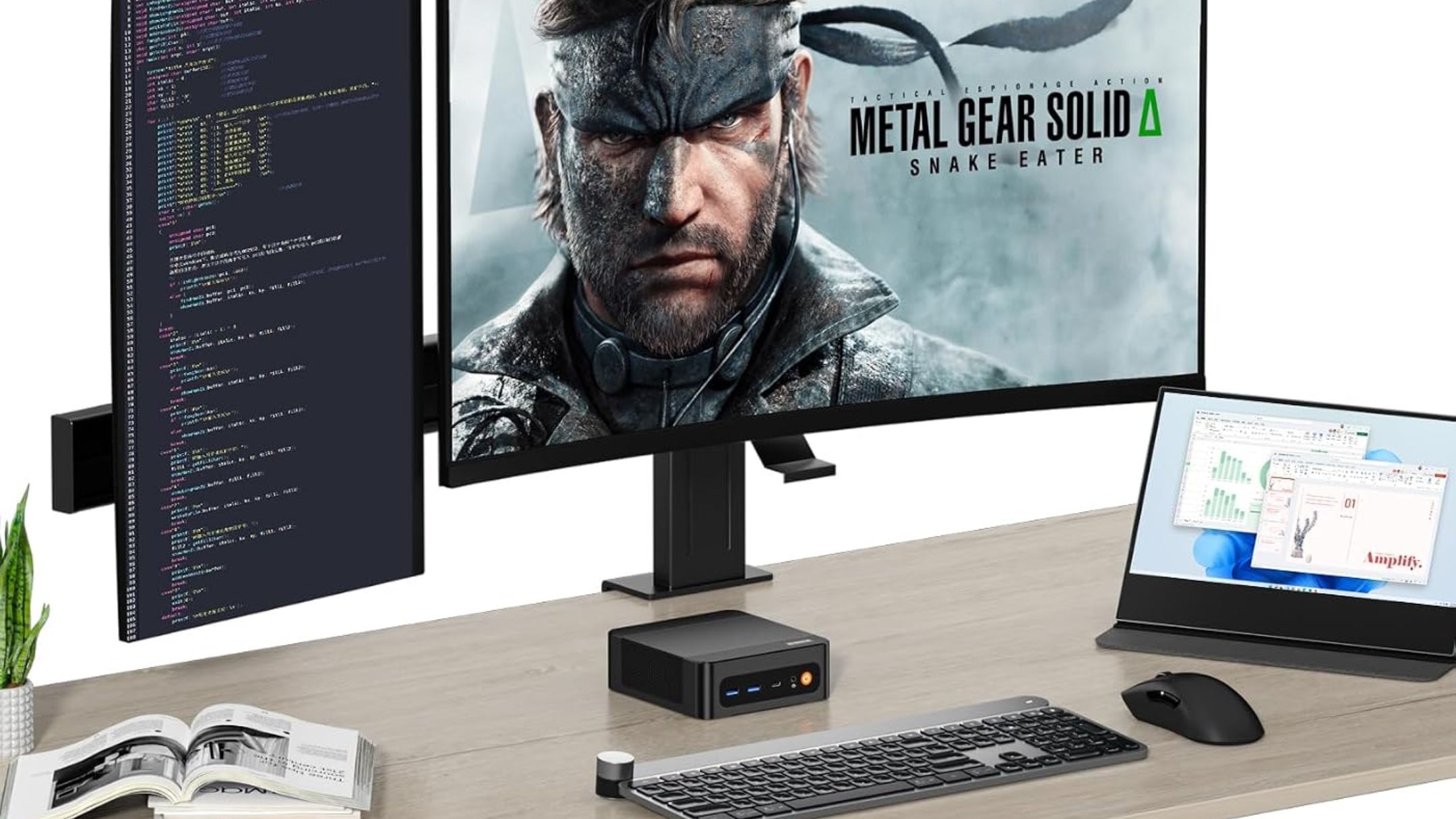
With a budget of $200, purchasing thrifted 4K discs, converting them to a local home server via MakeMKV, and adding them to a Plex library proves to be a superior option to paying for streaming services. When considering the true cost of recurring digital rentals, loss of ownership, and the low bitrates of streaming services, thrift hunting physical media proves to be a smart financial and technical choice.
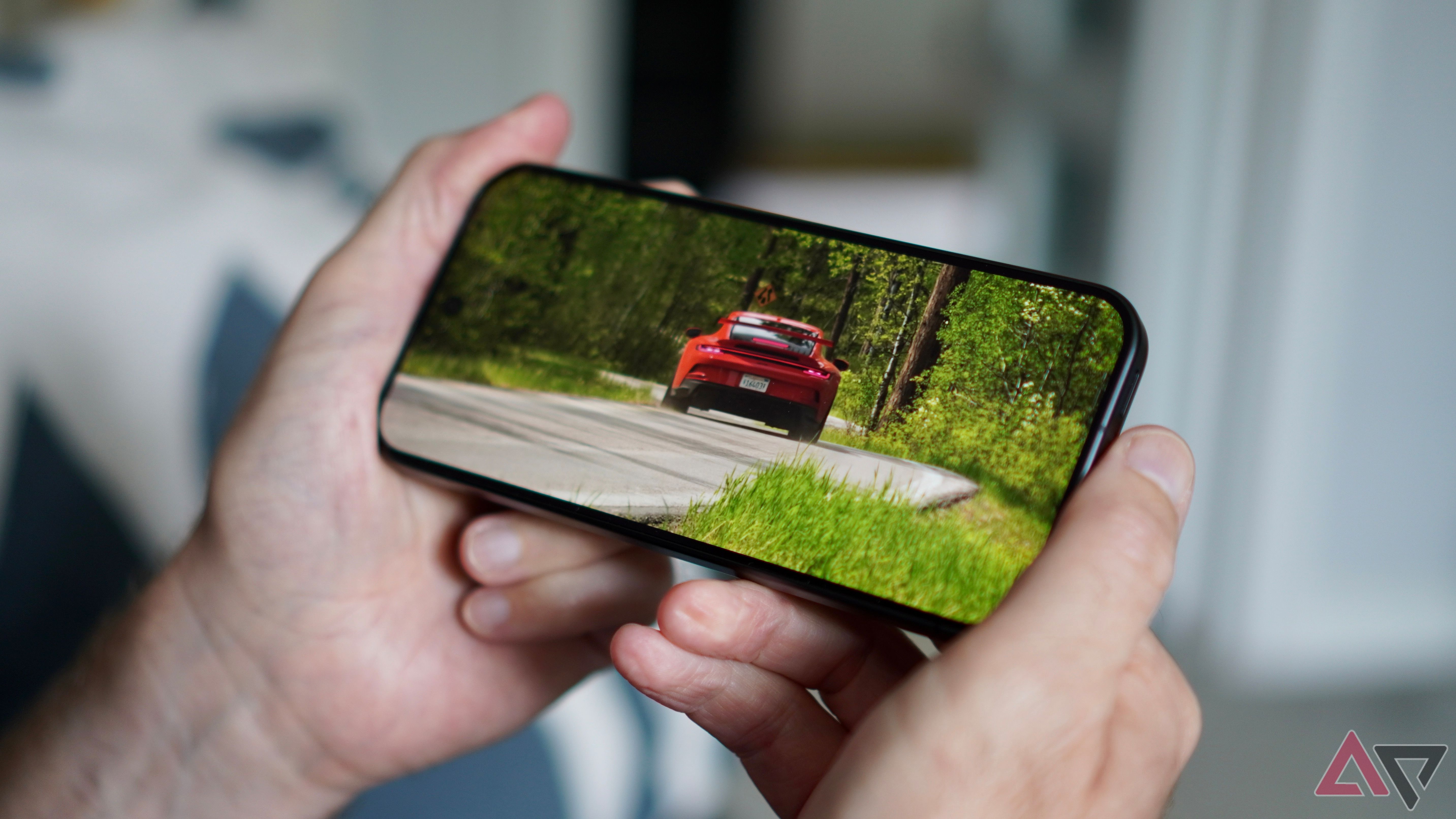
Streaming movies from services like Netflix, Prime Video, or Apple TV offers a false sense of 4K quality, as these platforms compress the video to 15Mbps to 25Mbps, making it less than the original quality on physical discs. Commercial streaming platforms compress 4K video to 15Mbps to 25Mbps to ensure accessibility for users with slower internet speeds.
Consequently, the quality of these streams often suffers, with macroblocks, muddy gradients, and compressed audio being more common. In contrast, a 4K Blu-ray disc showcases bit rates ranging from 60Mbps to over 100Mbps, paired with lossless audio formats like Dolby TrueHD, DTS-HD Master Audio, or Dolby Atmos, creating a significantly superior viewing and audio experience.
Ripping the Blu-ray directly into a Plex remux yields reference-grade quality that streaming services cannot match. In terms of cost, a thrifted 4K Blu-ray is much more affordable than purchasing new ones. While a new 4K Blu-ray typically retails for around $25 to $30, scouring thrift stores, pawn shops, and clearance bins can yield these discs for as little as $5 to $8 each.
With the secondhand market, it's possible to acquire anywhere from 20 to 30 top-tier films for roughly $200, averaging about $6 per movie—equivalent to the cost of a single digital rental that provides access for 48 hours. Once you own a disc, it's yours forever. Ripping it into Plex ensures that you can watch or rewatch the movie as many times as you like without incurring additional costs.
This method proves to be more cost-effective compared to the continuous expense of digital rentals. To begin building a physical media library, focus on thrift stores, pawn shops, and Facebook Marketplace for affordable and high-quality picks. Inspect the condition of the discs carefully, as there might be deep scratches, although 4K Blu-ray discs are quite durable due to their hard-coat polymer layers.
An Ultra HD Blu-ray drive is necessary to read these discs, and while they can be expensive, investing in one upfront allows for ripping numerous Blu-rays in the future. MakeMKV is a software that can be utilized to extract the main movie file as an uncompressed MKV container, preserving the original video and audio streams without any loss in quality.
Only select the audio tracks needed to save space. Finally, add the ripped files to your structured Plex media directories, and enjoy high-quality 4K streaming throughout your home. The digital rental model forces users to pay repeatedly for temporary access to compressed files or to pay a monthly subscription for services that frequently remove desired movies.
Investing $150 in thrifted physical media allows for the creation of a high-performance local streaming library that outperforms commercial streaming providers while retaining full ownership of the data. It's time to stop wasting money on temporary digital rentals and start building a Plex library that you truly own.
Written by urgent.news from XDA Developers's reporting — not their text. Machine-written — may contain errors; check the original before relying on it.