6 Samsung features that run smoother and faster on my Google Pixel
These are the reasons I'm sticking with my Pixel
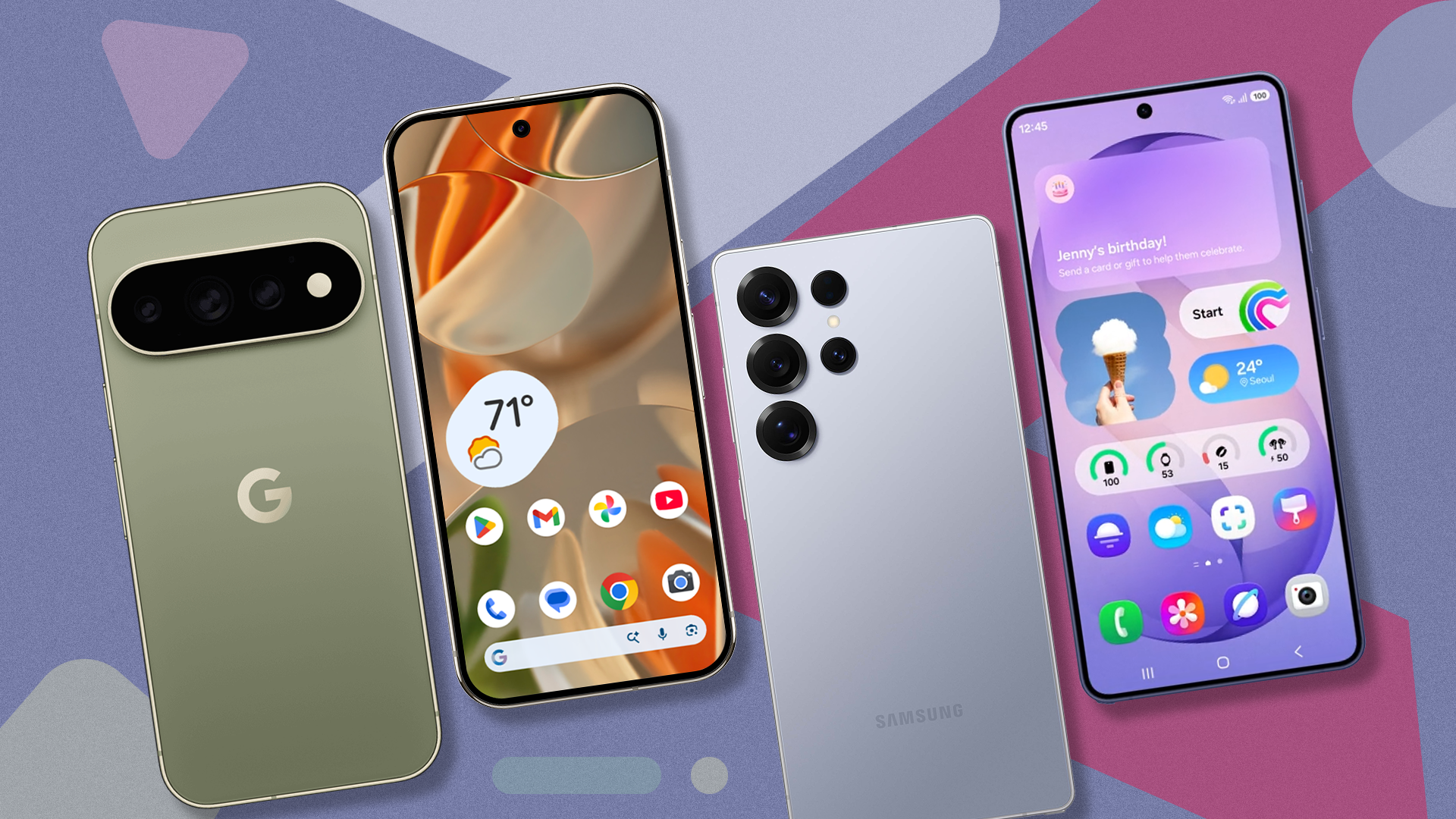
Over the years, I've owned numerous Samsung Galaxy devices, from foldables to mid-range models and even a Galaxy flip and tablet. However, in recent times, I switched to the Google Pixel as my primary device. While initially using a Samsung phone, I discovered that Google's implementation of certain features on the Pixel surpassed Samsung's offerings on their own devices. This made the prospect of returning to a Samsung feel less appealing.
One significant aspect that drew me to Samsung devices was the extensive personalization options through Good Lock. This suite offered modules that provided additional custom features and controls, such as personalized home screens and lock screens with widgets and app icons. While this feature has been available on Android for years, I found the customization on my Pixel to be more seamless and native-like compared to Samsung's implementation.
While Samsung's One UI offers more controls and options, it often feels less integrated and requires more effort to achieve a cohesive look.
Another area where Google's Pixel stands out is in power management. One UI's Adaptive Battery, while present on Samsung devices, felt inconsistent and sometimes hit-or-miss. In contrast, Google's implementation on the Pixel consistently provided better optimization, resulting in a more stable battery life. Additionally, Google's Tensor chip seems to have more advanced machine learning algorithms, enabling the Pixel to launch idle apps instantly, whereas Samsung devices sometimes experienced noticeable lag when returning to recent apps.
Samsung's Secure Folder, which allowed for isolated app usage and sensitive file storage, was another feature I appreciated. However, after using Google's Private Space extensively on my Pixel, I discovered that Google's approach was more intuitive and faster. I preferred the integrated layout within the app drawer, which made navigation effortless and eliminated the perceived lag that sometimes accompanied Samsung's Secure Folder.
When it came to photography, I found Google's Pixel Camera to be superior, both in terms of speed and user experience. The app's viewfinder layout was more user-friendly, and the overall experience felt more seamless, with quick transitions between capture modes and common shortcuts. While Samsung's Camera app offered manual Pro controls, I still preferred the intuitiveness and stability of Google's Camera app.
Google Photos' Magic Eraser has been my go-to editing tool for years, removing photobombers and unwanted distractions from photos. Although Samsung introduced a similar feature called Object Eraser before Google's Magic Eraser became widely available, I still found Magic Eraser more effective. Object Eraser suffered from lower detection accuracy and struggled to reconstruct backgrounds cleanly, often leaving behind noticeable smudges.
Magic Eraser consistently provided a more convincing result, making it my preferred choice for photo editing.
Written by urgent.news from Android Police's reporting — not their text. Machine-written — may contain errors; check the original before relying on it.
This story
This is one outlet's version. Read the fullest account.
- I wish Google would copy these 5 LineageOS features for its Pixel phones androidpolice.com
- Google Health 5.11 rolling out expanded 100+ activity detection to Fitbit Air, Pixel Watch 9to5google.com
- Your Pixel Watch is getting smarter about tracking activity with Google Health 5.11 androidauthority.com
- I ditched Google Translate for a local model running on my GPU, and it works offline too xda-developers.com