5 TV features I disable before anyone in my family is allowed to watch anything
Your brand-new TV isn't ready until you make it ready
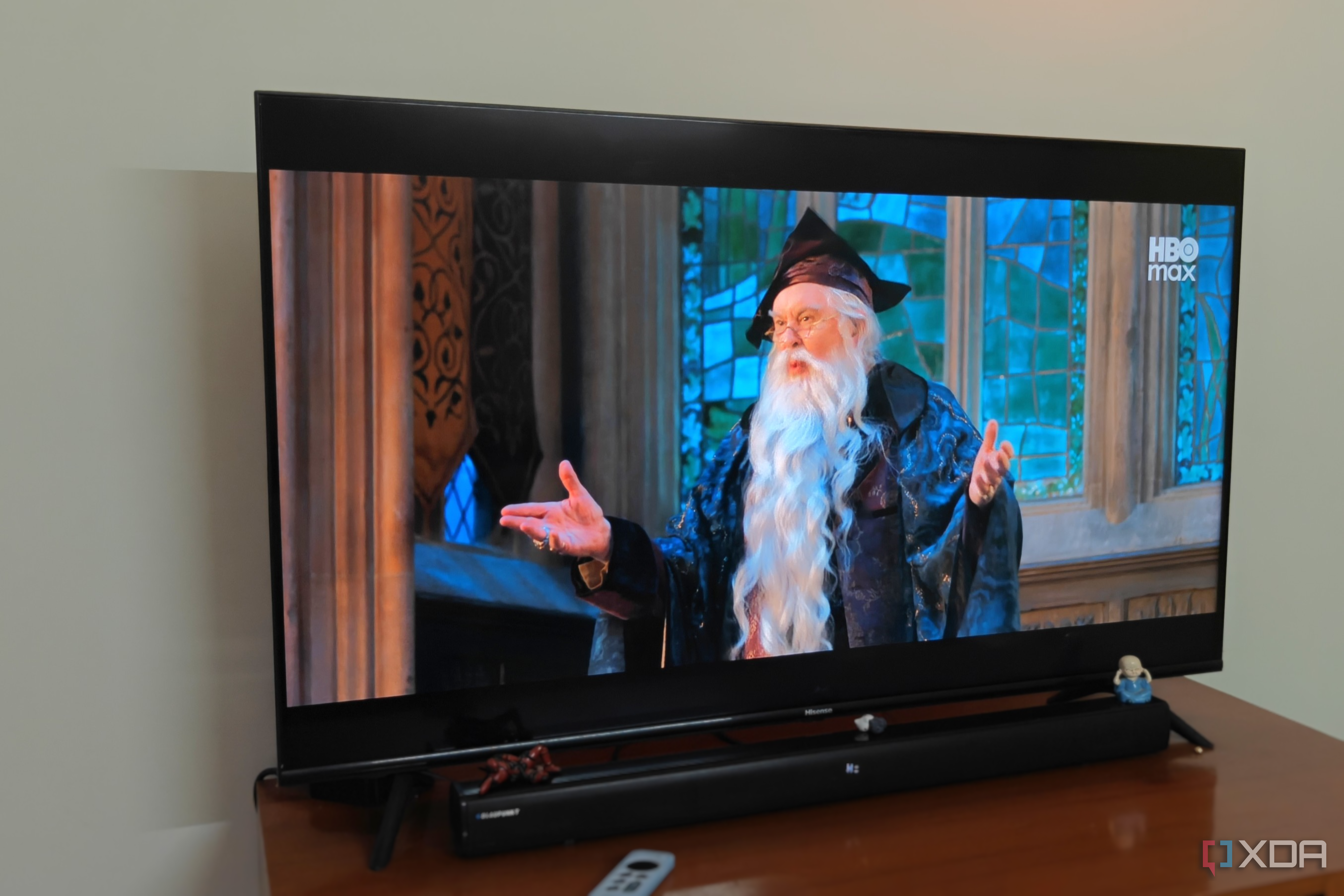
The TV is a central hub for home entertainment, but the default settings can severely undermine the viewing experience. When setting up a new TV, it's crucial to disable several features that significantly affect picture and sound quality. One of the most criticized settings is "Motion smoothing," which artificially adds frames to lower-framerate content, creating a soap opera effect that distorts the original filmmaker's vision.
This setting can usually be found in the advanced section of the Picture settings and should be turned off or set to the lowest available option.
Another problematic feature is automatic or adaptive brightness, which adjusts the panel's brightness based on ambient light. This setting often results in a dimmer picture in dark rooms and a hazy image in well-lit environments. Disabling automatic brightness allows the panel to reach its full brightness potential, enhancing the HDR experience.
Energy saver or Eco modes are another set of settings to avoid. These modes limit the panel's brightness to conserve power, which can negatively impact the picture quality, especially during scenes requiring the brightest or darkest settings. Turning off Eco Mode ensures the TV can deliver its best performance when needed.
Accurate Color Rendering (ACR) is a more recent concern, as it has been linked to privacy issues. Some TV manufacturers use ACR to record viewing habits and sell this data to third parties or use it for targeted advertising. Disabling ACR is a straightforward way to protect your privacy, even if it may not address all concerns about data surveillance.
Surround Sound settings are often overlooked but can also be a source of issues. Not all TVs are equipped with the necessary hardware to provide a satisfactory surround sound experience, particularly if you're using external soundbars or speakers. In many cases, these settings interfere with external audio devices, leading to subpar sound quality. Unless your TV's speakers are exceptional, it's best to disable Surround Sound and rely on your external audio system for the best experience.
To fully enjoy your new TV, it's worth the effort to disable these common settings. While it may seem like a hassle in the moment, the difference in picture and sound quality is well worth the few minutes spent on setup. By taking the time to adjust these features, you'll be rewarded with a more immersive and satisfying viewing experience.
Written by urgent.news from XDA Developers's reporting — not their text. Machine-written — may contain errors; check the original before relying on it.