Docker runs containers with root privileges by default, and that's a bigger risk than most people realize
Docker's default root setup turns one vulnerable container into a full system compromise
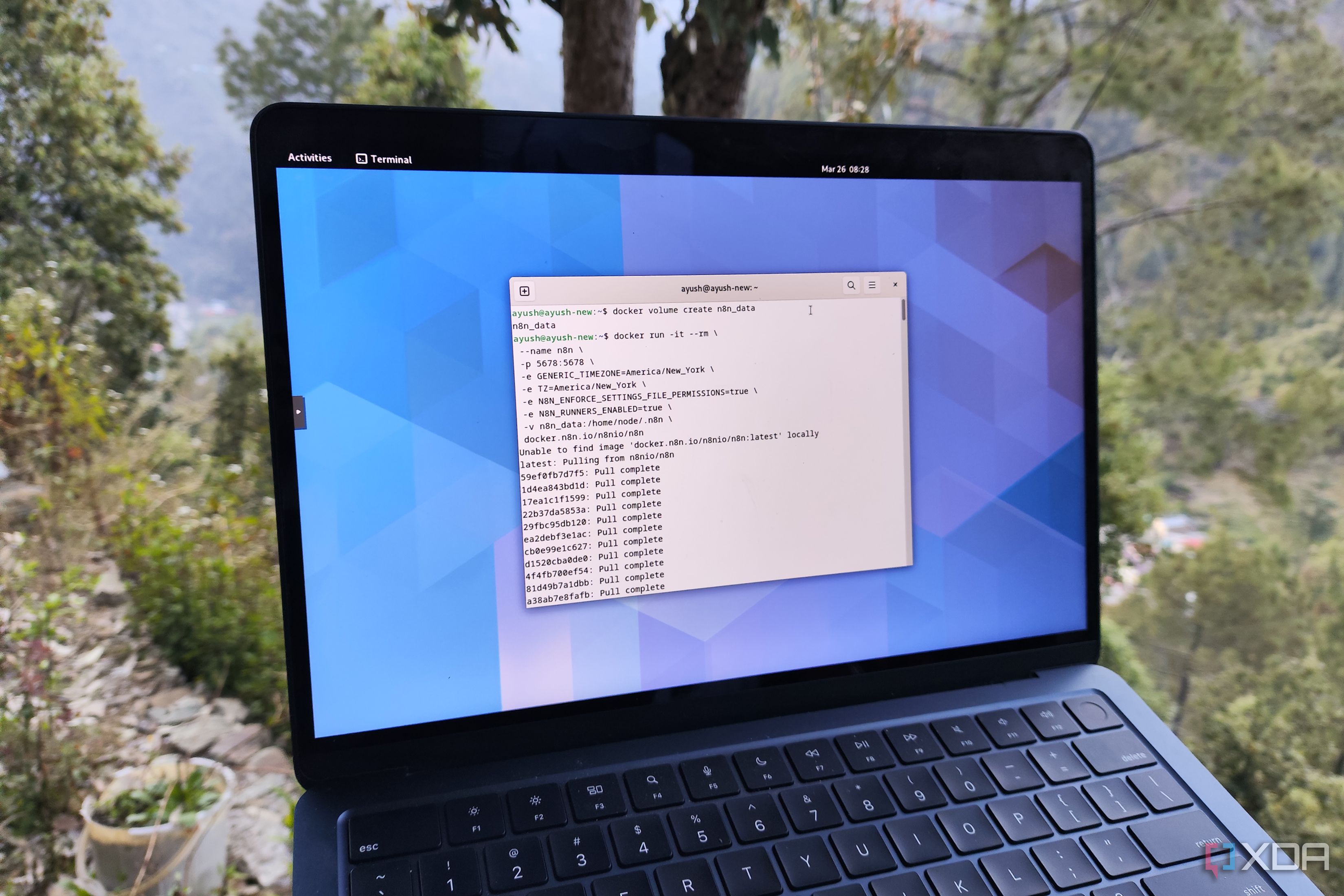
Docker, the most popular container runtime for home users, is notorious for running processes with root-level access by default. This default configuration poses a significant security risk, especially for those who frequently experiment with GitHub repositories. When Docker installs, the underlying daemon process, dockerd, binds to the Unix socket owned by the root user.
Unless configured otherwise, any container spawned from dockerd also operates with root privileges. This design flaw can be problematic, as containers share the kernel with the host machine, and root access provides malicious code within a container the ability to escape and compromise the entire system. While there are ways to mitigate this risk, such as modifying the Dockerfile or manually overriding the user in the docker run or compose.yml files, these methods can be cumbersome and require repetitive setup for each container.
A more secure approach is to utilize Docker's rootless mode, which confines both the container and the daemon behind an unprivileged user. This method prevents a malfunctioning container from gaining root access to the host machine. To enable rootless mode, users can simply run a set of commands to install the necessary dependencies and install the rootless Docker version.
However, rootless containers do present some challenges, such as the inability to map privileged ports, which can limit the functionality of certain applications like Pi-hole that require access to port 53. Additionally, rootless mode may introduce storage constraints and require more effort to manage cgroups v2 and AppArmor profiles.
Nonetheless, for users who prioritize security and wish to experiment with productivity tools, quirky container images, and data archival utilities, enabling rootless mode on Docker is a worthwhile investment.
Written by urgent.news from XDA Developers's reporting — not their text. Machine-written — may contain errors; check the original before relying on it.