How GPS taught my car-sickness app which way is down
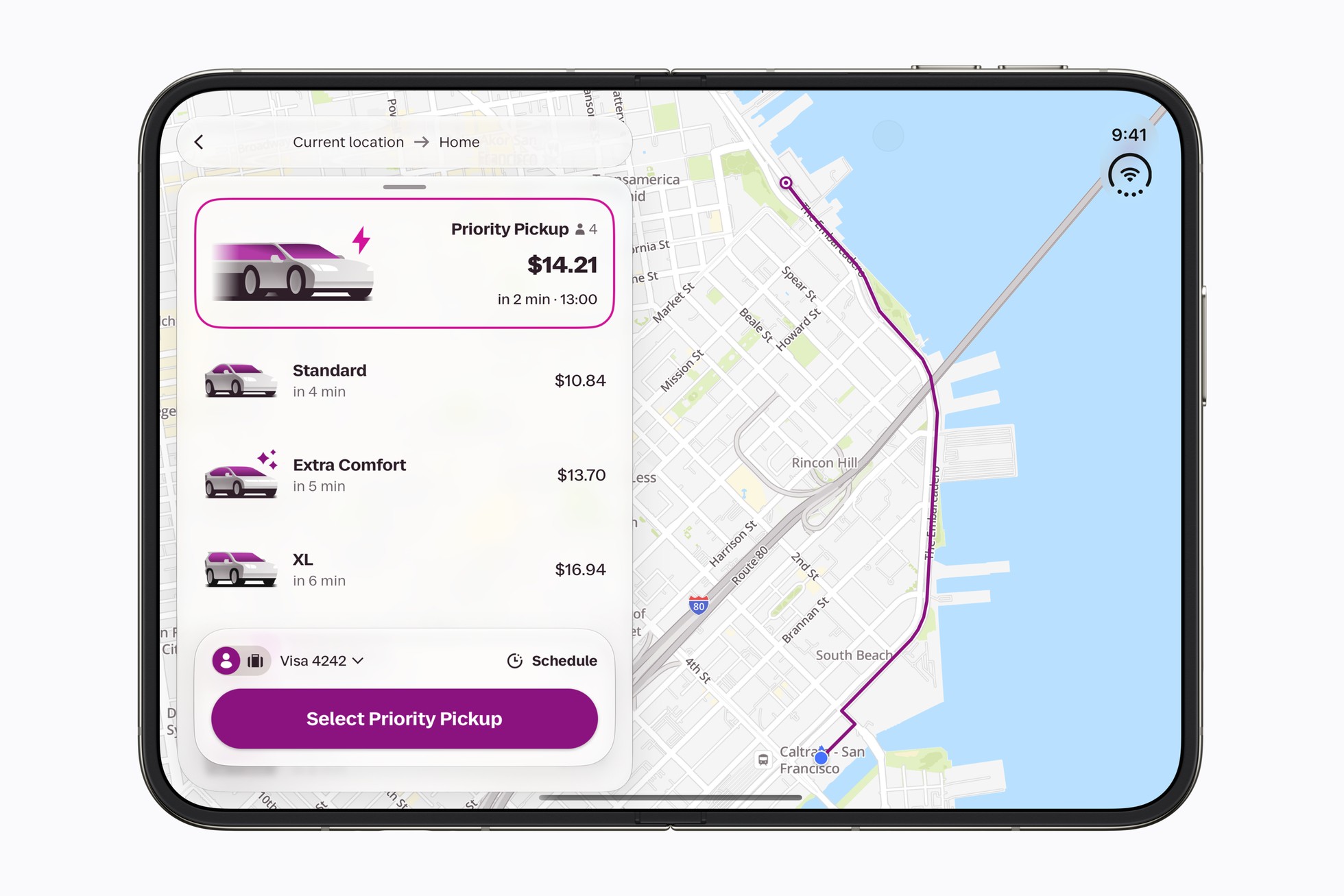
I'm the developer of Perusa, a small Android app I build on my own. It puts dots along the edges of the screen that follow the car's real braking and turns, on top of whatever you're reading, for passengers who feel queasy reading in the car. This post is about the problem I spent last week on: knowing which way is down. The problem The phone's accelerometer measures everything at once: gravity…
I developed an Android app called Perusa to help passengers with car-sickness. It displays dots on the screen that follow the car's braking and turning motion, superimposed on whatever the passenger is reading. To make this possible, the app needs to separate gravity from the car's push. The phone's accelerometer measures both gravity and the car's push at once, making it difficult to isolate gravity.
Knowing which way is "down" is crucial for this process. On a straight, constant-speed road, it's easy to determine the downward direction as gravity. However, in stop-and-go traffic, where the car is not steady for long periods, the app's corrections are often turned off. Even a small knock on the phone can lead to significant errors in the perceived direction of down.
To address this, the app uses GPS data to determine the car's acceleration and compares it with the accelerometer readings. By taking out the changes in speed between GPS fixes, the app can isolate gravity even during turns. However, GPS data arrives with a lag, which can complicate the process. The app also accounts for the holder's angle, as the phone is rarely perfectly aligned with the car.
By learning the GPS lag and holder angle together for each ride, the app can make more accurate corrections. In 44 recorded rides, the app reduced time with cue error above 0.5 m/s² from 1523 seconds to 1070 seconds, and reduced phantom-motion time on calm roads from 920 seconds to 740 seconds. Maneuvers were still pointing the right way in 99.6% of cases.
Perusa is for passengers only and is not a medical device. It's free to install with a limited number of cues, then can be unlocked for $1.99.
Written by urgent.news from Dev.to's reporting — not their text. Machine-written — may contain errors; check the original before relying on it.