Google Pixel is basic out of the box, but these 6 changes make it a productivity powerhouse
Small changes make a massive difference
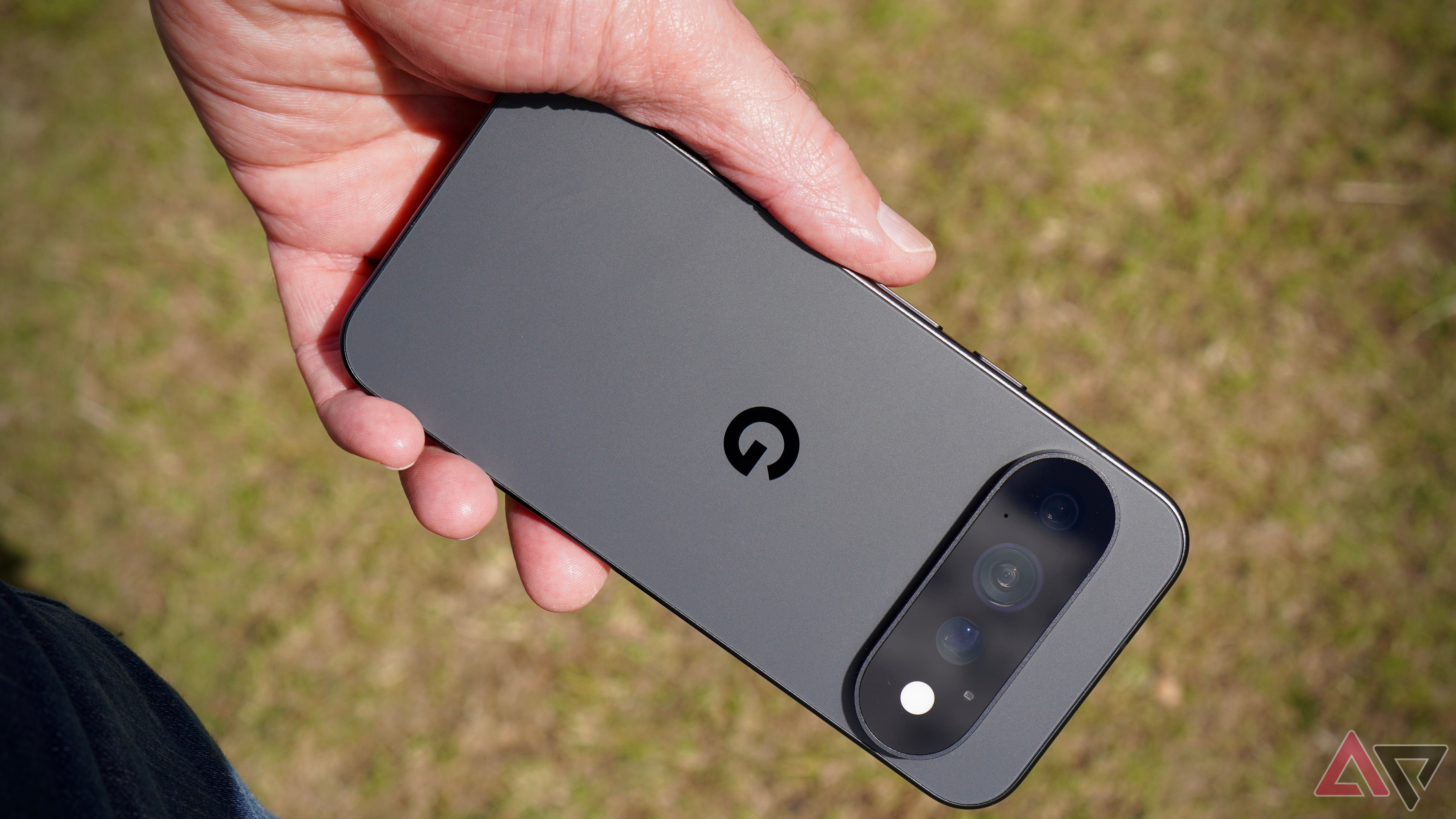
Google Pixel phones are celebrated for their clean software, clever AI features, and minimalist Android experience. However, I've found that the default setup doesn't fully highlight the potential of these devices. From managing important information and simplifying payments to enhancing the user experience, a few adjustments have significantly improved my usage.
One underestimated Pixel feature I suggest turning on immediately is Adaptive Sound. This feature automatically adjusts the speaker output according to the user's surroundings, optimizing audio quality without altering the volume. For instance, when watching a YouTube video in a quiet office, the phone can enhance the audio for that environment.
If I move to a louder space, Adaptive Sound adapts the audio output accordingly. Enabling this feature is quick and simple - just go to Settings > Sound & vibration > Adaptive Sound and toggle it on. I regularly participate in video meetings and have noticed that many built-in laptop webcams struggle to provide decent video quality.
To overcome this, I utilize my Pixel's superior camera hardware. Connecting my Pixel to my Windows PC or Mac via a USB cable that supports data transfer and selecting 'Webcam' as the video source in the notification panel is straightforward. This allows me to use Google Meet, Zoom, or Teams and select Android Webcam as the video source.
I prefer using the rear camera for higher quality. A recent addition to the Pixel UI is Private Space, which is useful when sharing the phone with others. It keeps certain personal apps and sensitive information away from the regular app drawer. Set up is easy - go to Settings > Security & privacy > Private space, authenticate, and follow the prompts.
For added security, I recommend setting a separate PIN. When enabled, Private Space can be accessed at the bottom of the app drawer and locked from view. I have experimented with various AI assistants and have found that Grok serves as my preferred choice on my Pixel, surpassing Gemini. Android allows users to select a compatible assistant under Settings > Apps > Default apps > Digital assistant app.
While Gemini offers deeper integration with Google services, Grok provides a more intuitive experience for everyday AI conversations. If you prefer alternatives like Claude or ChatGPT, they can also be set as the default assistant on Android. One of the simplest ways to enhance the functionality of my Pixel is by adding payment cards in Google Wallet.
In supported regions, I can include my credit and debit cards, enable NFC, and make contactless payments without needing my physical wallet. This convenience extends to the Pixel Watch, where I can add a payment card separately to Google Wallet and make payments from my wrist, even without the phone nearby. As someone who has been a BlackBerry fan, I appreciate the inclusion of HiLight on the Pixel 11 Pro lineup.
This feature uses a ring of colorful LED lights around the camera flash to alert me to incoming calls without needing to check my phone. I can assign custom colors to favorite contacts, receive double flashes for messages from these contacts, and with the Android 17 beta, use Google Messages. HiLight can be enabled under Settings > System > HiLight.
It's a useful productivity feature, though I would love to see support for third-party apps like WhatsApp in the future. While a Google Pixel may appear basic at first glance, it offers more capabilities than its clean interface suggests. These small adjustments have helped me accomplish more, streamline daily tasks, and make my Pixel a more powerful tool.
The best part is that you don't need to install numerous third-party apps or invest significant time in customizing your device to notice the difference. These six changes are just the beginning, and I highly recommend exploring other lesser-known features to discover what works best for your workflow.
Written by urgent.news from Android Police's reporting — not their text. Machine-written — may contain errors; check the original before relying on it.
Also reported by 1 other outlet
- Google’s refurbished Pixel 9 might be the smartest phone purchase of 2026 androidauthority.com