Is It Safe To Enter Your Vehicle Number On A Challan Website? What To Check First
You open a website, type your vehicle number and hope for a short, honest answer. It is a small step, yet many owners hesitate, and with good reason, because fake challan messages and websites have become common. The truth is that entering your number on a genuine site carries little risk. The danger comes from sites that ask for more, or that are not what they pretend to be. Here is how to tell…
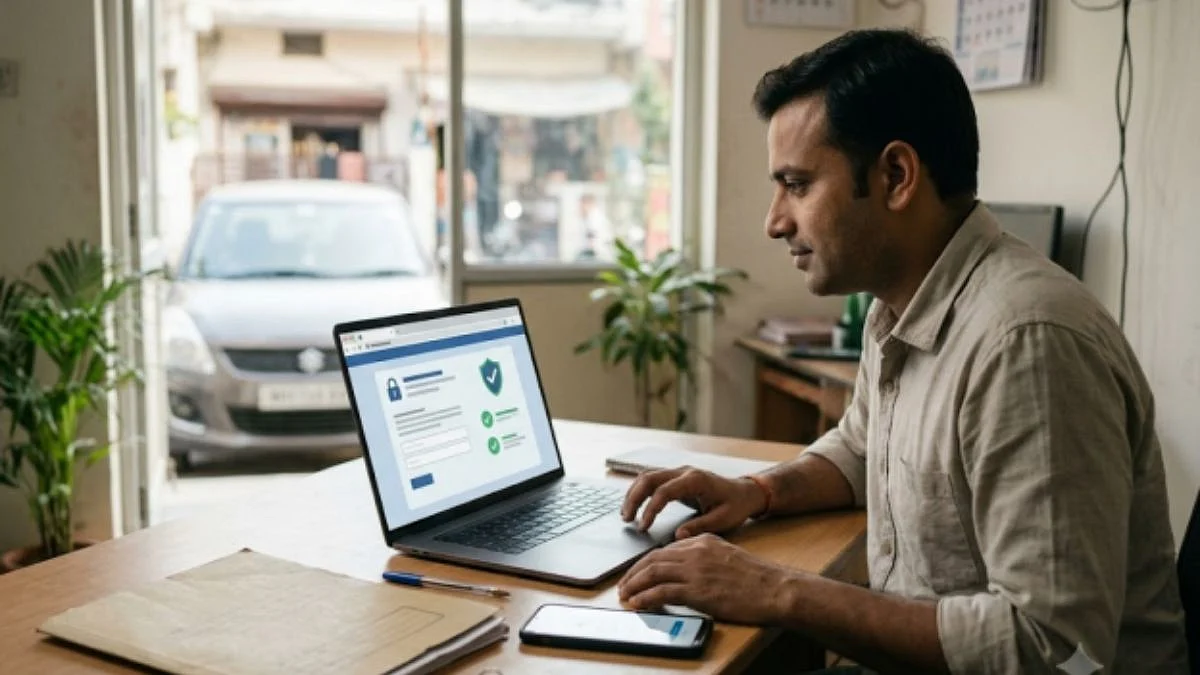
Entering your vehicle number on a genuine challan website poses little risk. However, fake sites with malicious intent often pose a threat. To differentiate between the two, observe the information they request. Legitimate sites only require your vehicle number, challan number, or driving licence number. They never ask for card PIN, UPI PIN, CVV, or bank passwords, nor do they require you to upload documents.
If a site seeks this information before displaying a challan, it is likely fraudulent. Scammers use visible vehicle numbers on plates in fake messages to mimic genuine sites. They also replicate the appearance of the official portal. Beware of SMS or WhatsApp messages claiming a pending challan must be paid immediately to avoid higher fines.
These messages often contain links that lead to fake websites designed to steal your card information or personal data. Authentic notices never request the installation of any software. To verify the authenticity of a site, check its address manually, ensure it ends in gov.in, and look for specific details in the message, such as vehicle number, challan number, date, and location.
Be cautious of urgency, threats, and requests to install an app. When using a platform other than the official portal, ensure it requires minimal information, has clear data usage policies, employs secure payment gateways, offers status tracking, and provides a straightforward refund policy. The Cars24 platform, for instance, only requires a vehicle number, uses tokenised payment details, and allows you to track the status of your payment in My Orders.
Should you inadvertently enter your card details or install software from a suspicious link, take immediate action. Block your card, contact the cyber crime helpline at 1930, and report the incident at cybercrime.gov.in. If you installed an app, uninstall it, change your banking and email passwords, and notify your bank to monitor your account.
Keep records of the message, link, and payment details for your protection. After taking these precautions, verify your real challans on the official portal. Checking before entering any information is a prudent habit to adopt for online safety.
Written by urgent.news from Free Press Journal's reporting — not their text. Machine-written — may contain errors; check the original before relying on it.