I missed Google Assistant, so I taught Gemini to shut up and act like it used to be
Gemini can replace Google Assistant again with these 3 settings
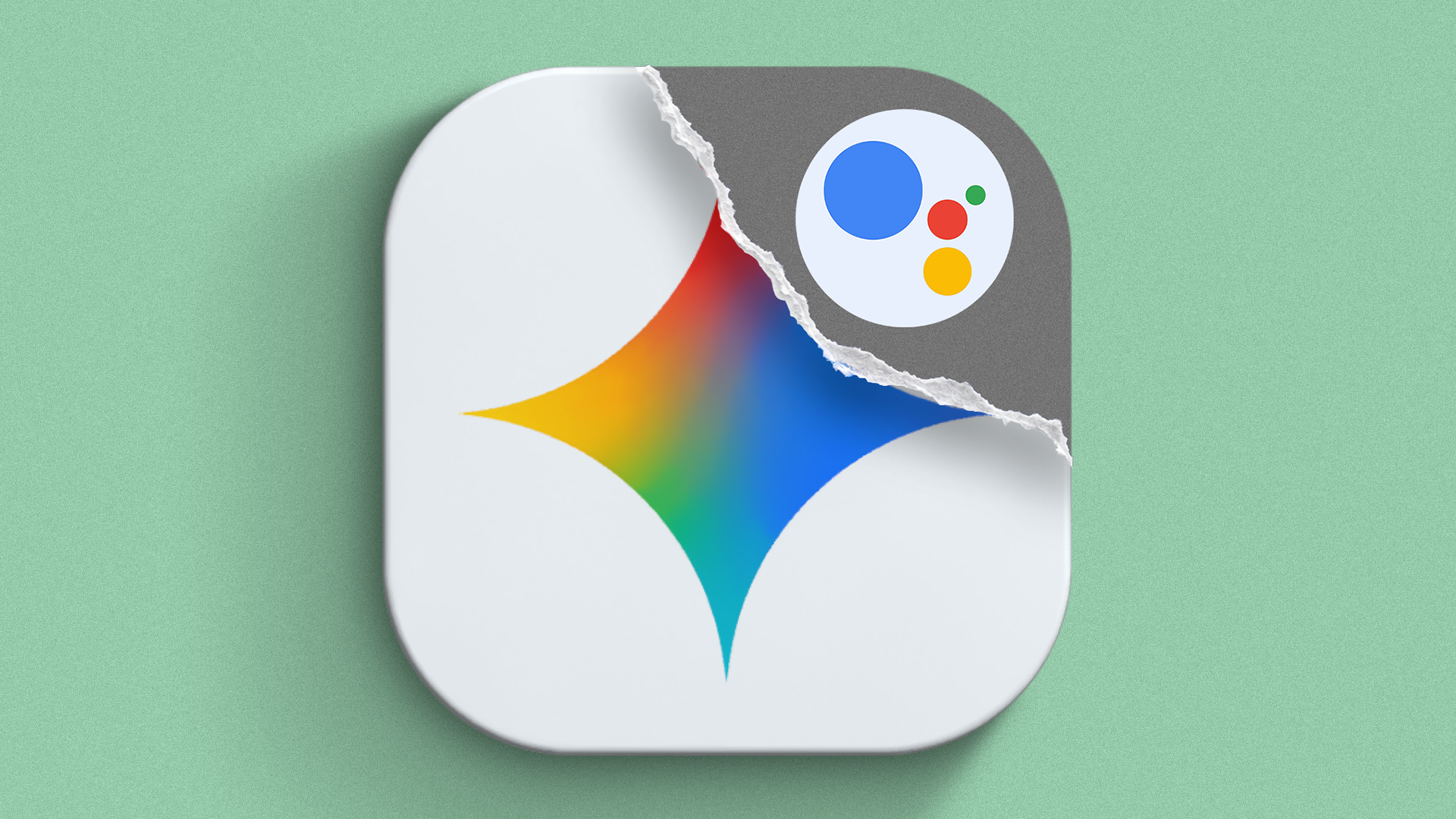
Google Assistant has officially been retired, leaving many Android users disappointed. In its place, Gemini, Google's new default AI, has taken over. However, some users find Gemini's conversational style and long-winded answers annoying. Fortunately, it is possible to revert Gemini's behavior to resemble the old Google Assistant.
By adjusting the settings and providing specific instructions, you can make Gemini more efficient and user-friendly. Open Gemini's settings, navigate to Personal intelligence, and enter instructions for Gemini. The goal is to make Gemini respond succinctly, directly, and immediately without any unnecessary pleasantries or follow-up questions.
For smart home devices, you can enable immediate confirmation and concise responses. Additionally, ensure that Google Home is turned on in Gemini's Connected Apps settings to maintain access to smart home devices. Another useful setting is Gemini on lock screen, which allows you to use Gemini without unlocking your phone. This feature enables you to set timers, silence alarms, and perform other tasks directly from your device.
Keep in mind that the availability of certain features, such as scheduled actions, may depend on your Google account plan. Despite the limitations, these adjustments can significantly improve your experience with Gemini, making it more akin to the helpful and efficient Google Assistant that many users have come to rely on.
Written by urgent.news from Android Police's reporting — not their text. Machine-written — may contain errors; check the original before relying on it.
Also reported by 1 other outlet
- Now even CarPlay users can talk to Gemini during Google Maps navigation androidauthority.com