4 ways to use an Old Pixel device to work instead of letting it collect dust
Don't trade in that old Pixel just yet; give it one of these clever second lives.
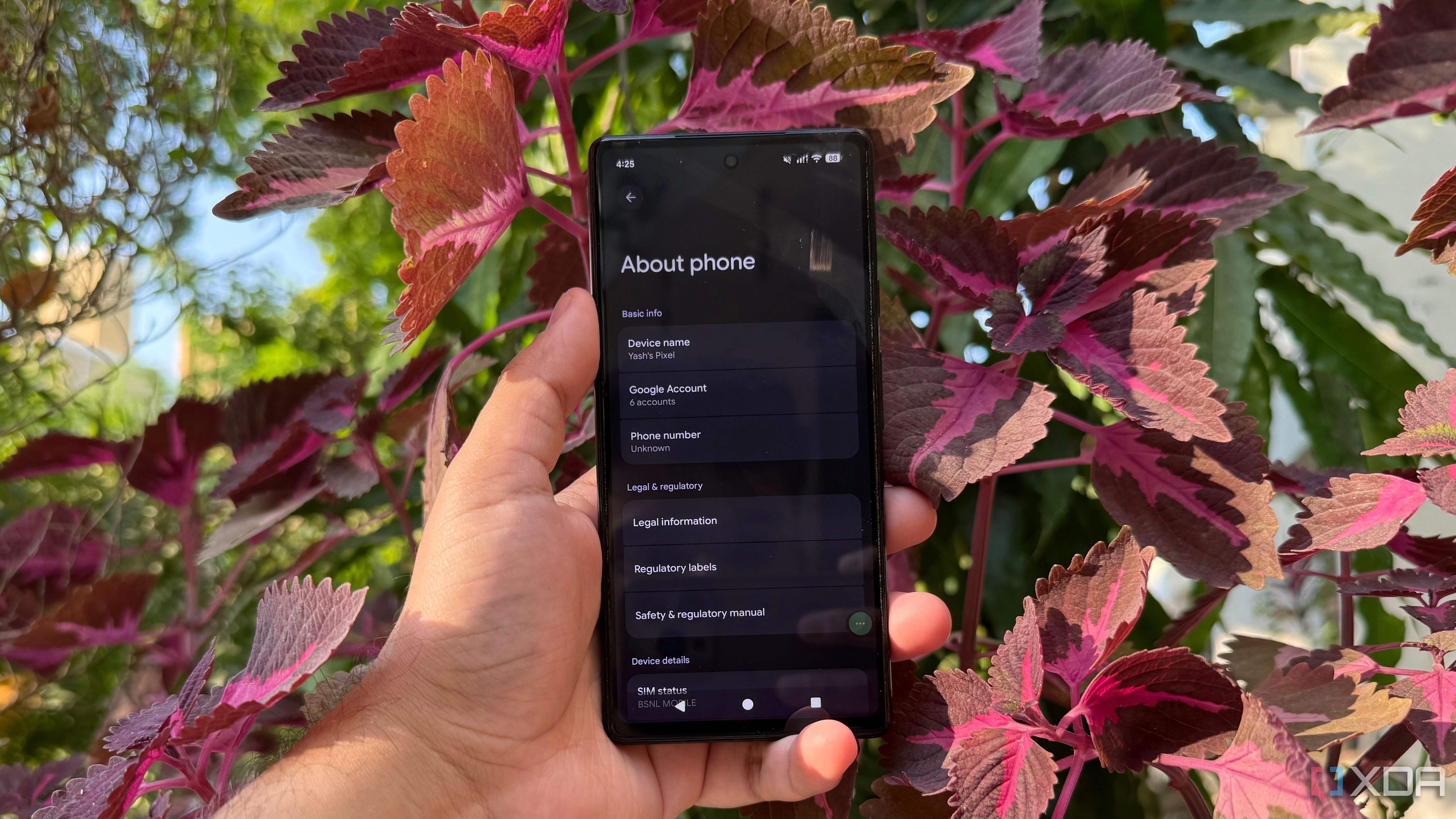
Discarding old devices has become a common reaction to upgrading to newer models. However, an old Pixel device doesn't have to gather dust in a drawer. There are several ways to repurpose it, turning a seemingly useless gadget into a practical addition to everyday life.
One way to utilize an old Pixel is as an improved webcam for video calls. Android devices have a built-in USB webcam feature, which can be easily enabled on supported models. Simply connect the old Pixel to a laptop, open the USB preferences from the notification, and select the webcam option. The laptop will recognize the phone as a camera, allowing you to use it in video conferencing apps. This setup requires minimal effort and can provide a sharper image than the webcam often found on laptops.
Another creative use for an old Pixel is as a dedicated navigation display for an older car. By mounting the phone on the dashboard and using Android Auto's driving interface through a compatible setup, it can serve as a useful display for navigation, music, and hands-free communication. Depending on the car's compatibility and available apps, a third-party solution may be needed to display the interface directly on the phone.
Connecting it to the car's audio system via Bluetooth or an AUX cable ensures that navigation instructions and music can be accessed easily during drives.
The Pixel can also serve as a Home Assistant dashboard, providing a dedicated screen for monitoring smart home devices. By mounting the phone on a desk or wall and using the Home Assistant instance in its browser, you can create a customized dashboard with essential controls such as lights, climate controls, sensor readings, and automation shortcuts. This setup allows for quick access to important information without needing to navigate through multiple menus on a primary device.
Lastly, an old Pixel can be repurposed as a lightweight media server for streaming videos within a home network. With the help of tools like Termux and a suitable Linux environment, it's possible to set up Jellyfin and stream videos to compatible devices on the network. This setup offers a practical alternative to running a home server using a Raspberry Pi or a spare PC.
While there may be limitations due to Android's background process restrictions and older hardware performance, direct playback of supported media files can provide a satisfactory streaming experience.
Written by urgent.news from XDA Developers's reporting — not their text. Machine-written — may contain errors; check the original before relying on it.