Narrowing my Wi-Fi channel made my streaming box faster, even though it should've done the opposite
Wider width isn't always the best option.
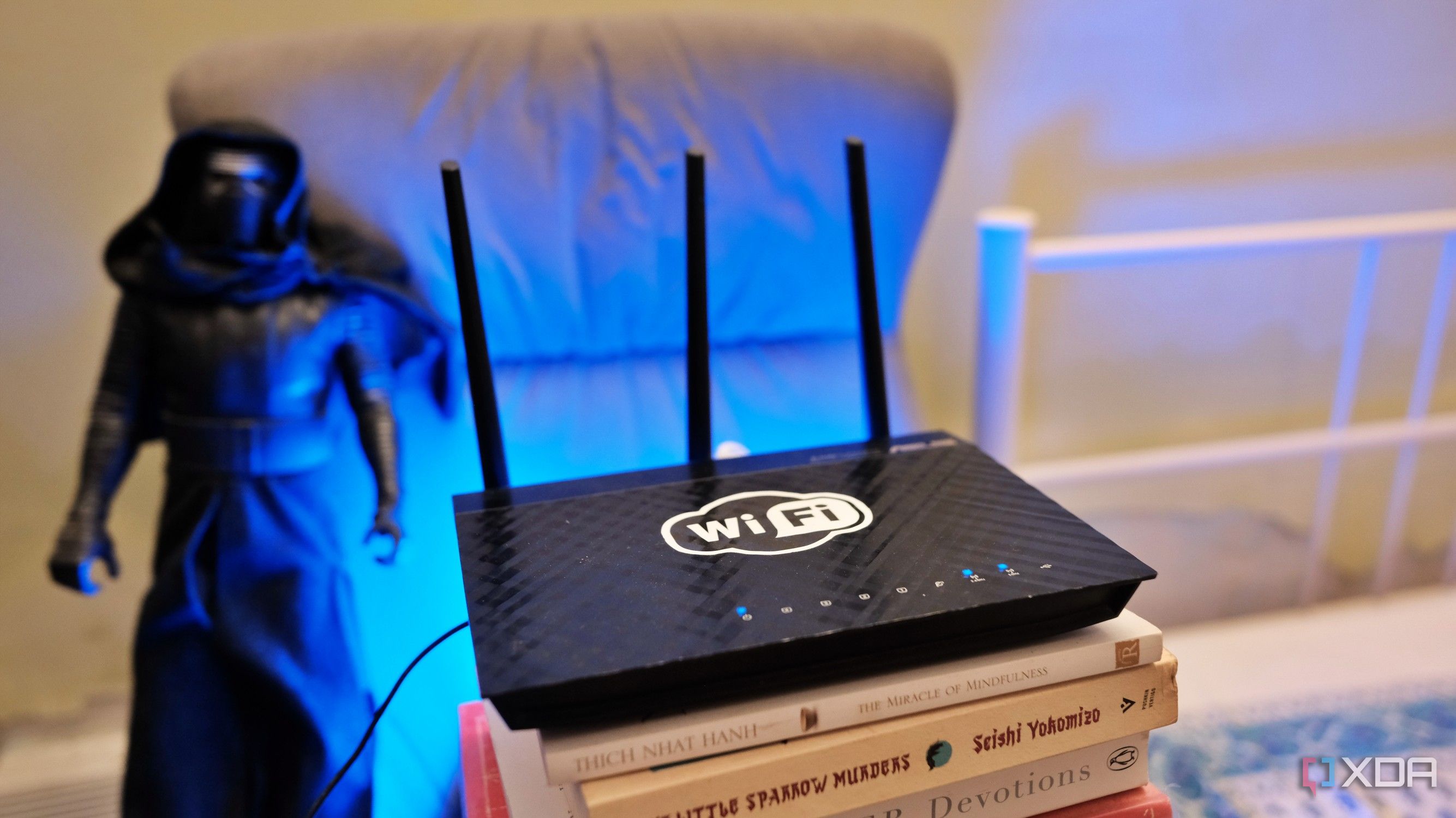
Modern high-speed Wi-Fi routers often have the option to set a wide channel width, from 80MHz to 320MHz, because a wider channel can symbolize faster data speeds. However, even with a 160MHz channel, high-end streaming devices like Apple TV or Nvidia Shield can experience issues like dropped frames or buffering during 4K playback.
This is because wide channels can pick up a lot of interference and noise from neighboring networks in a crowded environment like a suburban or apartment setting. To improve streaming performance, narrowing the channel width can be beneficial. By reducing the channel width to 20MHz or 40MHz, you can avoid ambient interference and packet loss, which leads to better streaming.
Widenning the channel from 20 to 40MHz or even up to 80 or 160MHz increases the pipe size that your receiver listens to, which can double the theoretical PHY rate. However, it also doubles the receiver's noise bandwidth, akin to shouting across a room using a megaphone while also amplifying surrounding noise. In a real-world setting, the 5GHz spectrum can be a noisy battlefield due to limited non-overlapping channels, leading to interference from adjacent networks.
Wi-Fi is a shared medium, so if your router detects energy from a neighboring network, it must wait for the air to clear, causing packet retransmissions and reducing throughput. For stationary devices like streaming boxes, narrowing the channel can significantly improve performance. Even a 4K HDR Blu-ray remux typically maxes out at 100-150Mbps, which doesn't require exceptionally high speeds.
A clean, low-interference 40MHz Wi-Fi 6 channel can deliver over 400Mbps, while a noisy 160MHz channel can drop below 50Mbps due to packet loss and retransmissions. Narrowing the channel concentrates the router's transmission energy, isolates the receiver, and lowers the noise floor, ensuring stable packet delivery. Though this sacrifices peak theoretical speeds, it results in a pristine signal-to-noise ratio and smooth, buffer-free playback.
You can use Wi-Fi analyzer tools to assess surrounding network congestion and interference. By navigating to your router settings and reducing the channel width to 40MHz or 20MHz, you can dramatically improve streaming performance, even in areas with heavy interference. While gigabit internet can boost speeds, it doesn't guarantee the best performance.
Narrowing the channel width might seem counterintuitive, but it is an effective way to achieve stable and reliable media streaming.
Written by urgent.news from XDA Developers's reporting — not their text. Machine-written — may contain errors; check the original before relying on it.