ChatGPT's Chrome extension can now control tabs, download files, and fill out forms
ChatGPT's Chrome extension gained the ability to access content from open tabs last July. The latest update introduces two distinct AI modes, Chat and Work, allowing ChatGPT to interact with browser tabs and perform a wide range of tasks, including filling out online forms using information from documents stored on... Read Entire Article
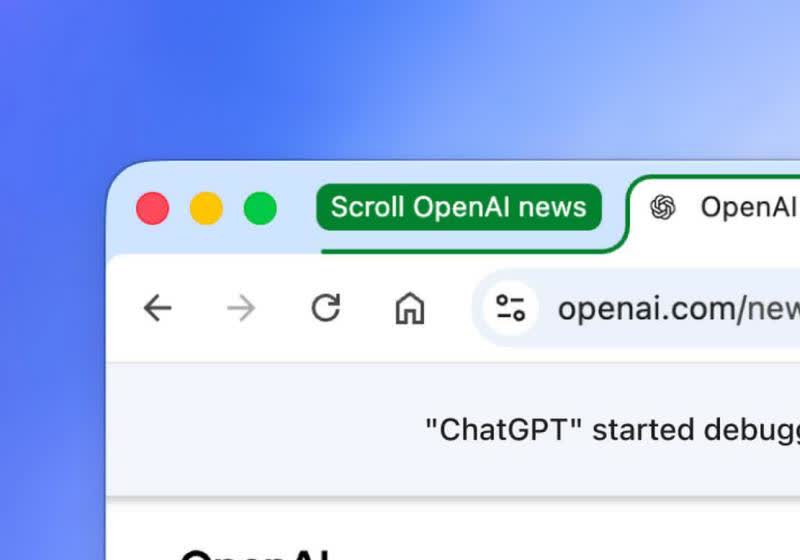
OpenAI has unveiled an enhanced version of its ChatGPT browser extension for Google Chrome, offering more capabilities to users. The update enables ChatGPT to interact with open webpages, analyze data, and complete various tasks directly within the browser. Introduced earlier this year, the extension now allows users to access content from open tabs, enhancing its functionality.
Two AI modes, Chat and Work, have been added, enabling ChatGPT to perform tasks such as filling out online forms, reading and summarizing webpage content, and answering questions based on the context of the active page. Users can also tag ChatGPT with @Chrome in the app or website to execute browser tasks without opening the extension's side panel.
A dedicated ChatGPT tab in Chrome now stores the user's ChatGPT history, allowing them to ask questions or perform tasks from this tab. The extension is available in several Chromium-based browsers, including Chrome, Edge, Brave, Opera, and Vivaldi, but not in Firefox or Safari.
Written by urgent.news from TechSpot's reporting — not their text. Machine-written — may contain errors; check the original before relying on it.