The file sync app I forget exists has moved my files across four devices for a year
I never have a reason to open the sync app that runs 24/7 on my devices.
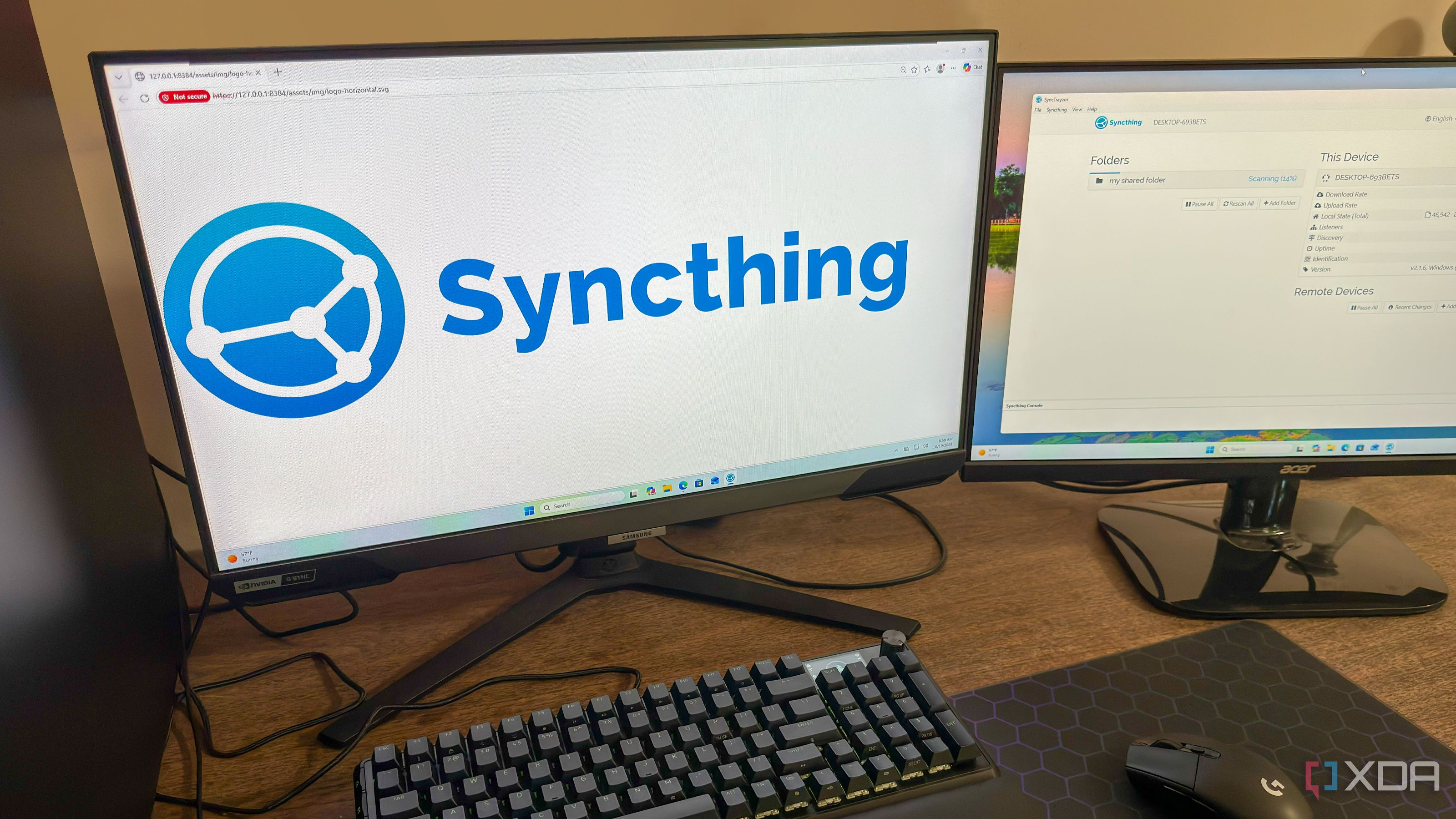
Syncthing, a file sync app that many users may not have heard of, has managed to sync files across four devices for an entire year without requiring any maintenance or reconfiguration. Installed on a Windows desktop, Windows laptop, a NAS server running Ubuntu, and an HTPC, the app keeps a single folder synchronized between these devices.
The app uses peer-to-peer technology, meaning devices communicate directly with each other rather than through a centralized server, unlike popular cloud services like Google Drive, OneDrive, or Dropbox. While this approach offers the advantage of not needing a cloud account or subscription fee, it also places the responsibility of ensuring all devices are reachable and files are backed up on the user.
Syncthing handles most of the setup process, automatically discovering devices on the same network and using relay servers to connect devices over different networks. It only transfers updated blocks of changed files, employing the same delta-transfer method as rsync, making file transfers fast even when appending new data to large files.
Syncthing runs as a background service on all devices, with Windows devices showing an icon in the taskbar and Ubuntu server automatically starting the relevant service upon boot. In case of file conflicts due to offline changes, Syncthing saves both versions with a .sync-conflict file extension, allowing users to choose which version to keep.
This app is especially beneficial for those who prefer DIY and self-hosted solutions, offering a seamless way to transfer files between devices without the need for direct user interaction.
Written by urgent.news from XDA Developers's reporting — not their text. Machine-written — may contain errors; check the original before relying on it.