Social media: How to maximize your privacy (and the top settings to change right now)
Protect your data without leaving social media
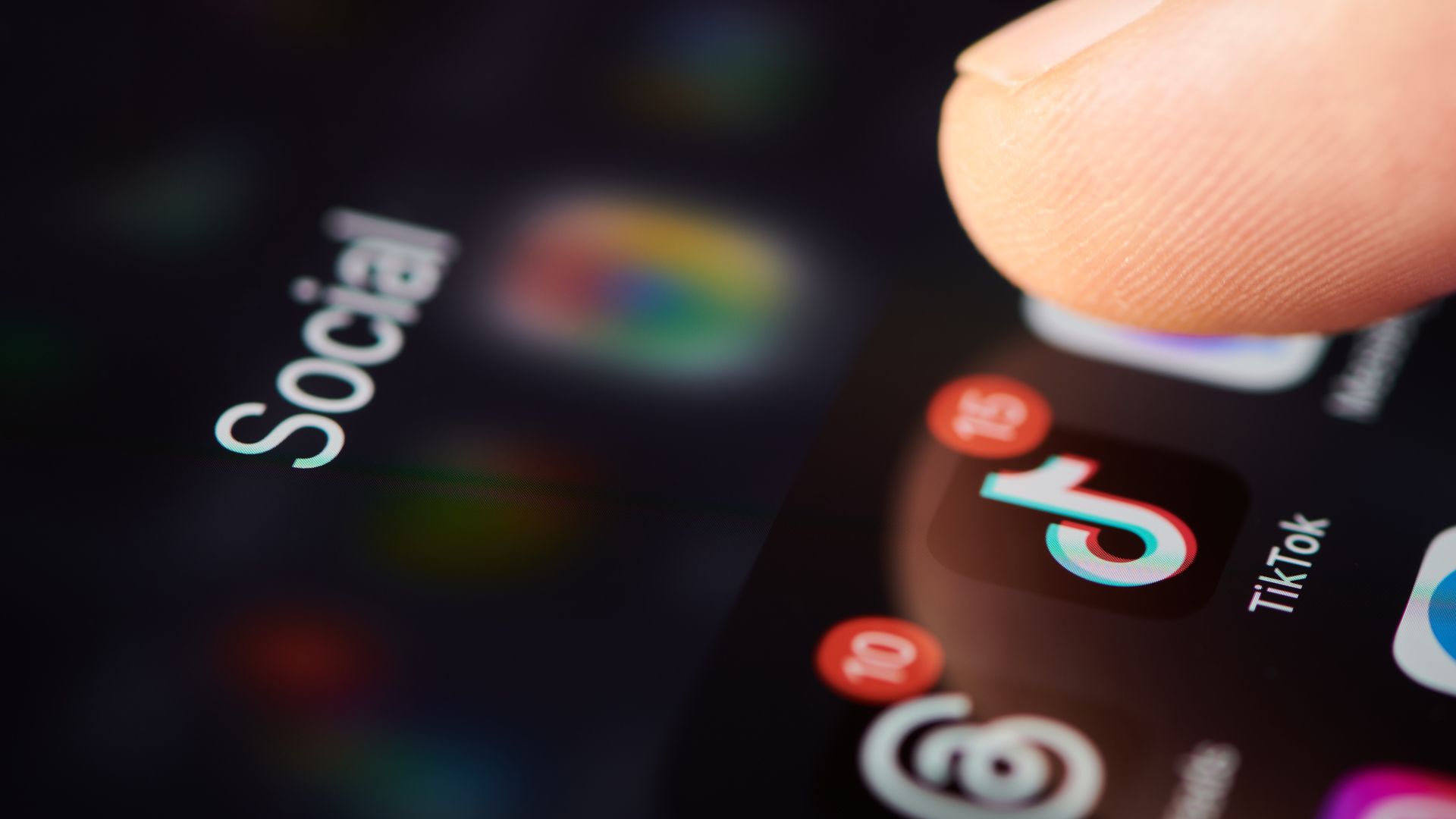
Social media platforms can inadvertently expose personal information to potential scammers and hackers. By tweaking a few settings, you can significantly reduce your risk of identity theft and phishing attacks. The UK’s National Cyber Security Centre advises using privacy features to protect your data. Adjusting your Facebook, Instagram, Snapchat, TikTok, and YouTube settings can minimize the information available to strangers.
Enable privacy settings that limit who can view your posts, contact you, or find your profile. For instance, on Facebook, make your profile accessible to "Friends only." On Instagram, switch to a private account and restrict tag approvals. Hide your location on Snapchat and only allow "Friends Only" to see your story. On TikTok, make your account private and restrict direct messages.
Disable recommendations based on your watch history and location data on YouTube. Regardless of the platform, enable Two-Factor Authentication (2FA) and regularly review connected apps to revoke access to unused or unfamiliar services. By taking these steps, you can enjoy social media while safeguarding your privacy and personal information.
Written by urgent.news from TechRadar's reporting — not their text. Machine-written — may contain errors; check the original before relying on it.