Why I stopped letting my vacation photos collect digital dust (and what I do with them instead to give them new purpose)
How to turn hundreds of holiday photos into a coffee table book you’ll actually look at
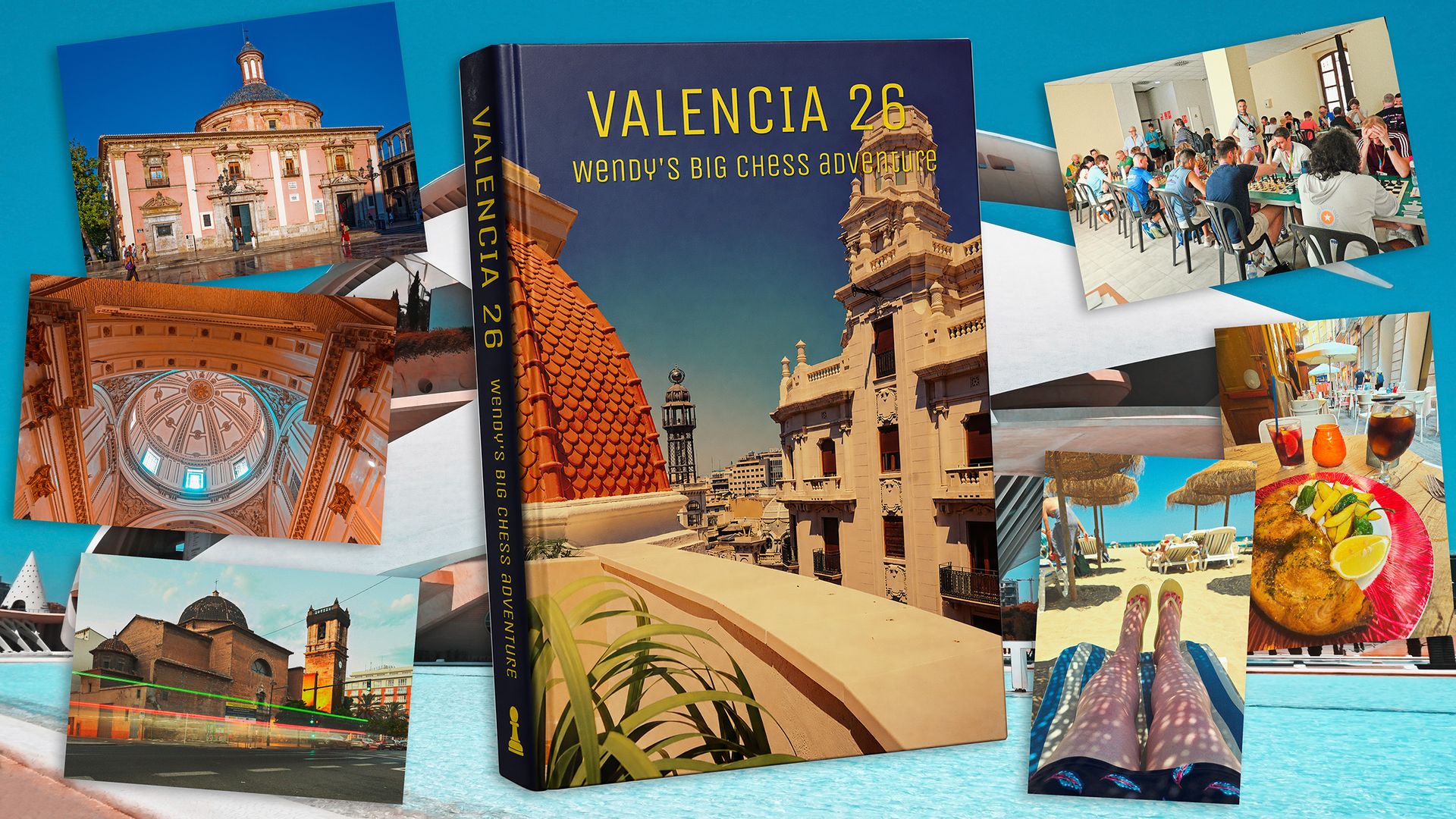
Most individuals embark on a summer holiday, and this year I did the same, taking a trip to Valencia, Spain, to play international chess and explore the local attractions, beaches, architecture, and enjoy some refreshing sangria. Of course, I brought my camera along to capture the moments. However, I encourage you not to let those memories fade away—gather your photos and transform them into a photobook. This way, you can place it on your coffee table for visitors to appreciate.
The initial challenge is selecting which photos to use from the hundreds you likely captured. Apart from removing duplicates and out-of-focus shots, ask yourself if you can create an overarching theme or divide them into logical chapters. While the theme is secondary, as it's just a holiday, having some photos to create a zine or focus on a specific area can provide a more cohesive narrative. For this project, I aimed to create a record of my adventures, with the potential to develop a 'Streets of Valencia' zine later on.
The process of creating your photobook revolves around organization and preparation before you even log into a photo printing website. Start by designing the structure, organizing your images by theme. In this case, I sorted my photos into six categories, each representing a chapter: beach, architecture, local cuisine, cultural landmarks, street scenes, and personal reflections. You can always refine the number of chapters once you've made the initial selection.
Next, edit your chosen photos. Enhance the sharpness of images, adjust the composition, and fix any imperfections like harsh shadows, leaning verticals, or accidental spills. Save your edited photos as JPEGs at around 90% quality, which is the standard requirement for most online photobook services.
Once you've finalized your edits, it's time to create the photobook. Choose a platform, such as CEWE, and begin the design process. You can opt for software or design directly on their webpages. Decide on the type of book you want—softcover or hardcover—and select the paper quality. Cewe offers various design templates, including manual options like Wanderlust, which allows for more personalization. Avoid the fancier mask designs as they incur additional costs.
Add your cover and select a title, incorporating icons for photos, templates, text, clip art, and background settings. The layout of the photobook is displayed on the right side, along with the total cost in the bottom right corner. Navigate to each specific folder containing your photos by clicking on the Photos tab.
After incorporating all your images and text, review the design and make any necessary adjustments. Proceed to order your photobook, specifying the quantity and proceeding to payment at the checkout. While Cewe is the example used here, there are numerous other services available, as detailed in our guide to the best photo books.
While this example focused on physical photobooks, digital options are also abundant. Explore our guide to discover the top choices for digital photo presentation. Digital Camera World, a leading photography magazine, offers valuable insights and recommendations for photographers of all skill levels. Consider subscribing to stay updated with the latest news, reviews, tutorials, expert advice, and inspiring images.
Written by urgent.news from Digital Camera World's reporting — not their text. Machine-written — may contain errors; check the original before relying on it.