I stopped paying for 3 cloud subscriptions after deploying Immich and Vaultwarden on a mini PC
The mini PC paid for itself in months.
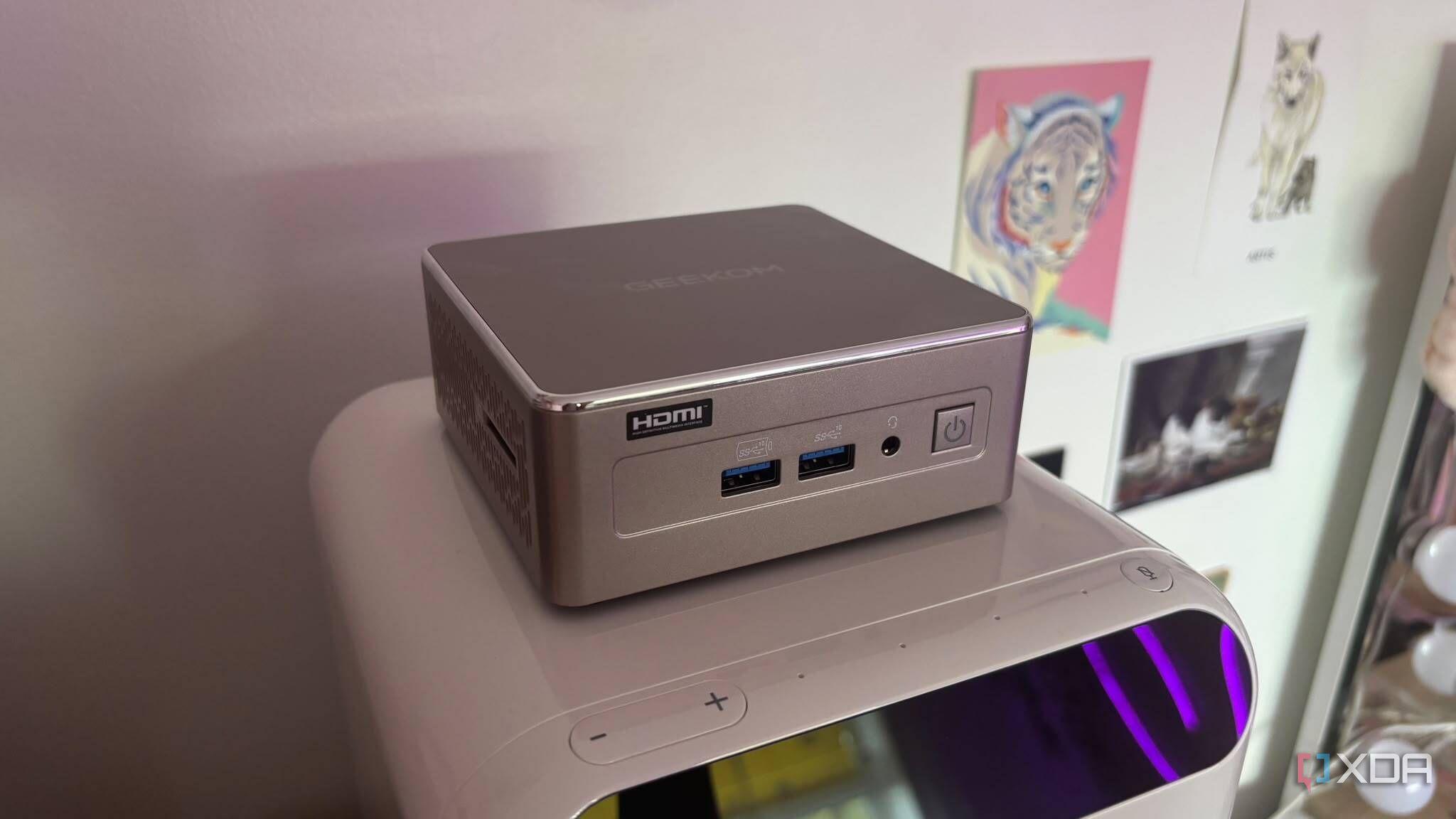
In today's digital world, monthly or annual subscription fees are commonplace for various services, from cloud photo storage to password managers and file sync tools. These services can gradually increase in price each year. However, a budget-friendly mini PC running lightweight Docker containers can replace enterprise cloud systems with faster, more private, locally owned alternatives.
By deploying Vaultwarden, Immich, and a local storage sync container on a mini PC, you can cancel three costly cloud subscriptions and take full control of your data.
Modern mini PCs, powered by Intel N100 processors or efficient mobile Ryzen chips, offer a sweet spot for self-hosters and home lab enthusiasts due to their low TDP. Running a continuous 10W load 24/7 translates to around 88 kWh per year, costing roughly $13 to $18 annually. Older desktop hardware or enterprise servers typically idle at much higher levels, making self-hosted mini PCs a cost-effective solution.
Mini PCs also offer the benefit of being quiet, compact, and easy to conceal. These devices measure roughly 5 x 5 inches and can be discreetly placed behind a TV, mounted to the back of a desk, or placed in a structured media cabinet alongside a router. After setting up the hardware, focus on optimizing your software. Replace expensive cloud services with Vaultwarden, a lightweight password manager, Immich, a self-hosted photo and video backup solution, and a local file-sync container or Samba/NFS share backend to replace services like Dropbox or OneDrive.
While self-hosting provides privacy benefits, it's crucial to implement a robust backup strategy, such as a 3-2-1 approach using encrypted external drives or secondary cloud targets. By transitioning from monthly SaaS bills to a silent, efficient mini PC, you could save hundreds of dollars annually, effectively breaking free from the subscription trap.
Written by urgent.news from XDA Developers's reporting — not their text. Machine-written — may contain errors; check the original before relying on it.