I put my Zigbee coordinator on a USB extension cable, and half my flaky sensors started working
Interference may be destroying your smart home.
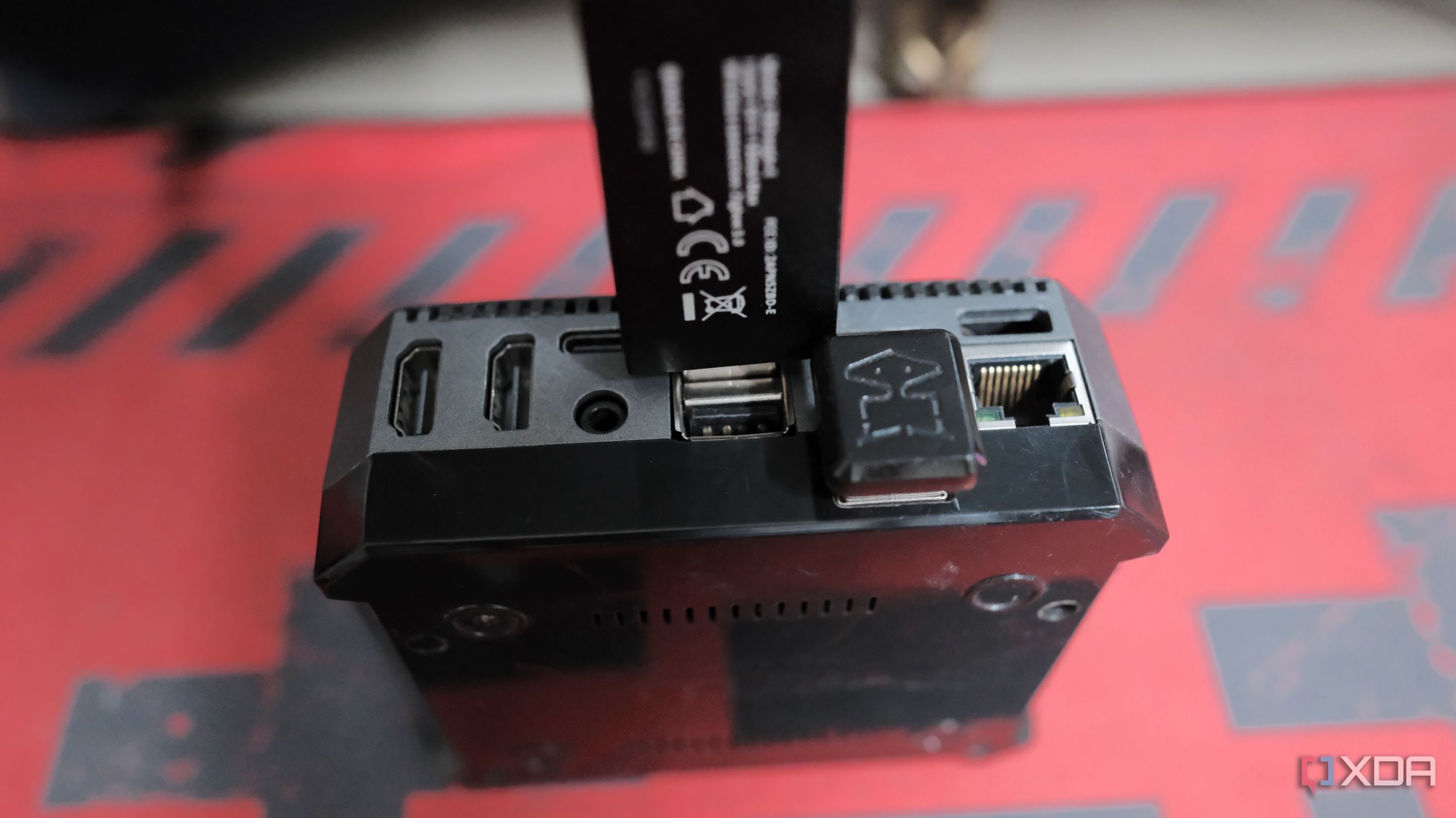
Smart home systems often experience erratic behavior, with devices like buttons, door sensors, and motion triggers failing to function as expected. It is tempting to attribute such issues to poor routing, low-quality sensors, or weak batteries. However, the root cause may lie in electromagnetic radiation emanating from the USB 3.0 port where the Zigbee coordinator is plugged in.
The solution does not involve investing in pricier Zigbee dongles or performing hardware resets; instead, relocating the coordinator away from the noisy electromagnetic soup generated by mini PCs or servers can restore functionality to flaky sensors. This is due to USB 3.0 interference creating a 2.4GHz electromagnetic hazard, with overlapping spectrums between USB 3.0 data lines and Zigbee/Wi-Fi/Bluetooth protocols.
A USB extension cable can mitigate this problem by providing spatial isolation and shielding against high-frequency data lines. To maximize the effect, use a USB 2.0 extension cable or connect the cable to a USB 2.0 port. Moving the coordinator away from Wi-Fi congestion points and employing a coexistence strategy with a fixed 20MHz width on 2.4GHz channels and non-overlapping Zigbee channels can also alleviate interference issues.
Sometimes, the issue may lie in the physical placement of the Zigbee coordinator rather than complex configurations, configurations, or hardware replacements. The remedy of relocating the coordinator to a USB extension cable can significantly improve smart home connectivity and performance without the expense of additional hardware upgrades.
Written by urgent.news from XDA Developers's reporting — not their text. Machine-written — may contain errors; check the original before relying on it.