Your phone's Wi-Fi speed test is probably lying to you about your home network
It's high time you saw speed tests for what they really are
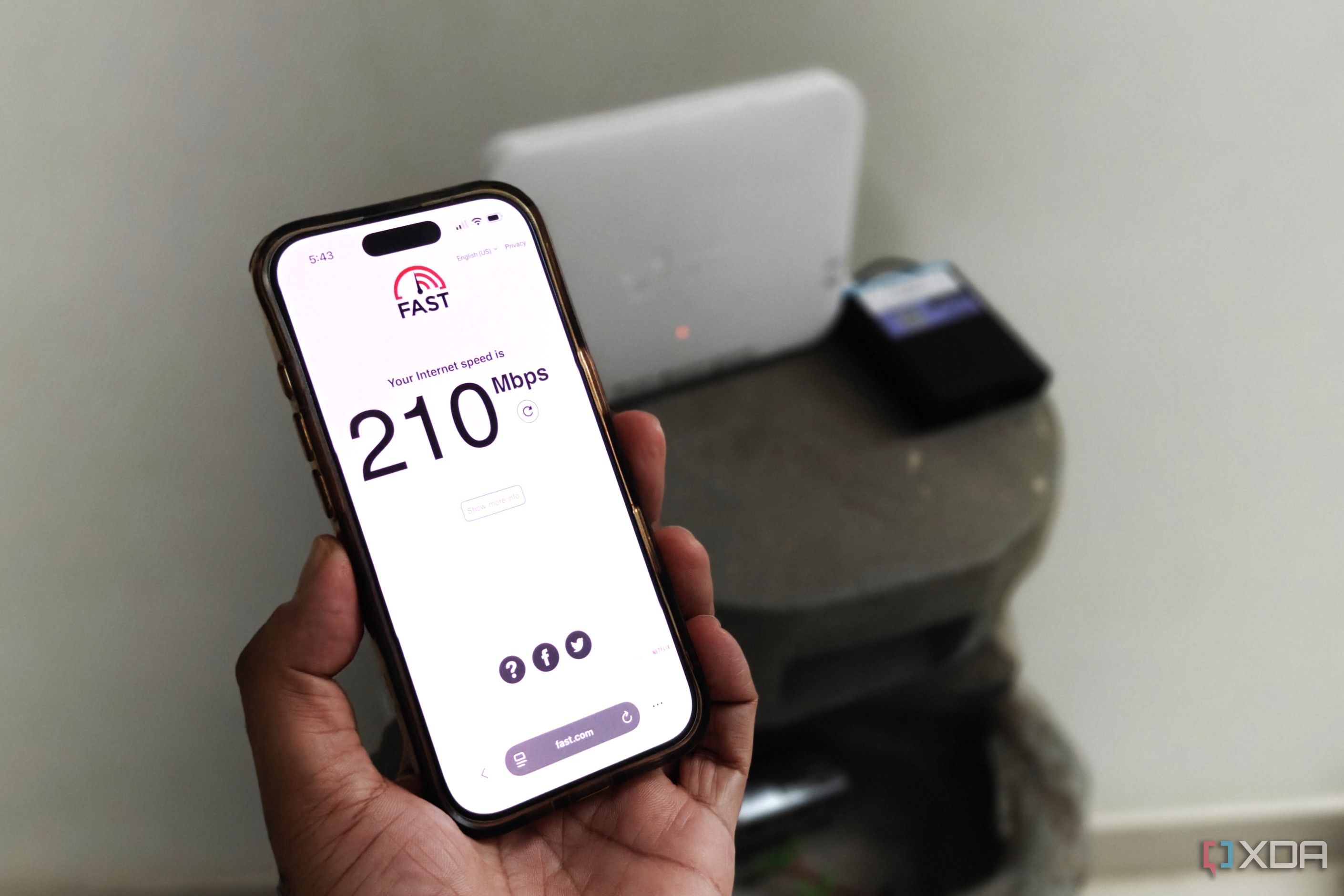
Your phone's Wi-Fi speed test might not accurately represent the true state of your home network. Speed tests like those on Speedtest.net or Fast.com are often used when people notice slow Wi-Fi, but they may still show speedy results even if there's a problem. Internet speed tests are great for confirming if your ISP isn't throttling your connection, but they don't reveal much about other aspects.
While bandwidth is a part of your Wi-Fi, it's just one piece of the puzzle. Your wireless connection also depends on factors like airtime congestion, radio interference, and bufferbloat, which aren't caught in a typical speed test. A good speed test might mask these underlying issues. Though a quick speed test is convenient and often shows your ISP's maximum download speed, it's not a full network test.
It only measures the connection between your phone and the router, not the rest of the network. Most speed tests send sustained transfers to a local server or CDNs, which don't reflect real-world workloads on a home network. The test server is usually not congested and has few hops, which means you're likely to get positive results.
However, real-life scenarios with multiple devices transmitting simultaneously, complex webpages, and global game servers aren't accounted for. Your phone's speed test only tells you about the connection quality between the router and your phone, not the wider network. Even though speed tests show download and upload speeds, they don't provide information about other variables affecting your wireless network.
Unlike a wired connection, Wi-Fi is vulnerable to radio interference, airtime congestion, and bufferbloat, among other things. Even if you get good results on a speed test, it doesn't mean your router is in the optimal location or that you're using the best channel and channel width. Interference only becomes noticeable when you run a latency-sensitive workload on your phone, such as gaming, video calling, and video streaming.
Airtime congestion is another hidden issue that affects most Wi-Fi connections. Unless you enable Airtime Fairness, slower devices can hog more airtime, leaving less for your important devices. There's also bufferbloat, which happens when your router stores too many data packets in its queue instead of dropping them, leading to a sluggish Wi-Fi as your devices wait in line.
Speed tests usually ignore bufferbloat, so you can run a bufferbloat test on your phone to get a score and enable Smart Queue Management (SQM) if you get anything other than an A or B. Lastly, speed tests often overlook the DNS server your phone uses to resolve domain names. When you type in a website name like "google.com," your DNS server converts it into an IP address to establish the connection.
This should take a fraction of a second, usually under 50ms, but a slow or congested ISP DNS server can take several hundred milliseconds. A connection might show excellent bandwidth on your phone, but it can still feel slow if it's routing through a slow DNS server. Running a DNS speed test can help you find the fastest DNS servers in your area and pick one that's free to use.
While a speed test might say your Wi-Fi is just fine, there's a lot more happening behind the scenes that speed tests don't reveal. Your Wi-Fi can be affected by fluctuating interference, router bufferbloat, airtime congestion, and many other factors. Diagnosing and fixing these issues can improve your Wi-Fi, even if a speed test doesn't show it.
Written by urgent.news from XDA Developers's reporting — not their text. Machine-written — may contain errors; check the original before relying on it.