USB hub vs dockingstation: What actually is the difference?
USB hubs and docking stations both expand your computer’s connectivity, This guide breaks down the key differences to decide which option is right for you.
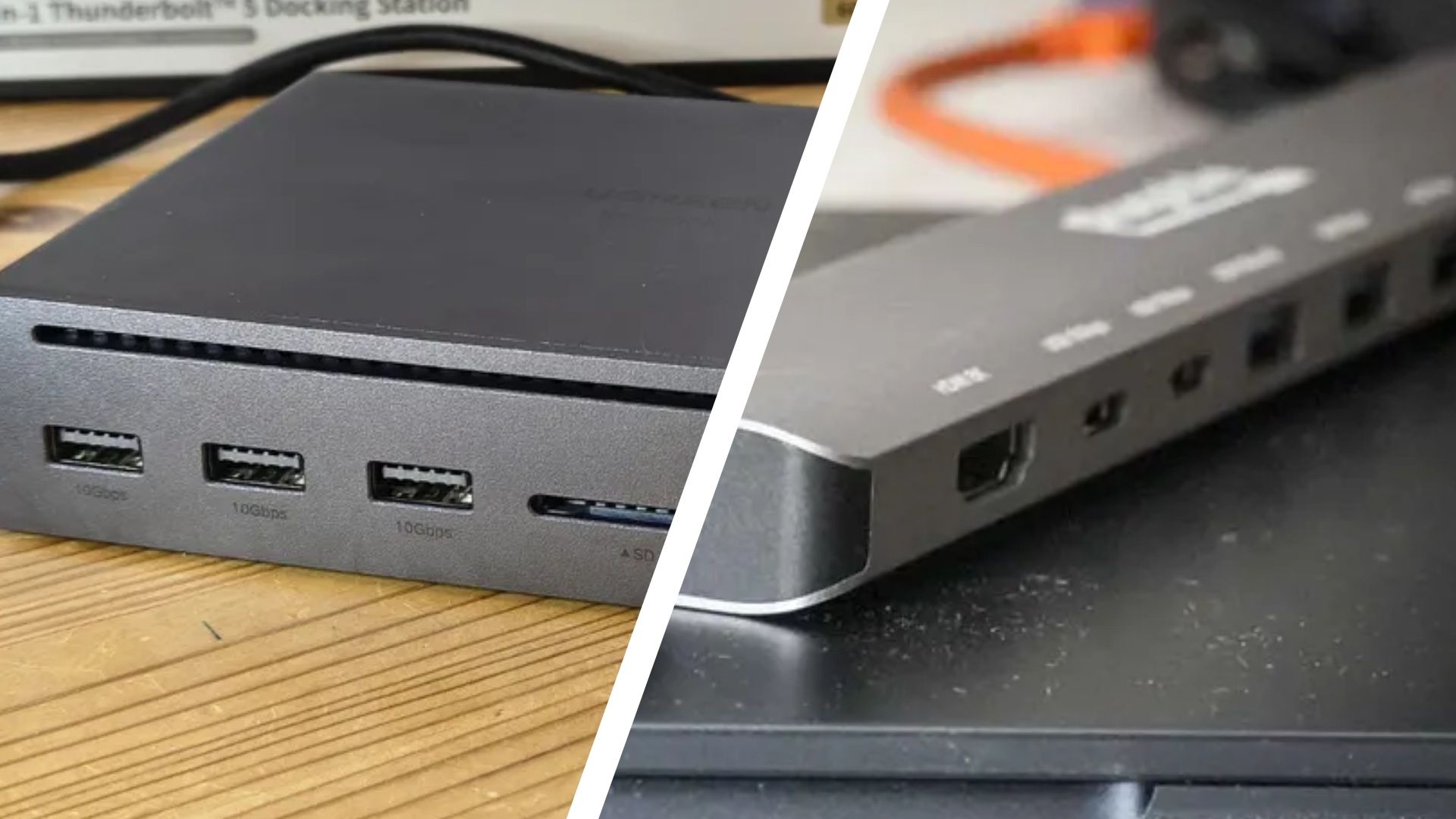
USB hubs and docking stations are both devices that enhance a computer's connectivity. They are often used in offices to add more ports for connecting peripherals. However, they each have distinct features that make them more suitable for different tasks.
A USB hub is a portable device that extends your computer's USB ports. If your laptop only has two USB ports and you need to connect five devices, a hub with six ports can be a solution. USB hubs are compact and easy to carry around, making them a convenient choice for personal use or when traveling. They are powered by your computer, which might limit their ability to charge devices quickly, although some models include external power sources.
Docking stations, on the other hand, are bulkier and heavier due to their additional features. They typically include a variety of ports beyond USB, such as HDMI, Ethernet, and RCA, allowing you to connect different types of devices to your computer. Since docking stations have their own power supplies, they can charge devices more quickly and efficiently than USB hubs, which rely on the computer for power.
However, this power advantage comes at a higher cost, with docking stations typically priced above $100, making them more common in business environments.
In terms of speed, docking stations generally outperform USB hubs. They can transfer data at up to 40 GB per second, significantly faster than USB hubs, which have a maximum transfer speed of 5 GB per second. This makes docking stations ideal for professionals who need to handle large files or connect multiple high-resolution monitors.
Screen expansion is another area where docking stations excel. While USB hubs can only support two additional monitors, docking stations can connect up to three more monitors, resulting in a total of four screens. Additionally, docking stations can support higher resolutions, up to 8K, compared to the 4K limit of USB hubs. This makes docking stations the superior choice for users who require extensive screen real estate and high-quality visuals.
In conclusion, while both USB hubs and docking stations serve the purpose of expanding a computer's connectivity, they do so in different ways and for different needs. USB hubs are more portable and affordable, making them suitable for casual users or those who need occasional port expansion. Docking stations, with their advanced features and capabilities, are better suited for professionals who require faster data transfer, multiple monitor support, and higher screen resolutions.
Written by urgent.news from TechRadar's reporting — not their text. Machine-written — may contain errors; check the original before relying on it.