Smart Connect is the first thing I turn off on any new router, and my smart home is the reason
You might be destroying your IoT devices.
When you acquire a smart home, various smart plugs disconnect, bulbs fail to indicate their status, and security cameras intermittently lose streams for unclear reasons. It's tempting to blame the Wi-Fi equipment or the IoT hardware, but the culprit might be a factory-enabled router feature called Smart Connect, also known as band steering.
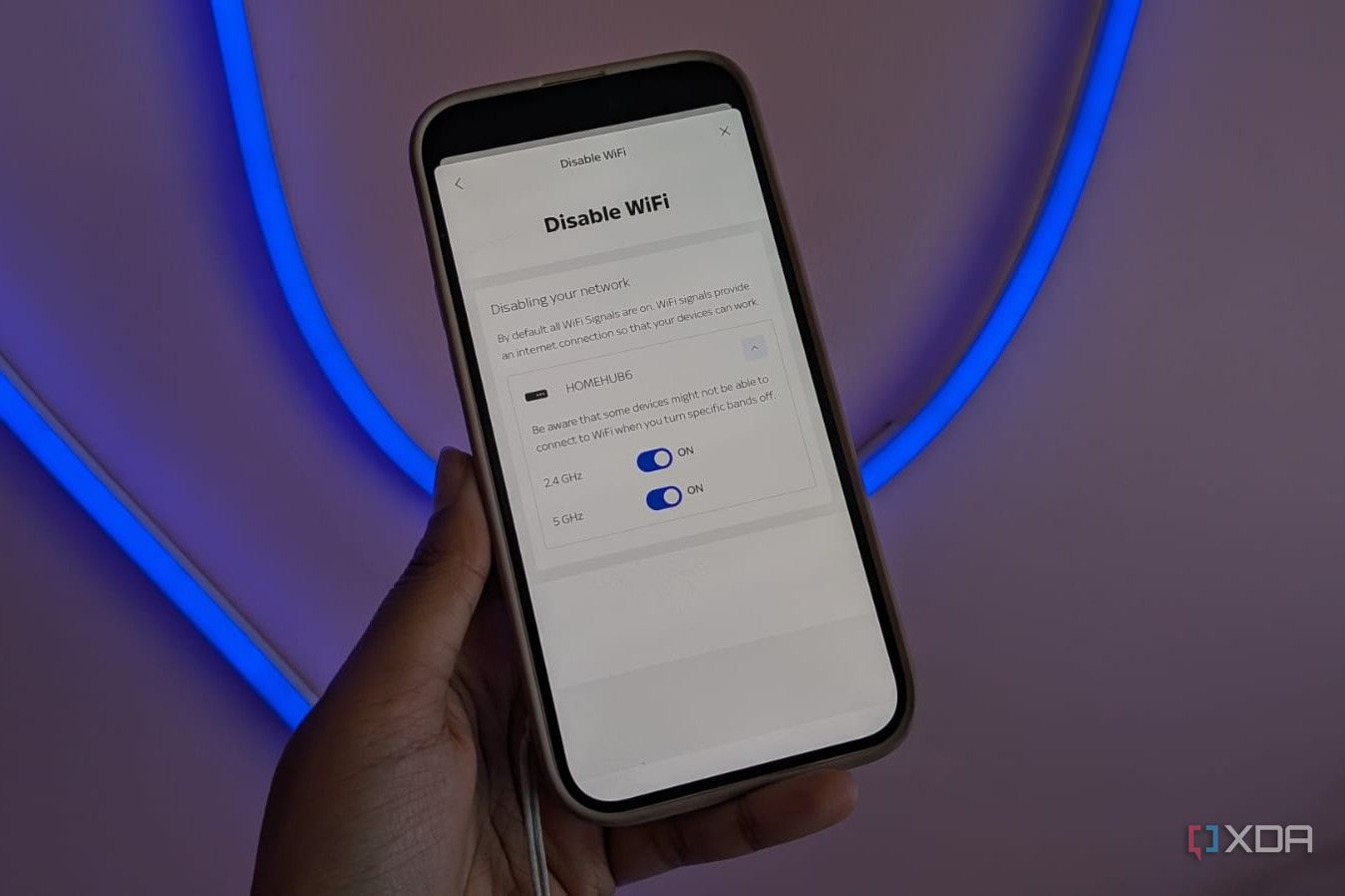
This feature combines the 2.4GHz and 5GHz bands under a single SSID, aiming to simplify things for non-technical users by allowing devices to seamlessly switch between bands. However, for those with a mix of IoT hardware, Smart Connect can cause constant dropouts.
To maintain stability in a smart home, the first step is to disable Smart Connect. This can be achieved by setting up separate SSIDs for your devices. Splitting your SSIDs and isolating the 2.4GHz band can provide permanent reliability to your smart home. Many smart plugs, bulbs, switches, and robot vacuums only support the 2.4GHz band due to their emphasis on range and wall penetration over raw throughput.
The 5GHz band, while faster, doesn't penetrate walls as effectively. Enabling Smart Connect or band steering can lead to routers persistently attempting to push these devices onto 5GHz, even when they don't support it.
To restore sanity and reliability, create a dedicated SSID for your 2.4GHz network, such as home network_IoT. This ensures your smart devices bind to the correct radio and eliminates compatibility issues when they switch between bands. By doing so, you preserve your high-speed channels for your primary devices, keeping the 5 GHz and 6 GHz bands exclusive to heavy-lifting clients like laptops, phones, and media streamers.
This approach not only prevents low-bitrate IoT beacon frames from clogging high-performance airtime but also enhances network performance by keeping your bands separate.
To implement this solution, log into your router's GUI, navigate to the advanced wireless settings, locate the toggle for Smart Connect or Band Steering, and turn it off. Afterward, you can create distinct SSIDs in the settings. Remember, you may need to reconnect all your IoT devices to the dedicated 2.4GHz SSID once you've completed the process.
While it may be inconvenient, once the settings are adjusted, your devices will benefit from a stable, unchanging connection path. If you encounter issues during setup, such as problems with casting or connecting to your phone, you can enable cross-network discovery by enabling mDNS reflection or repeaters in your router settings.
Alternatively, configure your firewall rules to ensure compatibility. For more technically inclined smart homes, manually managing your wireless bands can help resolve instability.
Written by urgent.news from XDA Developers's reporting — not their text. Machine-written — may contain errors; check the original before relying on it.