I used an ESP32 to map my Wi-Fi dead zones instead of walking around with my phone
A spare board did the walking.
Many people have experienced being suddenly disconnected from Wi-Fi while in a corner of their home. The Wi-Fi signal bars on phones and routers are misleading and don't provide precise information about the connection. The author wanted a more accurate way to identify weak Wi-Fi areas in their house without relying on phone signal bars.
They decided to use an ESP32 microcontroller to read the Wi-Fi signal strength directly and store the data. Initially, they considered using an ESP32-C6 with Wi-Fi 6 capabilities, but found that the built-in Zigbee radio and Wi-Fi 6 chip didn't provide a significant advantage for this simple project. They opted for the ESP32-S3 for its mature tooling and ease of implementation.
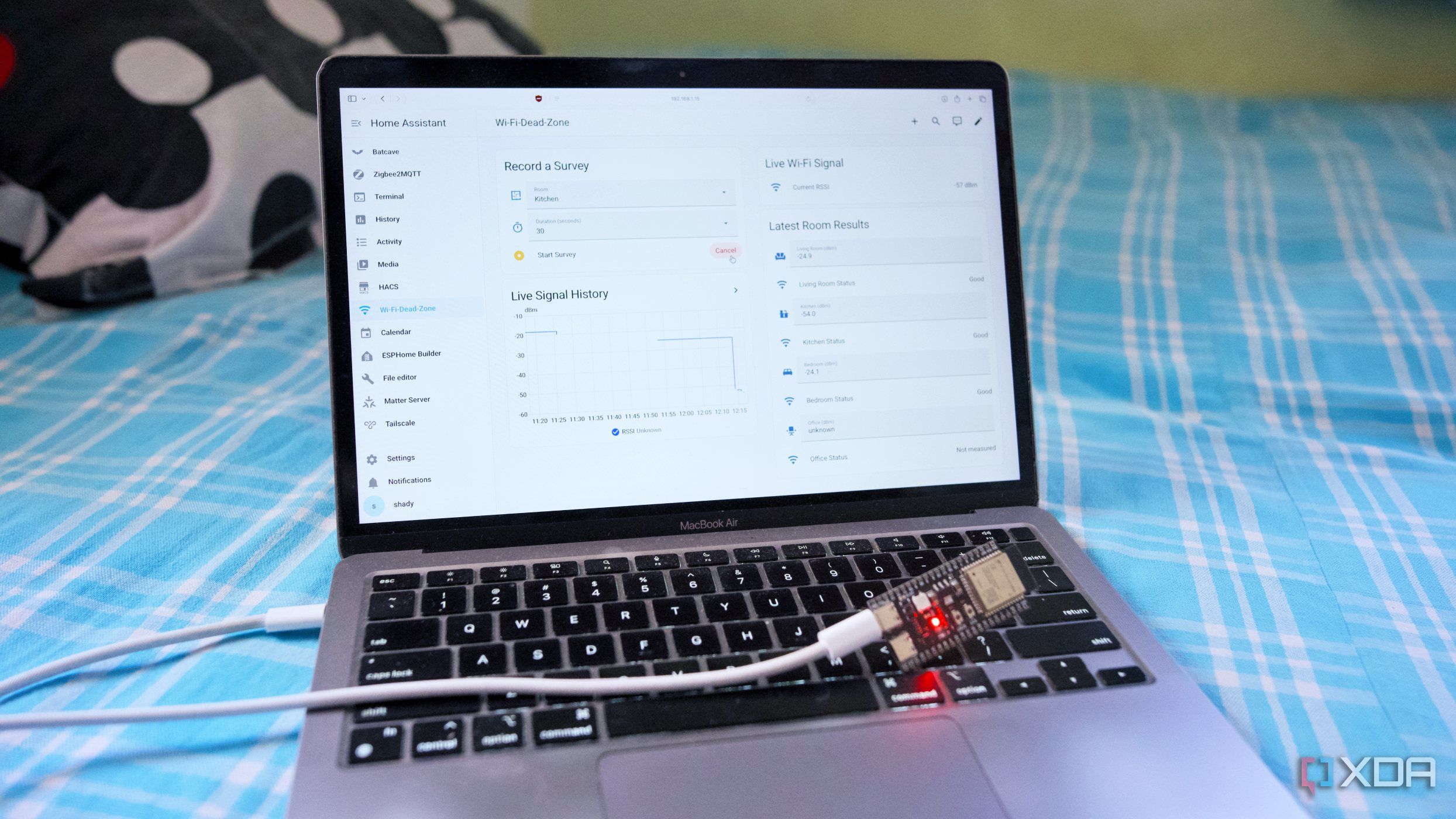
Instead of creating a custom dashboard, they integrated the data into their existing Home Assistant system, which they already used daily. The ESP32-S3 was configured to read the Wi-Fi signal strength, calculate an average RSSI value, and store the latest results per room. The author then created a few entity cards on their Home Assistant dashboard to display the live Wi-Fi signal, survey data, and room-specific history.
By using this approach, the author was able to identify significant dead zones in their kitchen and bedroom, proving that even a simple setup with an ESP32 board can provide valuable insights into Wi-Fi connectivity issues.
Written by urgent.news from XDA Developers's reporting — not their text. Machine-written — may contain errors; check the original before relying on it.